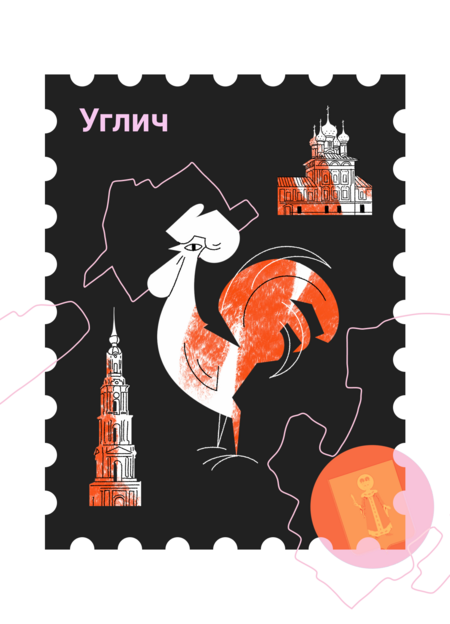
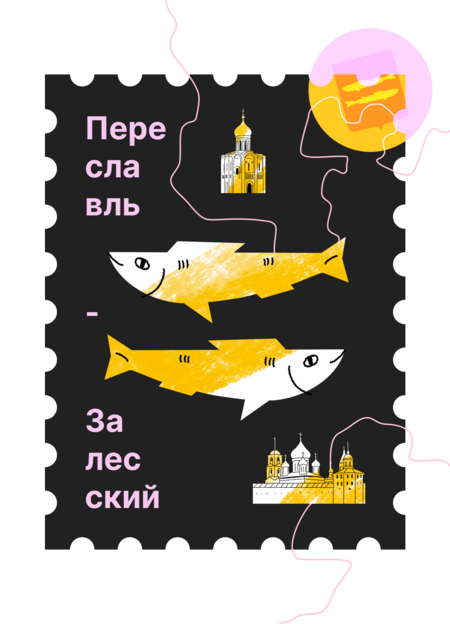
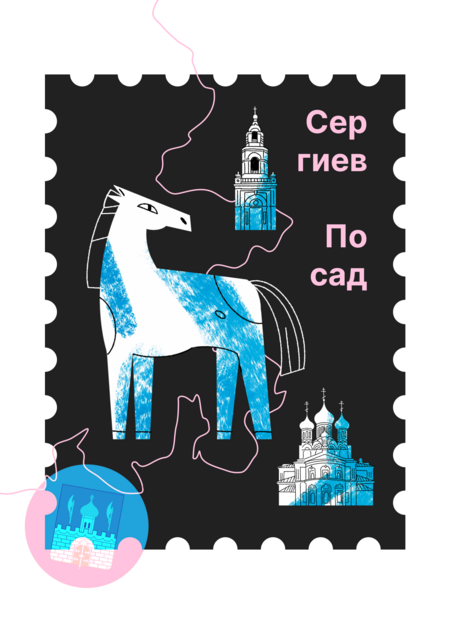
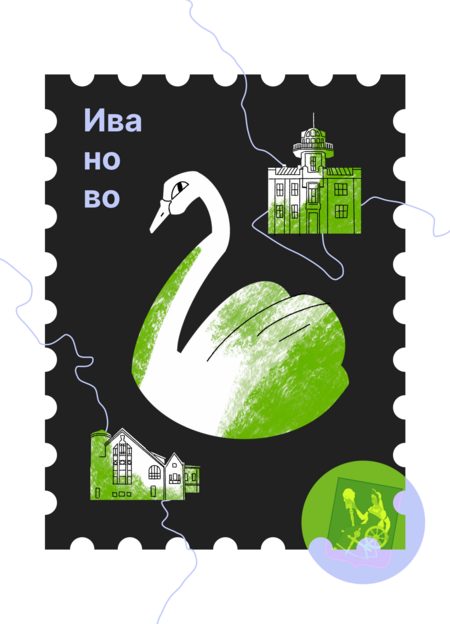
Анастасия Малафеева создала проект «Промышленное Золотое Кольцо» в формате карты-путеводителя с открытками о промышленных предприятиях городов Золотого Кольца России. Каждая открытка содержит информацию о предприятии и визуально отражает связь между городом и его промышленной историей.
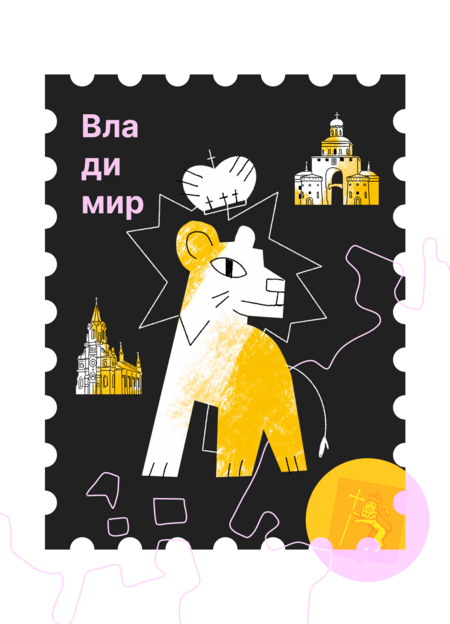
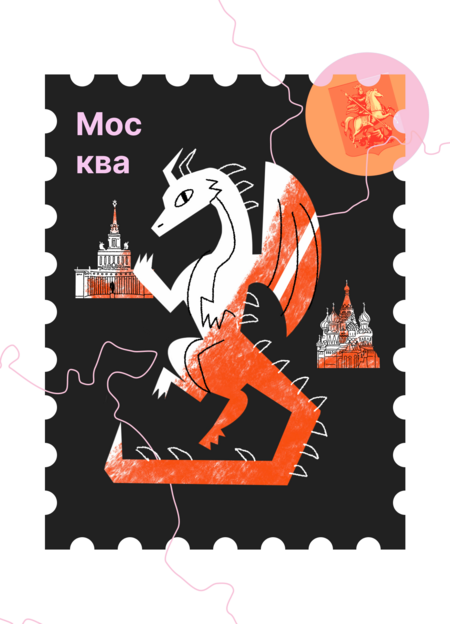
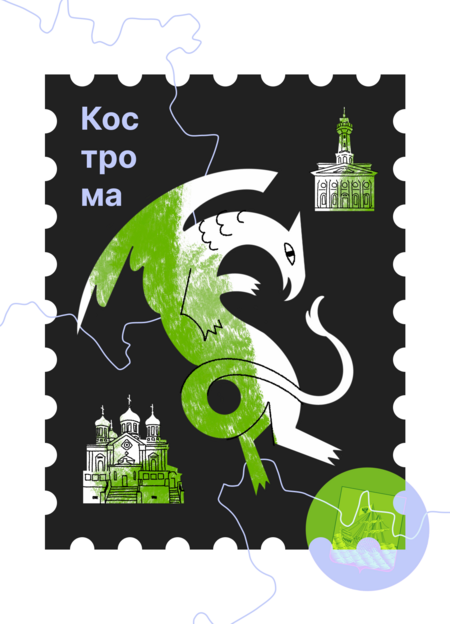
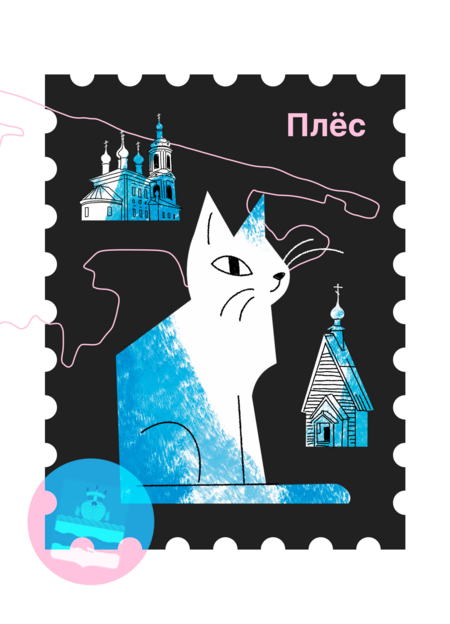
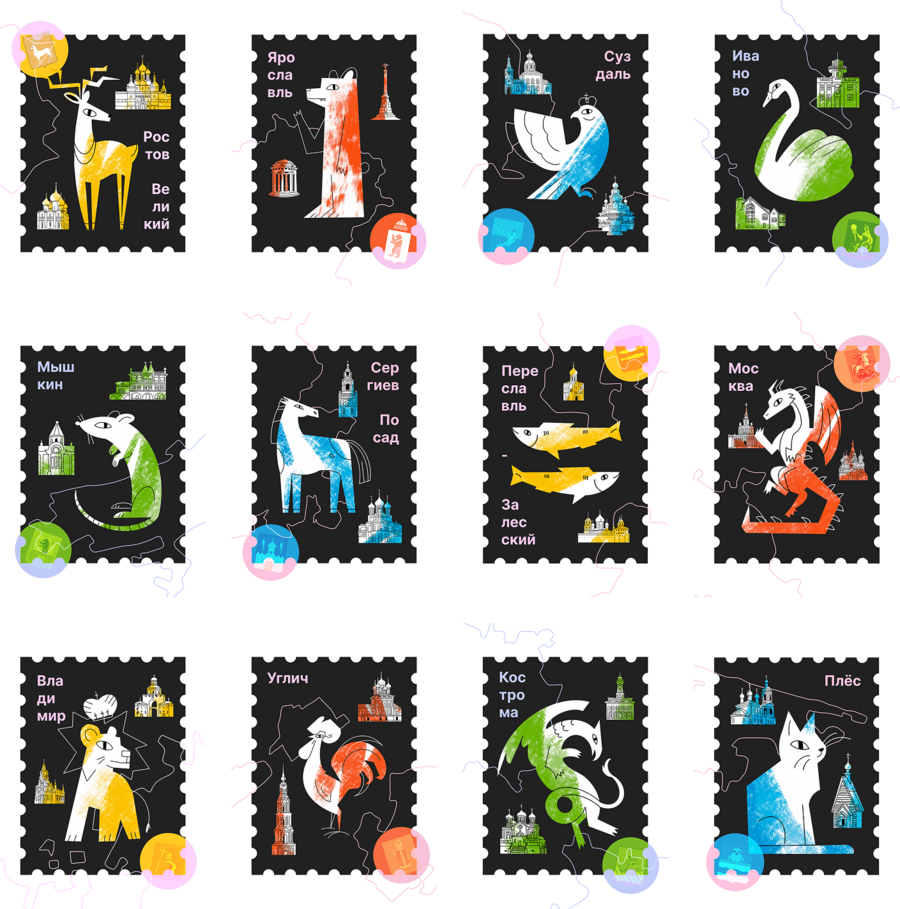
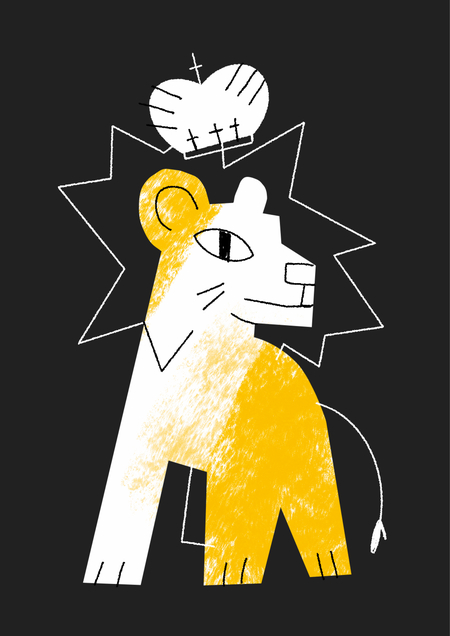
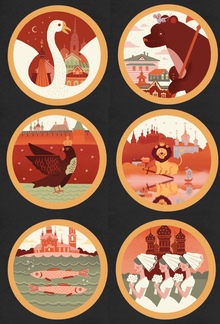
Ярослава Мурашко создала 12 открыток, посвящённых российскому Золотому кольцу. Каждая открытка включает гербы и достопримечательности городов, оформленные в единой рамке из колечка.
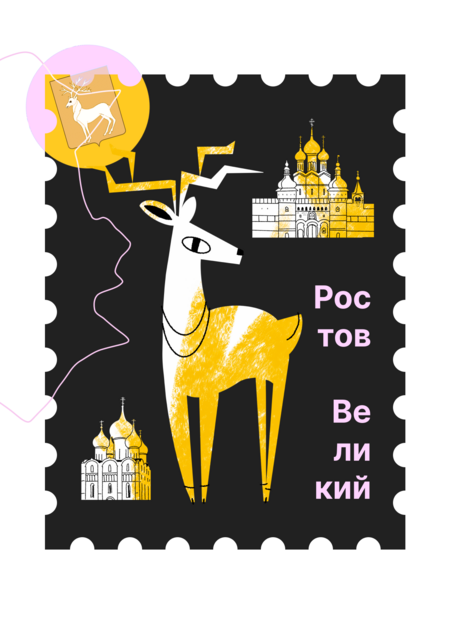
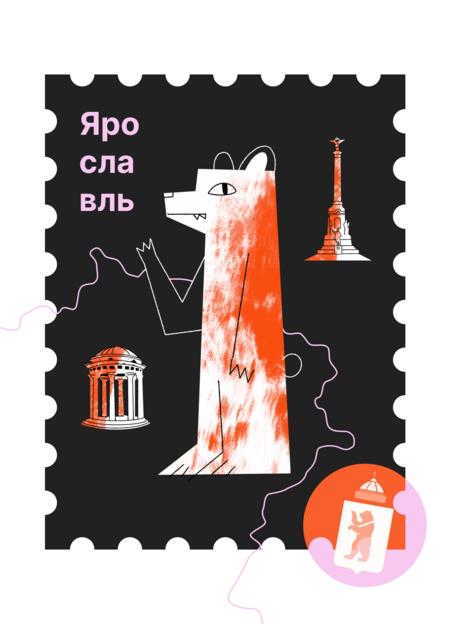
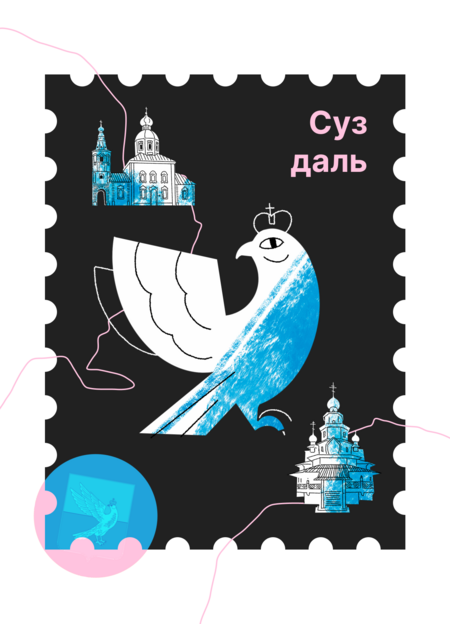
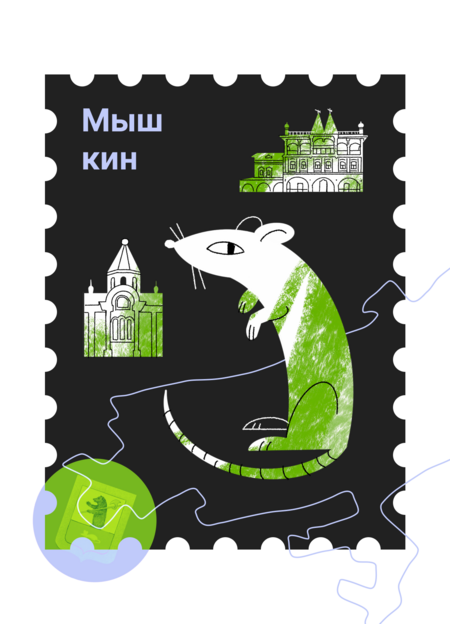
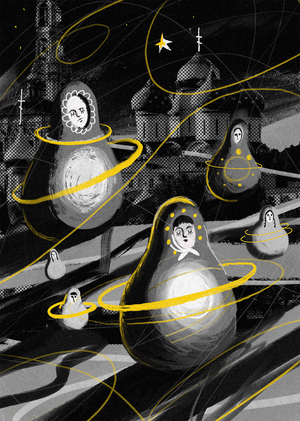
Эрнест Какитаев создал серию открыток «Хранители Золотого кольца», визуально переосмысливающих символы городов Золотого кольца через их графическое упрощение и масштабирование. Каждая открытка включает стилизованный образ из городской геральдики, помещённый в реальную архитектурную среду и выполненный в чёрно-белой гамме с жёлто-золотыми акцентами на кольцах.
Юлия Тюкина создала серию иллюстраций, посвящённых фестивалям и праздникам Золотого кольца на 12 открытках. Проект включает 9 городов большого Золотого кольца и 3 города из расширенного маршрута «Золотое кольцо 2.0».
pro.hsedesign
Digital platform for creating presentations. An innovative online constructor where everyone can showcase their projects, proposals or educational courses in spectacular way.
We use cookies to improve the operation of the HSE website and to enhance its usability. More detailed information on the use of cookies can be fou...
Show more
Press space bar to start a drag.
When dragging you can use the arrow keys to move the item around and escape to cancel.
Some screen readers may require you to be in focus mode or to use your pass through key
Press space bar to start a drag.
When dragging you can use the arrow keys to move the item around and escape to cancel.
Some screen readers may require you to be in focus mode or to use your pass through key
Press space bar to start a drag.
When dragging you can use the arrow keys to move the item around and escape to cancel.
Some screen readers may require you to be in focus mode or to use your pass through key
Press space bar to start a drag.
When dragging you can use the arrow keys to move the item around and escape to cancel.
Some screen readers may require you to be in focus mode or to use your pass through key
Press space bar to start a drag.
When dragging you can use the arrow keys to move the item around and escape to cancel.
Some screen readers may require you to be in focus mode or to use your pass through key
Press space bar to start a drag.
When dragging you can use the arrow keys to move the item around and escape to cancel.
Some screen readers may require you to be in focus mode or to use your pass through key