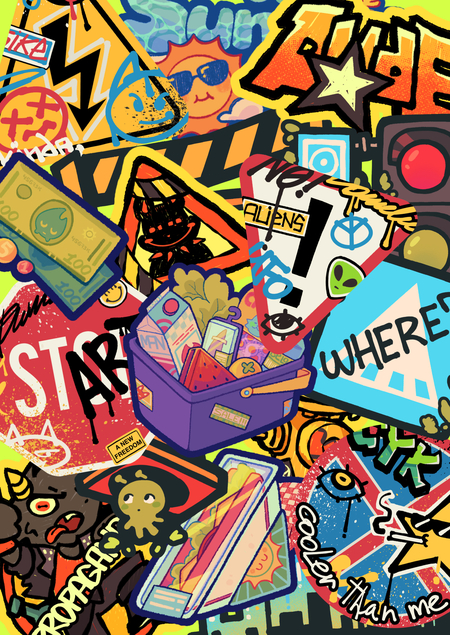
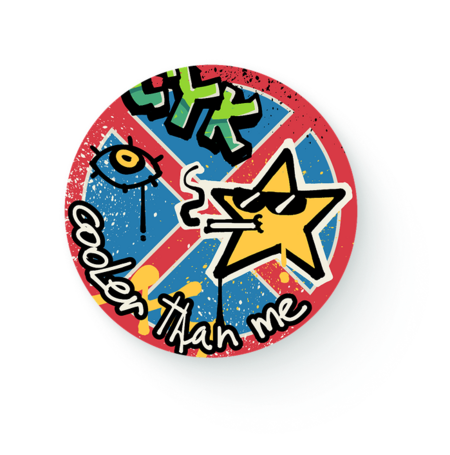
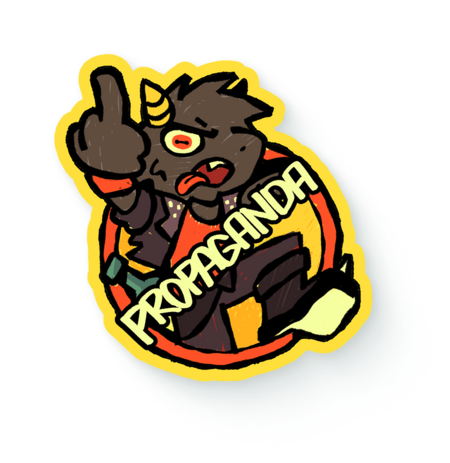
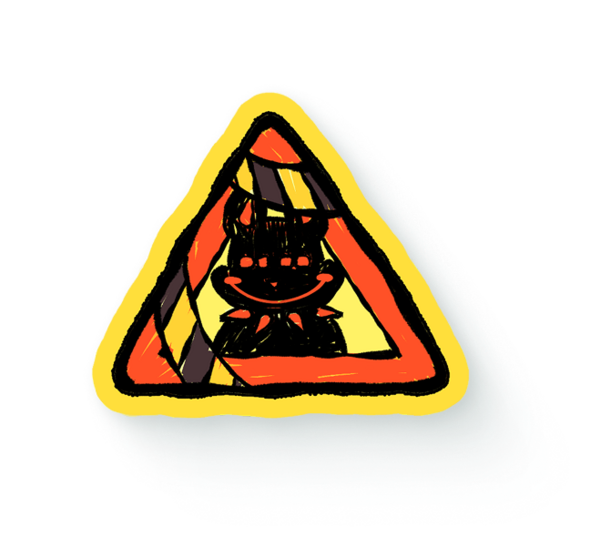
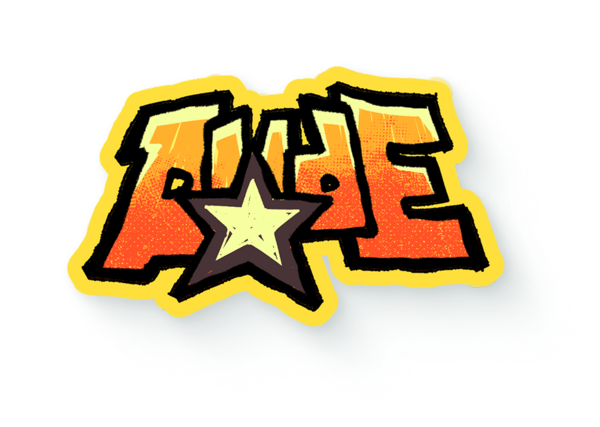
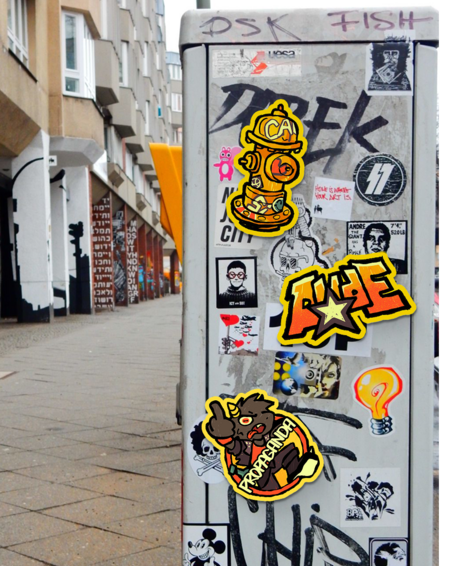
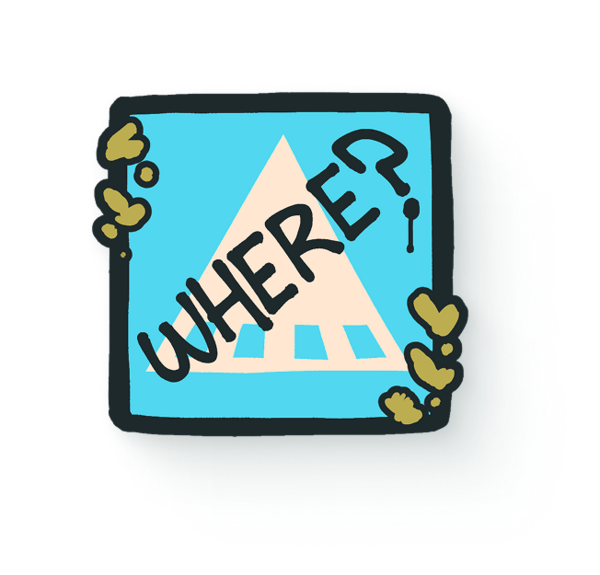
Часто на улицах мы видим столбы и знаки, обклеенные стикерами. Задача проекта создать несколько тематических паков наклеек, которые можно будет расклеить по городу или использовать в своих целях.
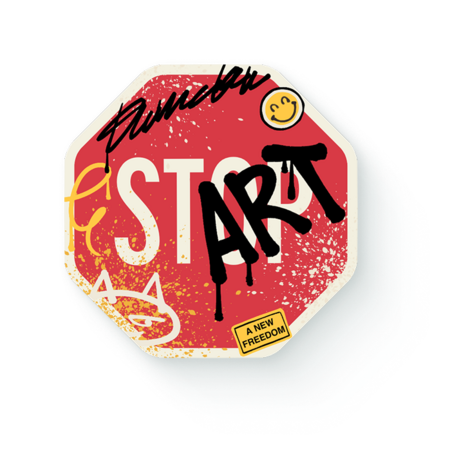
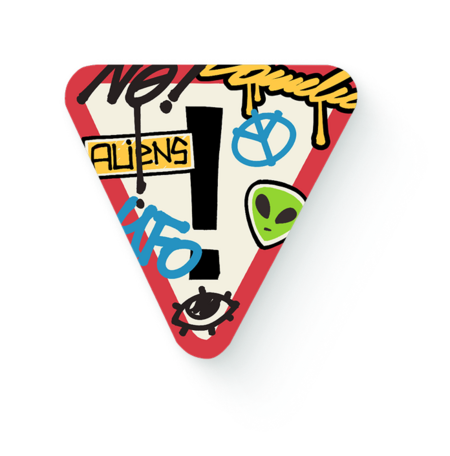
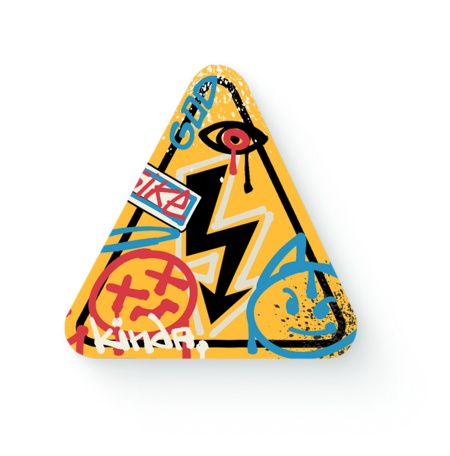
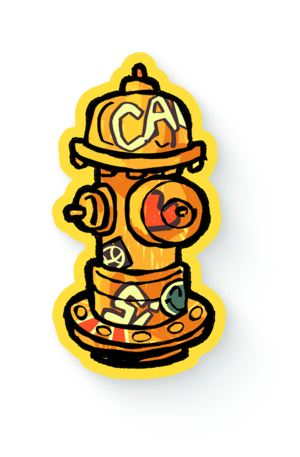
1 Сет. «Это знак!»
Ироничная серия, обычно стикеры клеят на знак, а тут знаки клеют на…знак? Возможно, это знак! Набор наклеек воплощает из себя привычные нам знаки, которые расписаны и так же обклеены стикерами
2 Сет. «Панк от рассвета до заката»
Выполненная в одной палитре серия, яркая, дерзкая. Неплохо будет смотреться и выделяться на серых поверхностях
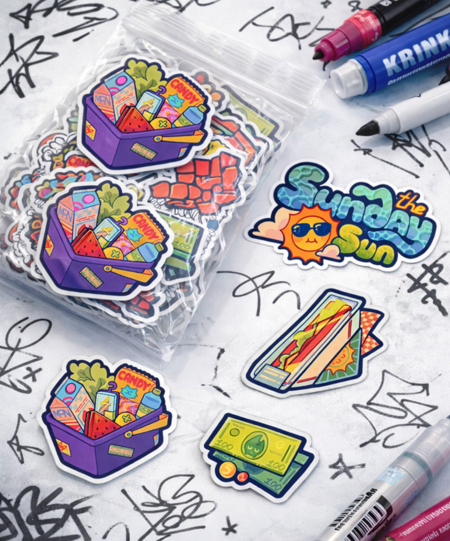
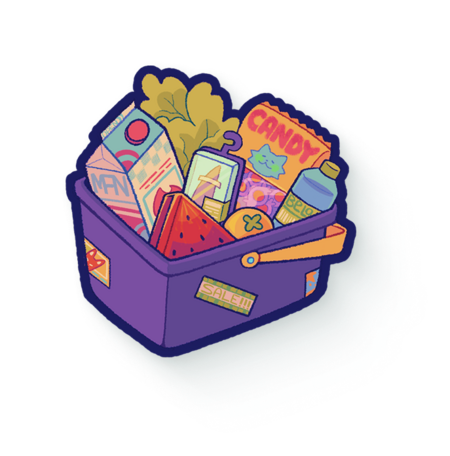
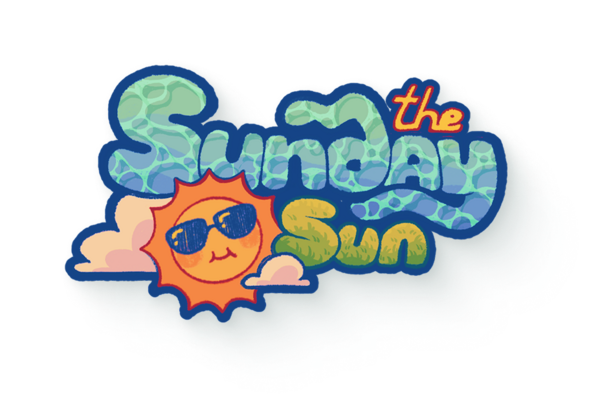
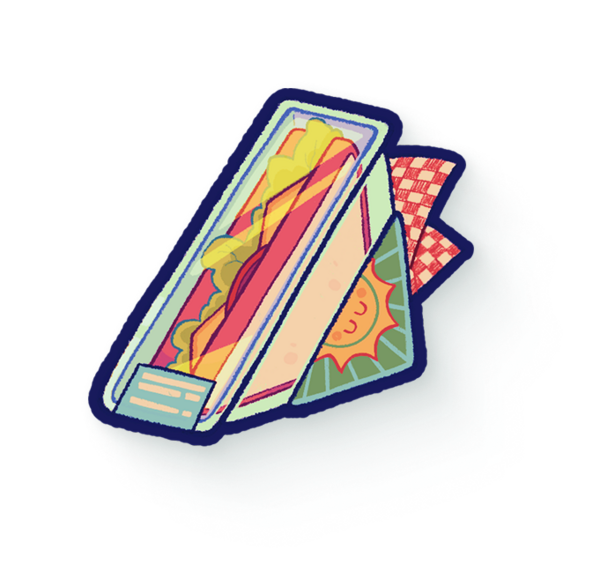
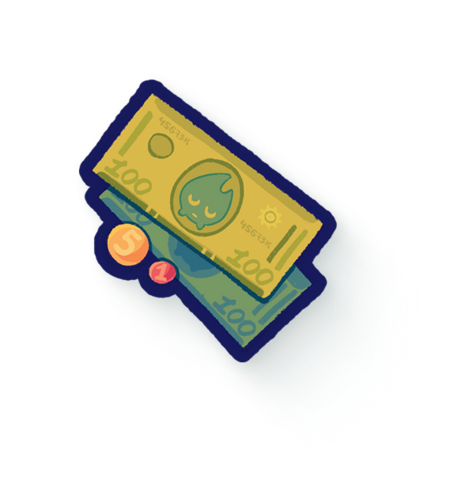
3 Сет. «В воскресенье за продуктами»
Серия посвящена выходным дням в гипермаркете. Теплая яркая палитра, насыщенные цвета и летний вайб.
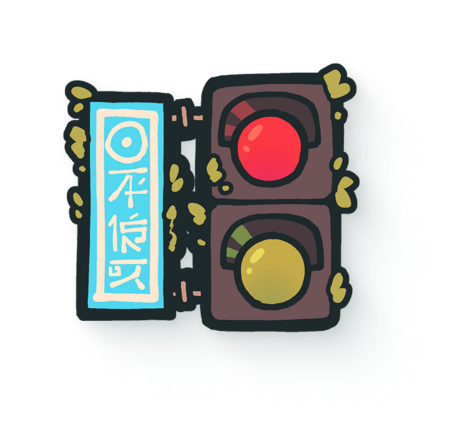
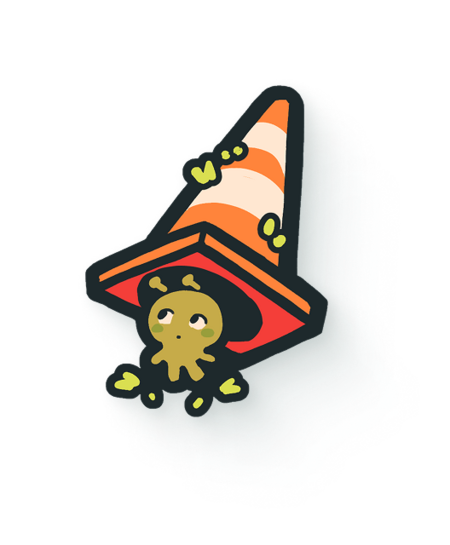
4 Сет. «Заброшенный город»
Серия с легким сюжетом — заброшенный город, человечки сбежали со своих знаков, все постепенно зарастает лозой. Хорошо подойдет для оформления скетчбуков, на ноутбуки
Автор Дом Тонконог создал серию тематических наклеек для уличного использования под названием STREET_STICKERS. Проект включает четыре набора с различными визуальными концепциями, подходящие для нанесения на городские объекты или личного применения.
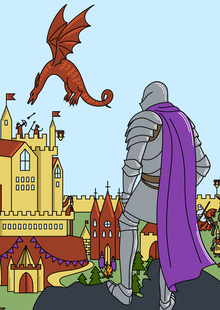
Анна Большакова создала плакат для фестиваля средневековой культуры, основанного на картине Каспара Давида Фридриха "Странник над морем тумана". На плакате рыцарь заменяет странника, а туман на фоне превращён в средневековый фестивальный пейзаж с драконами и турнирами.
Автор Ирина Стрельникова создала серию открыток «мяуники!» для любителей и обладателей котиков. Проект включает в себя тексты, предназначенные для продажи в котокафе.
Софья Жеренкова создала серию открыток о приключениях мальчика Вовы и его собаки Сириуса в космосе. Проект рассказывает о дружбе и изучении планет, звёзд и инопланетян в увлекательной и доступной форме.
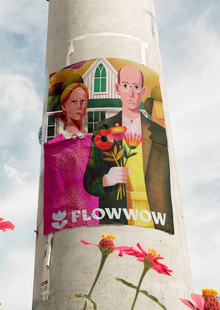
Марина Трунина создала цифровую иллюстрацию для бренда Flowwow в стиле винтажного пастиша на основе картины «Американская готика». Иллюстрация включает пару с букетом вместо вил и станет частью фирменного визуального языка бренда.
pro.hsedesign
Digital platform for creating presentations. An innovative online constructor where everyone can showcase their projects, proposals or educational courses in spectacular way.
lecture
landing
presentation
presentation of the course
tutorial
explainer
Show more
We use cookies to improve the operation of the HSE website and to enhance its usability. More detailed information on the use of cookies can be fou...
Show more
Press space bar to start a drag.
When dragging you can use the arrow keys to move the item around and escape to cancel.
Some screen readers may require you to be in focus mode or to use your pass through key
Press space bar to start a drag.
When dragging you can use the arrow keys to move the item around and escape to cancel.
Some screen readers may require you to be in focus mode or to use your pass through key
Press space bar to start a drag.
When dragging you can use the arrow keys to move the item around and escape to cancel.
Some screen readers may require you to be in focus mode or to use your pass through key
Press space bar to start a drag.
When dragging you can use the arrow keys to move the item around and escape to cancel.
Some screen readers may require you to be in focus mode or to use your pass through key
Press space bar to start a drag.
When dragging you can use the arrow keys to move the item around and escape to cancel.
Some screen readers may require you to be in focus mode or to use your pass through key
Press space bar to start a drag.
When dragging you can use the arrow keys to move the item around and escape to cancel.
Some screen readers may require you to be in focus mode or to use your pass through key
Press space bar to start a drag.
When dragging you can use the arrow keys to move the item around and escape to cancel.
Some screen readers may require you to be in focus mode or to use your pass through key
Press space bar to start a drag.
When dragging you can use the arrow keys to move the item around and escape to cancel.
Some screen readers may require you to be in focus mode or to use your pass through key
Press space bar to start a drag.
When dragging you can use the arrow keys to move the item around and escape to cancel.
Some screen readers may require you to be in focus mode or to use your pass through key