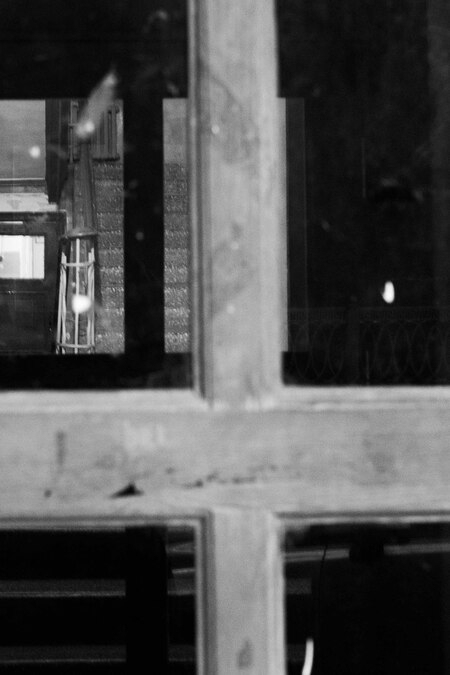
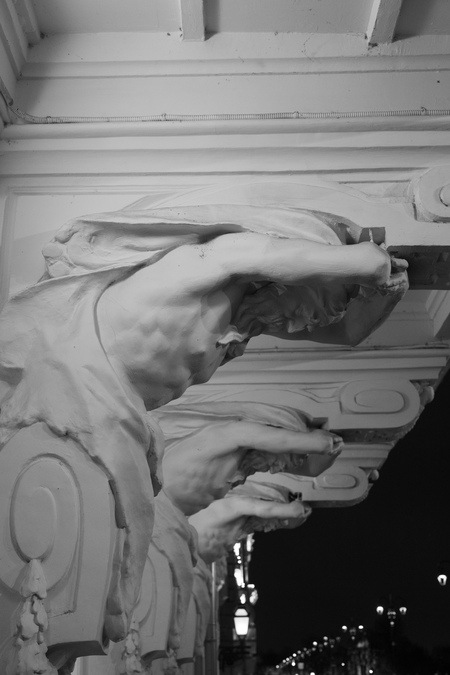
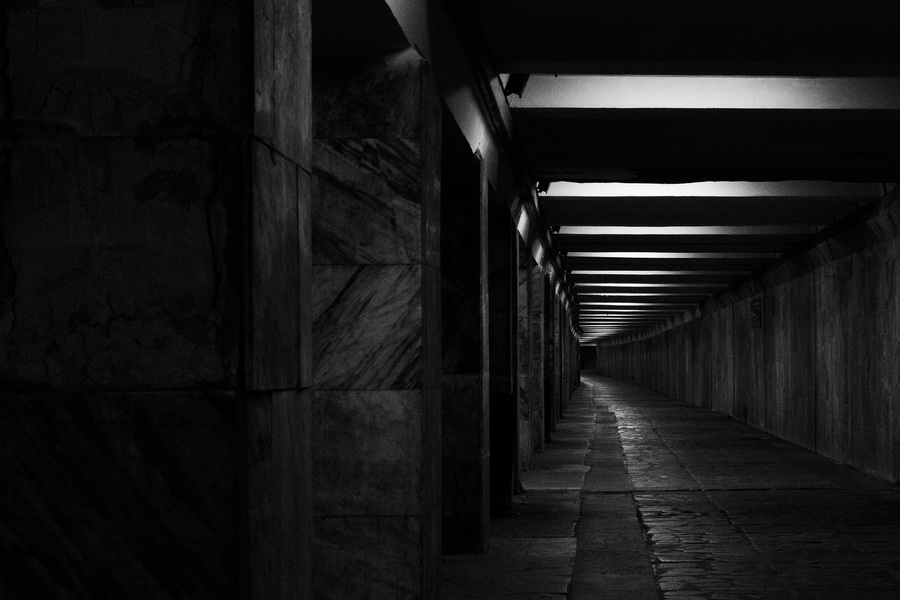
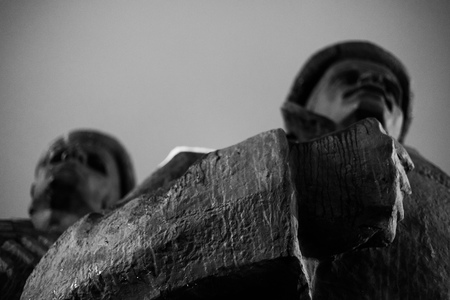
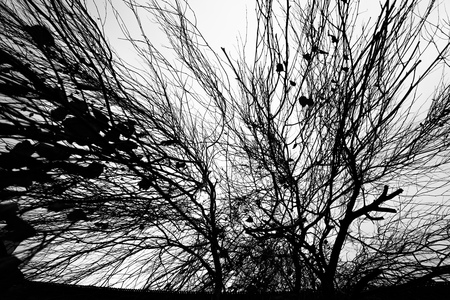
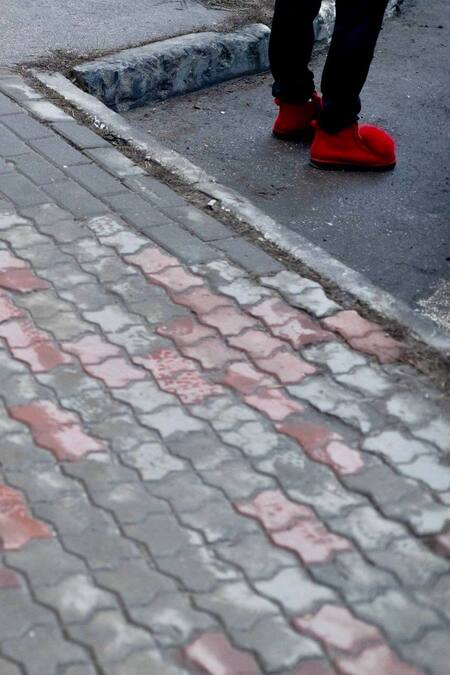
Даша Сальникова создала проект «Зин «Обыденность»», в котором исследует повседневные объекты как носители скрытых историй. Проект представляет собой текст, описывающий, как трещины, надписи и вещи в городе становятся следами прошлого.
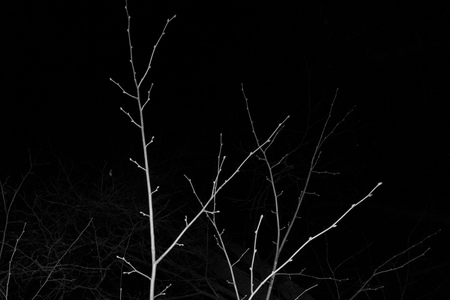
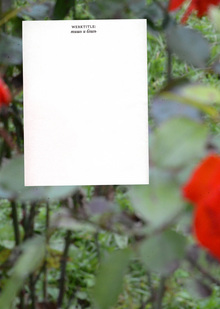
Софья Шереметевская создала визуальное высказывание «На потом», отражающее жизнь, отложенную в ожидании неопределённого будущего. Проект представлен в формате гармошки, где кадры не имеют финальной точки и могут раскрываться постепенно.
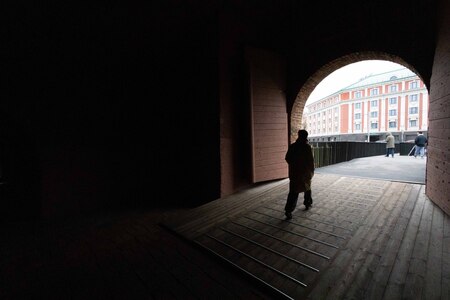
Валя Климова создала фото-проект, исследующий творчество через разговоры с друзьями и наблюдение за миром. Проект представлен в формате зина — небольшого сборника с размером 130х90 мм, позволяющего быстро проследить его содержание.
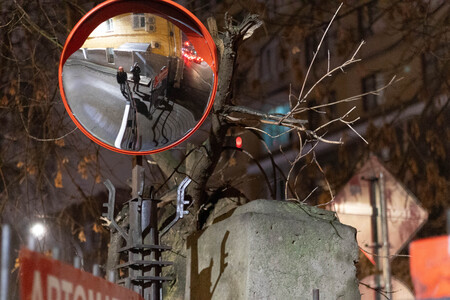
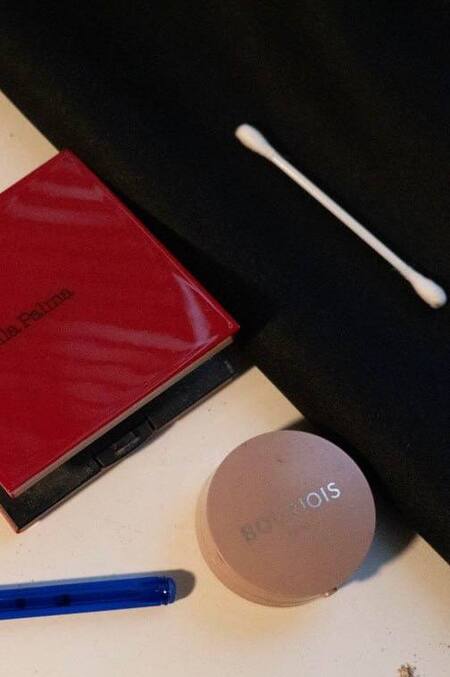
Диана-Рада Шувалова создала политематическое соцезарцательное эссе, начинающееся с чашки чая и приходящее к этике взаимоотношений с Другим. Проект включает в себя фотокнижку и тексты, исследующие границы между внутренним и внешним через метафору познания и приближения.
pro.hsedesign
Digital platform for creating presentations. An innovative online constructor where everyone can showcase their projects, proposals or educational courses in spectacular way.
We use cookies to improve the operation of the HSE website and to enhance its usability. More detailed information on the use of cookies can be fou...
Show more
Press space bar to start a drag.
When dragging you can use the arrow keys to move the item around and escape to cancel.
Some screen readers may require you to be in focus mode or to use your pass through key
Press space bar to start a drag.
When dragging you can use the arrow keys to move the item around and escape to cancel.
Some screen readers may require you to be in focus mode or to use your pass through key
Press space bar to start a drag.
When dragging you can use the arrow keys to move the item around and escape to cancel.
Some screen readers may require you to be in focus mode or to use your pass through key
Press space bar to start a drag.
When dragging you can use the arrow keys to move the item around and escape to cancel.
Some screen readers may require you to be in focus mode or to use your pass through key
Press space bar to start a drag.
When dragging you can use the arrow keys to move the item around and escape to cancel.
Some screen readers may require you to be in focus mode or to use your pass through key
Press space bar to start a drag.
When dragging you can use the arrow keys to move the item around and escape to cancel.
Some screen readers may require you to be in focus mode or to use your pass through key
Press space bar to start a drag.
When dragging you can use the arrow keys to move the item around and escape to cancel.
Some screen readers may require you to be in focus mode or to use your pass through key
Press space bar to start a drag.
When dragging you can use the arrow keys to move the item around and escape to cancel.
Some screen readers may require you to be in focus mode or to use your pass through key
Press space bar to start a drag.
When dragging you can use the arrow keys to move the item around and escape to cancel.
Some screen readers may require you to be in focus mode or to use your pass through key
Press space bar to start a drag.
When dragging you can use the arrow keys to move the item around and escape to cancel.
Some screen readers may require you to be in focus mode or to use your pass through key
Press space bar to start a drag.
When dragging you can use the arrow keys to move the item around and escape to cancel.
Some screen readers may require you to be in focus mode or to use your pass through key
Press space bar to start a drag.
When dragging you can use the arrow keys to move the item around and escape to cancel.
Some screen readers may require you to be in focus mode or to use your pass through key