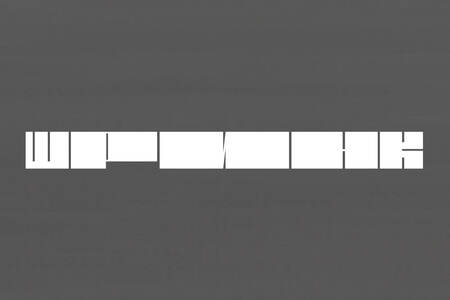
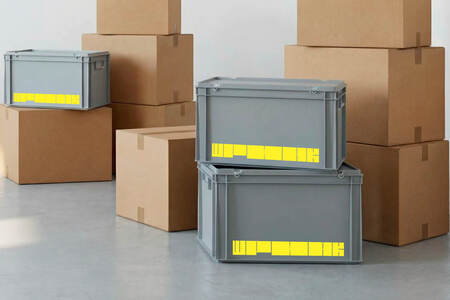
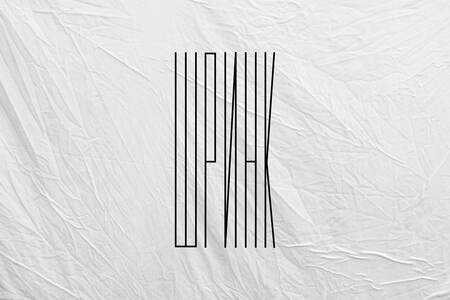
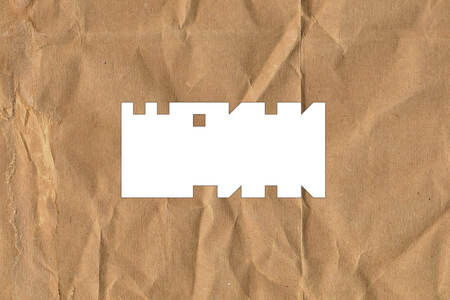
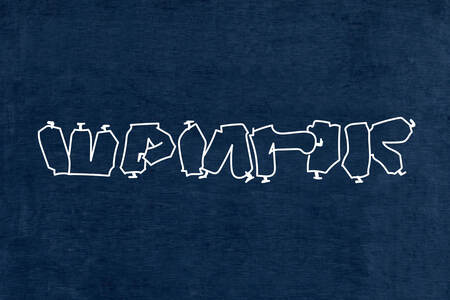
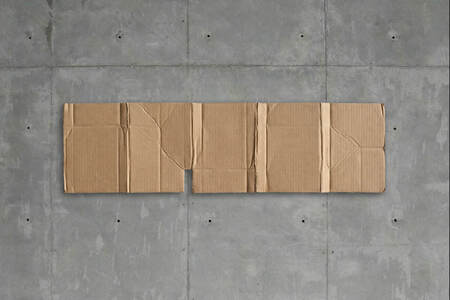
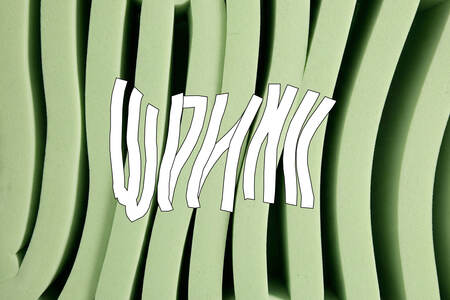
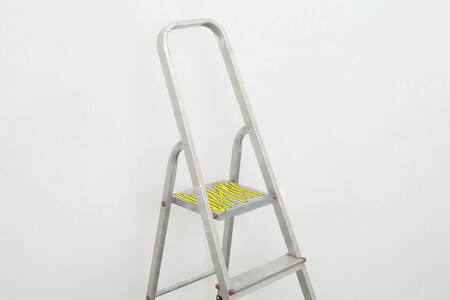
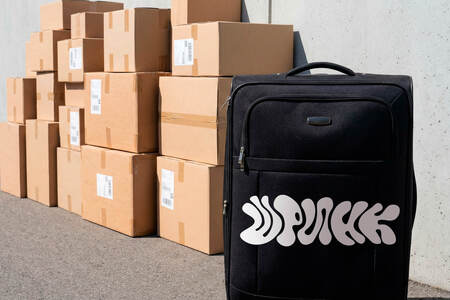
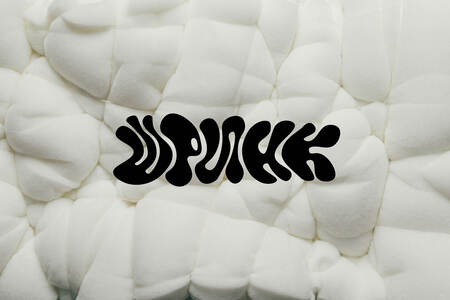
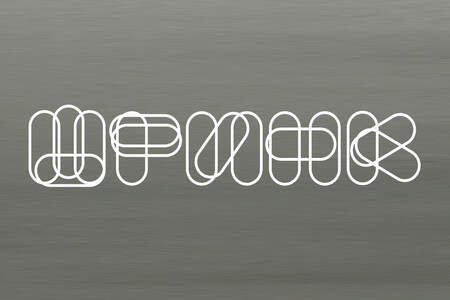
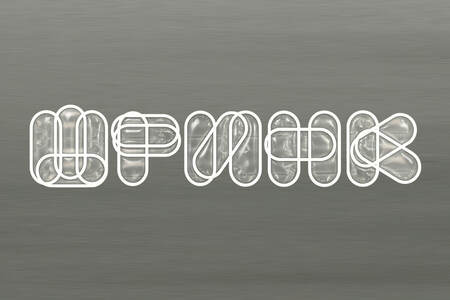
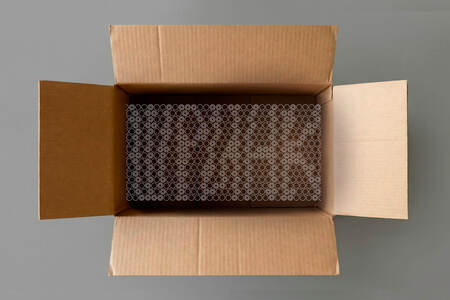
Александра Харабажиу создала проект «ШРИНК», объясняющий термин шринкфляции и связанные с ним процессы. Проект включает три поста в формате текста, описывающих понятие шринкфляции и деятельность организации ШРИНК.
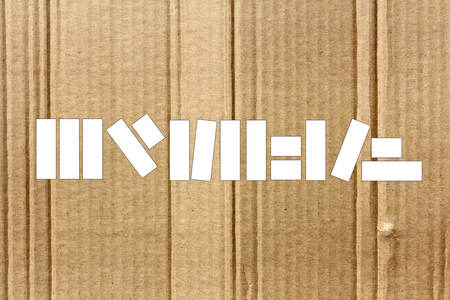
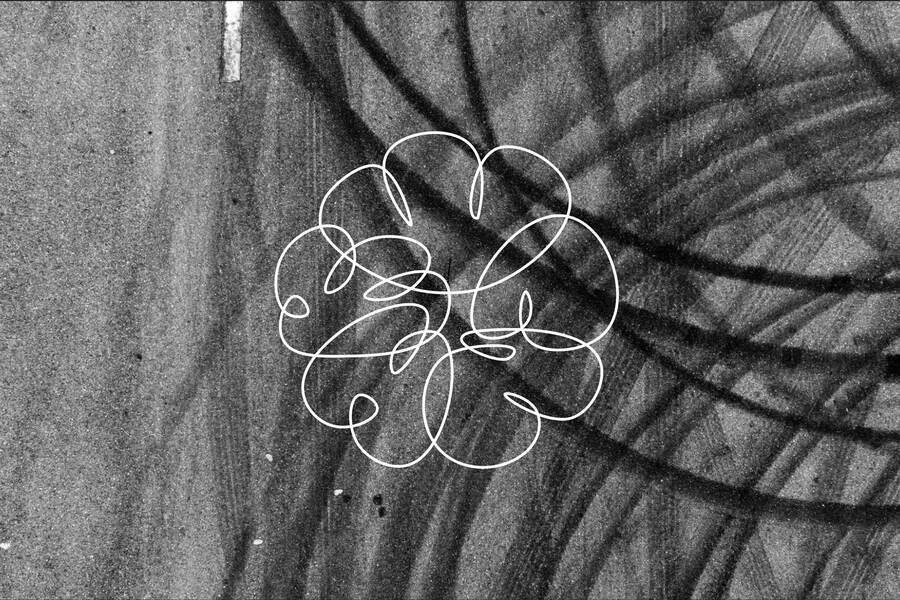
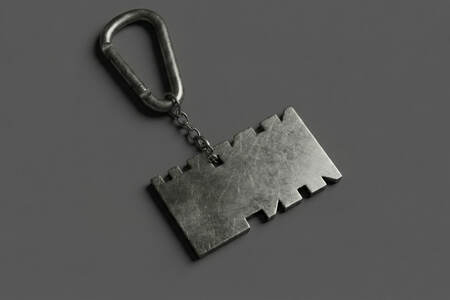
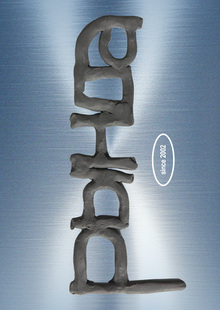
Элина Аюпова создала проект «рында!», в котором исследует звучание корабельного колокола и его связь с кузничным ремеслом. Проект представляет собой текст, описывающий звучание рынды как ритмичное и отражающее воздействие на металл.
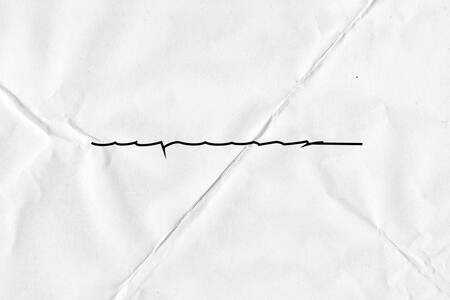
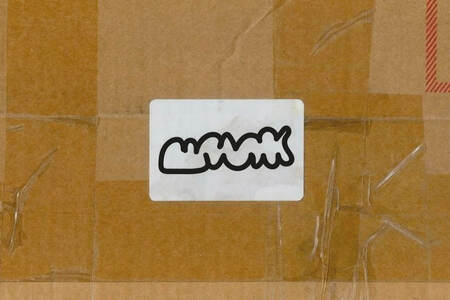
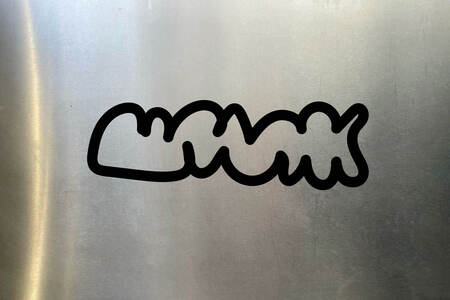
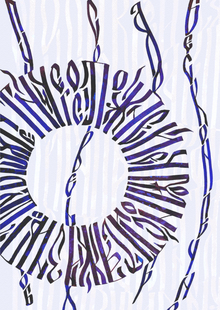
Анастасия Мартыненко создала проект «Согревающая вязь» в формате текста и каллиграфических композиций на тёплой одежде. Проект использует фразы из альбома группы «Дайте танк(!)» и распадающиеся чернила для передачи темы преодоления сложностей.
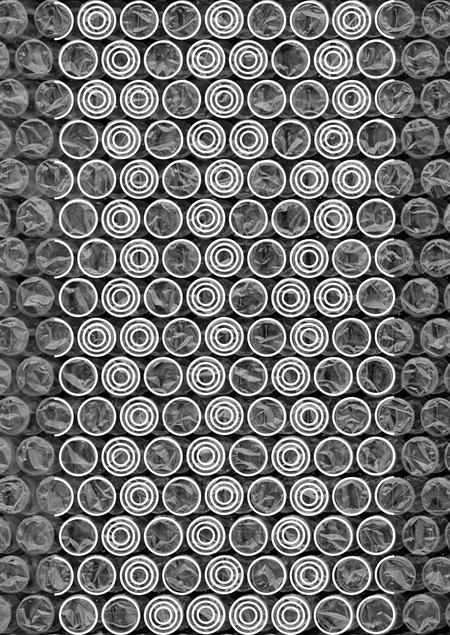
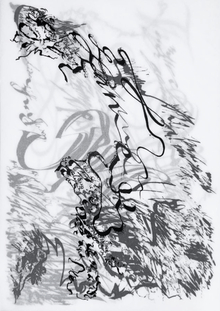
Алиса Морозова создала проект «Under the Layers», в котором исследует влияние интернет-эстетик на формирование личности и идентичности в цифровую эпоху. Проект представляет собой текст, написанный разными почерками и напечатанный на кальке, отражающий сменяющиеся эстетики и их слияние в одной личности.
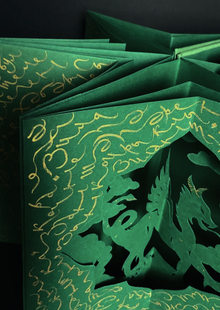
Дария Муракаева создала каллиграфическую книгу татарских сказок на татарском языке. В проекте использовался почерк, вдохновлённый арабской письменностью, и для письма применялось плоское перо.
pro.hsedesign
Digital platform for creating presentations. An innovative online constructor where everyone can showcase their projects, proposals or educational courses in spectacular way.
lecture
landing
presentation
presentation of the course
tutorial
explainer
We use cookies to improve the operation of the HSE website and to enhance its usability. More detailed information on the use of cookies can be fou...
Show more
Press space bar to start a drag.
When dragging you can use the arrow keys to move the item around and escape to cancel.
Some screen readers may require you to be in focus mode or to use your pass through key
Press space bar to start a drag.
When dragging you can use the arrow keys to move the item around and escape to cancel.
Some screen readers may require you to be in focus mode or to use your pass through key
Press space bar to start a drag.
When dragging you can use the arrow keys to move the item around and escape to cancel.
Some screen readers may require you to be in focus mode or to use your pass through key
Press space bar to start a drag.
When dragging you can use the arrow keys to move the item around and escape to cancel.
Some screen readers may require you to be in focus mode or to use your pass through key
Press space bar to start a drag.
When dragging you can use the arrow keys to move the item around and escape to cancel.
Some screen readers may require you to be in focus mode or to use your pass through key
Press space bar to start a drag.
When dragging you can use the arrow keys to move the item around and escape to cancel.
Some screen readers may require you to be in focus mode or to use your pass through key
Press space bar to start a drag.
When dragging you can use the arrow keys to move the item around and escape to cancel.
Some screen readers may require you to be in focus mode or to use your pass through key
Press space bar to start a drag.
When dragging you can use the arrow keys to move the item around and escape to cancel.
Some screen readers may require you to be in focus mode or to use your pass through key
Press space bar to start a drag.
When dragging you can use the arrow keys to move the item around and escape to cancel.
Some screen readers may require you to be in focus mode or to use your pass through key
Press space bar to start a drag.
When dragging you can use the arrow keys to move the item around and escape to cancel.
Some screen readers may require you to be in focus mode or to use your pass through key
Press space bar to start a drag.
When dragging you can use the arrow keys to move the item around and escape to cancel.
Some screen readers may require you to be in focus mode or to use your pass through key
Press space bar to start a drag.
When dragging you can use the arrow keys to move the item around and escape to cancel.
Some screen readers may require you to be in focus mode or to use your pass through key
Press space bar to start a drag.
When dragging you can use the arrow keys to move the item around and escape to cancel.
Some screen readers may require you to be in focus mode or to use your pass through key