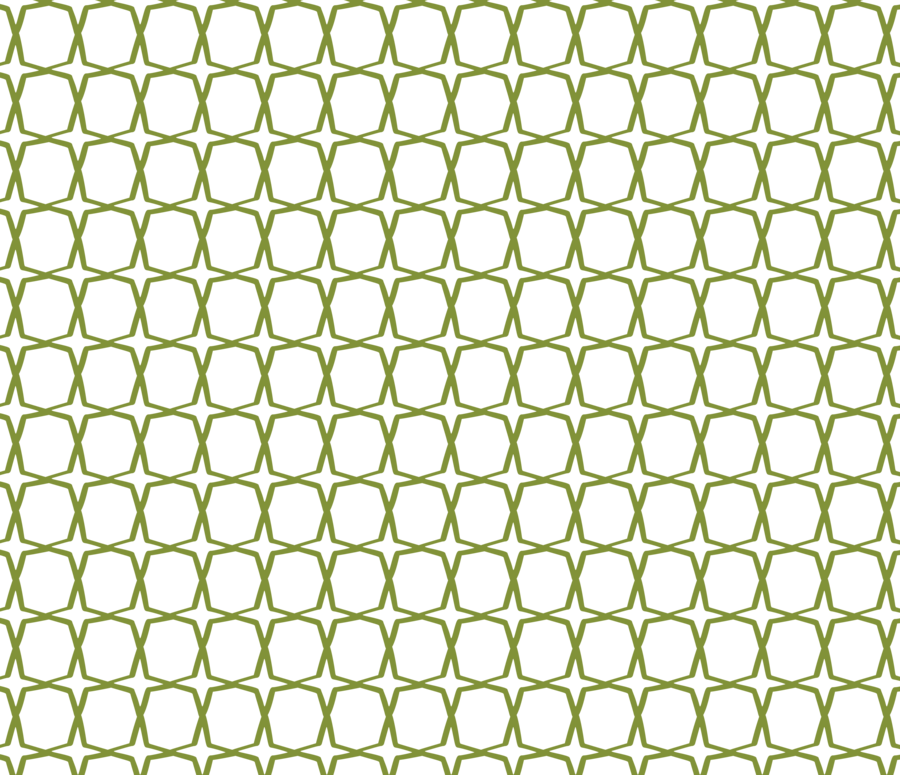
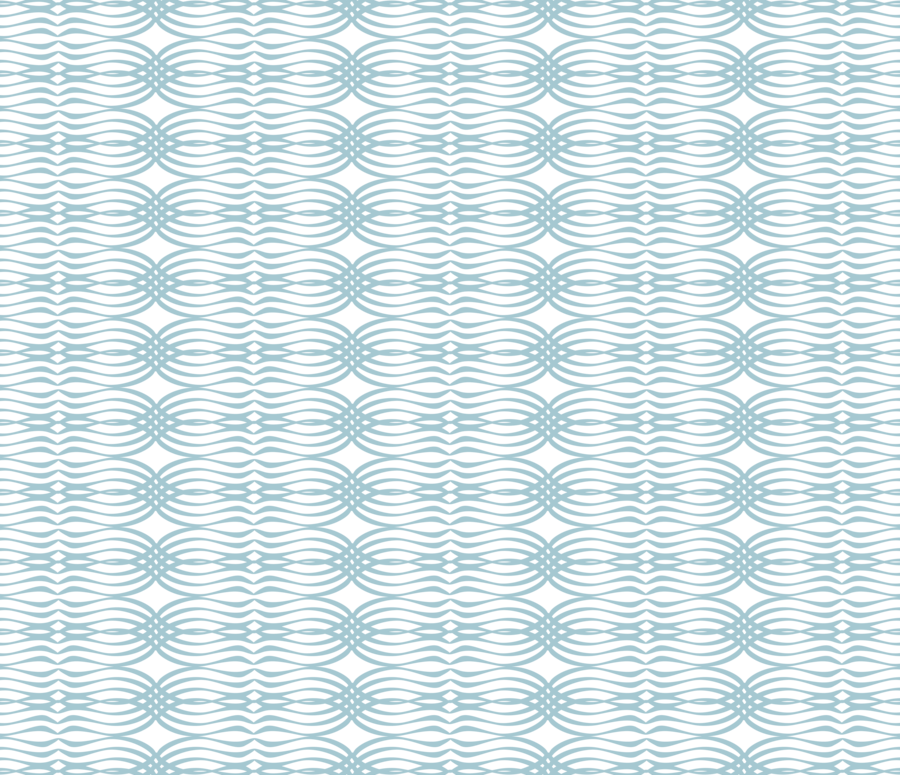
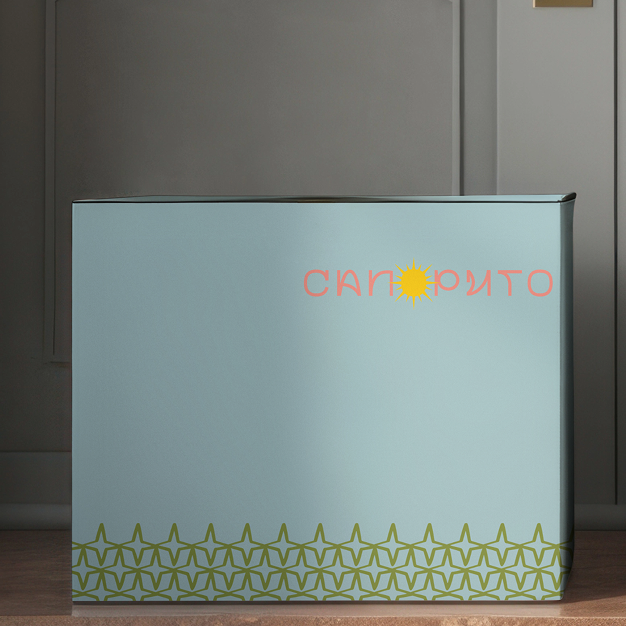
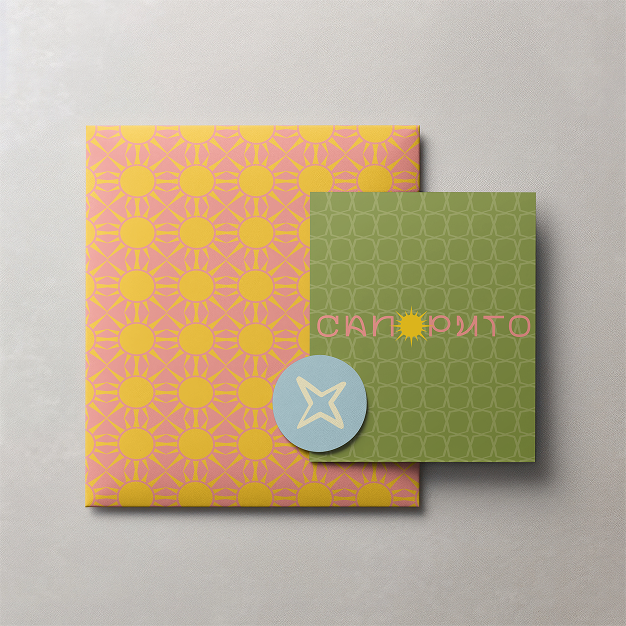
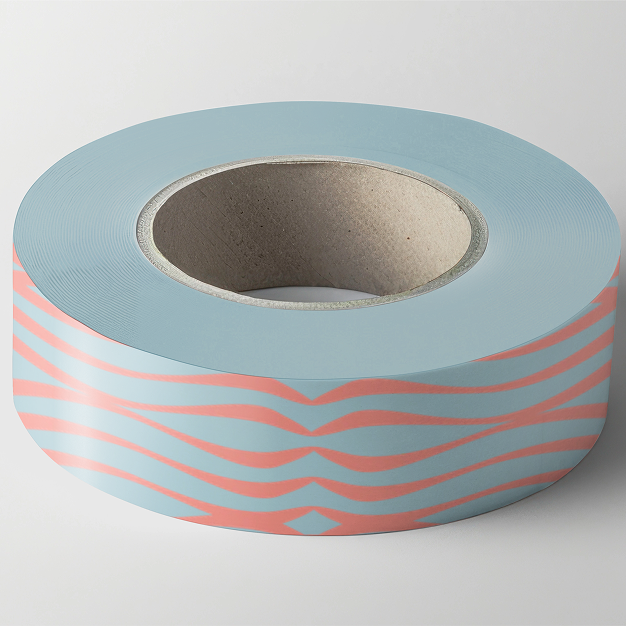
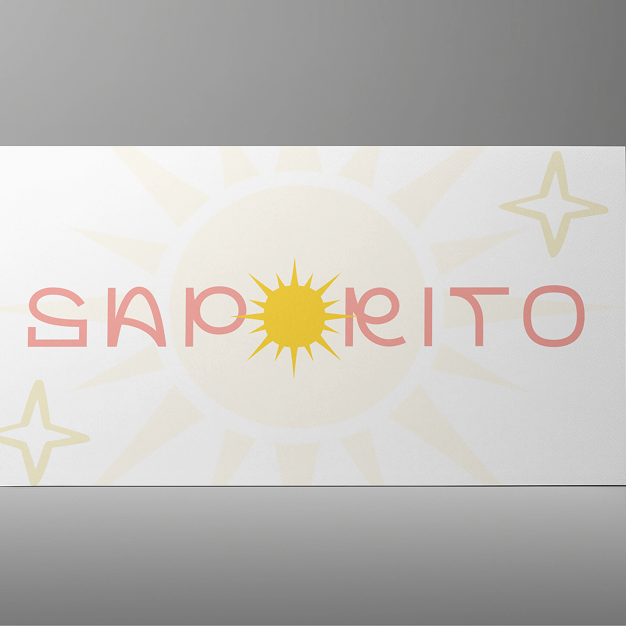
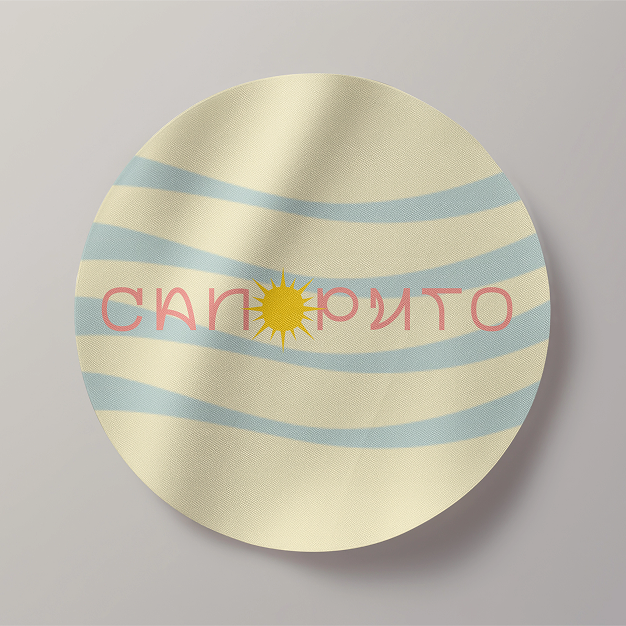
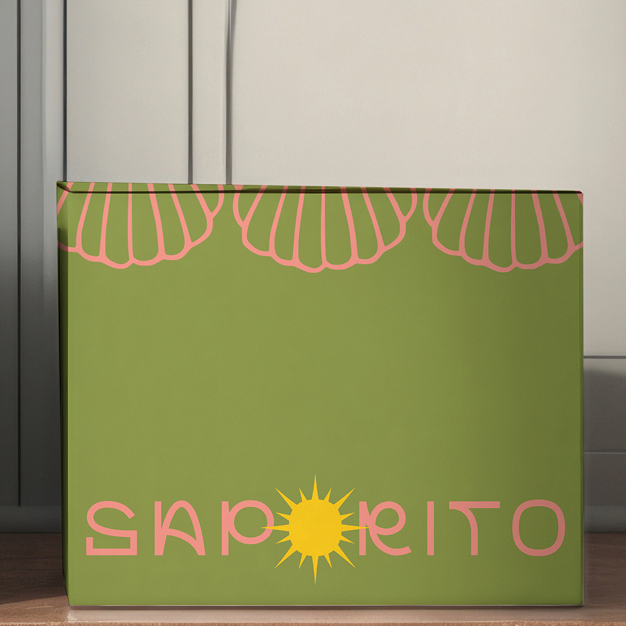
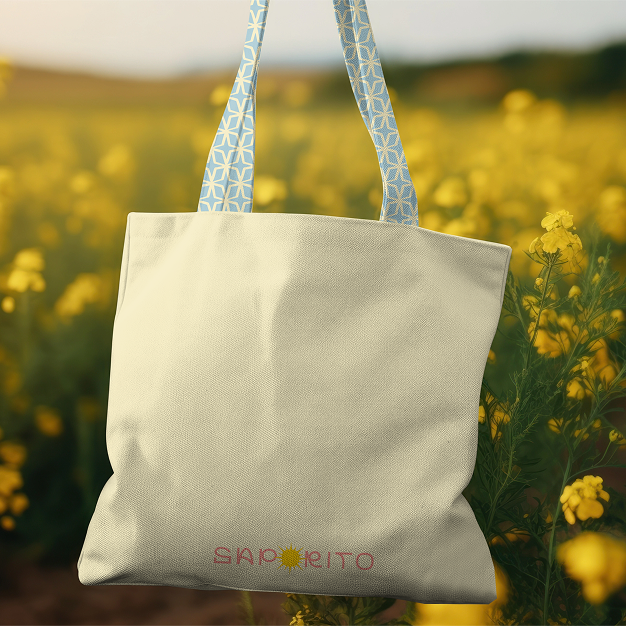
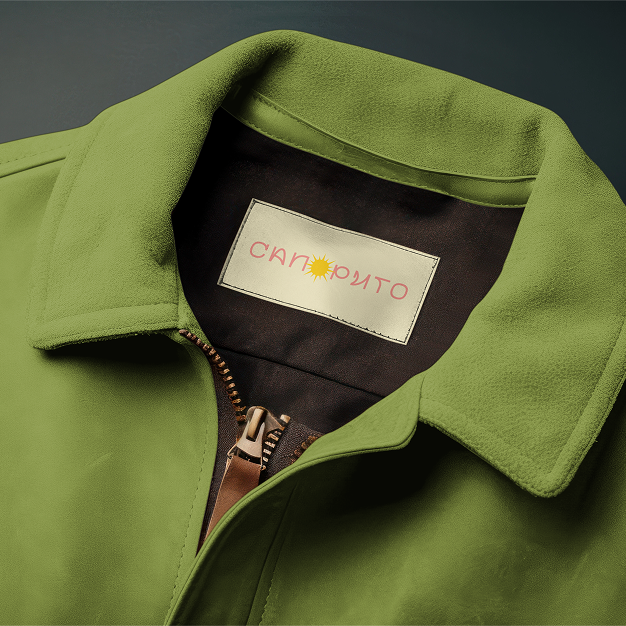
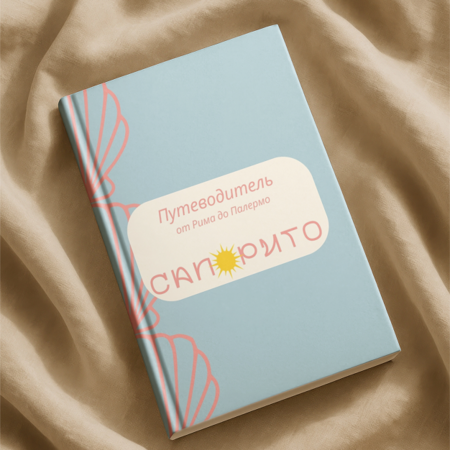
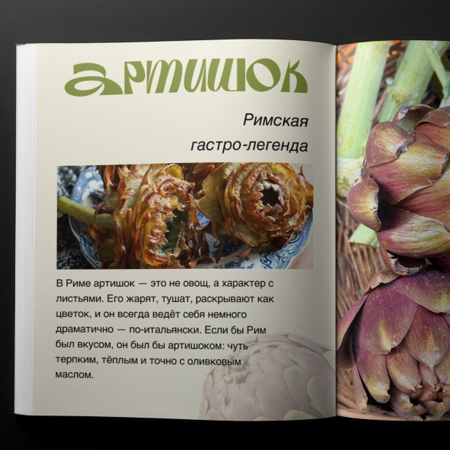
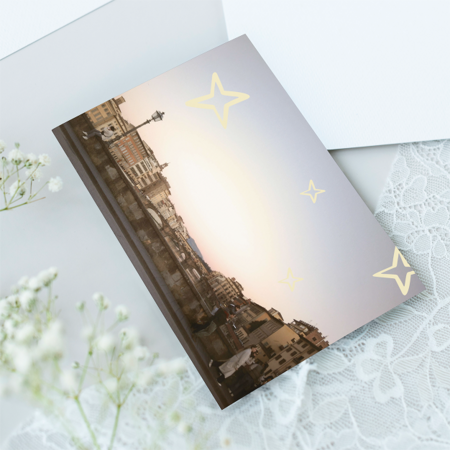
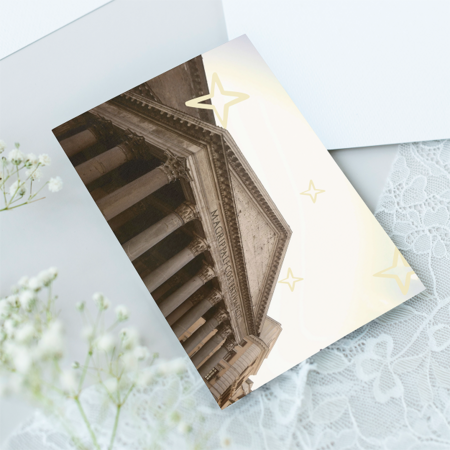
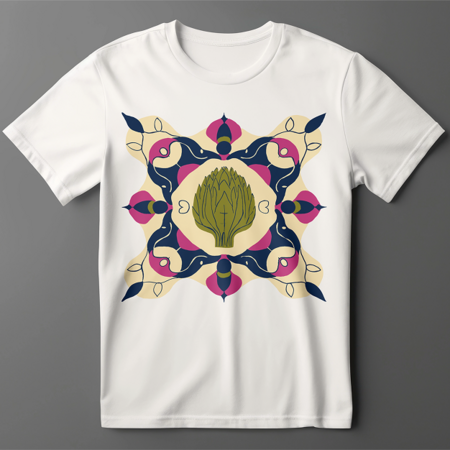
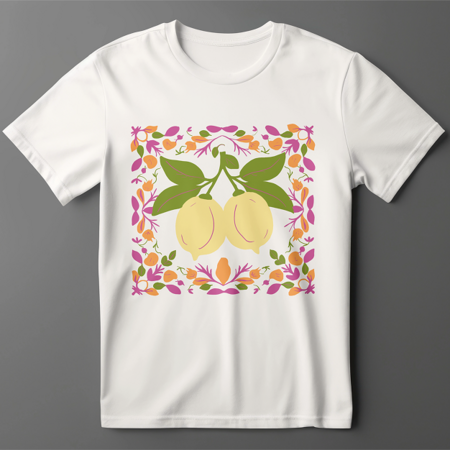
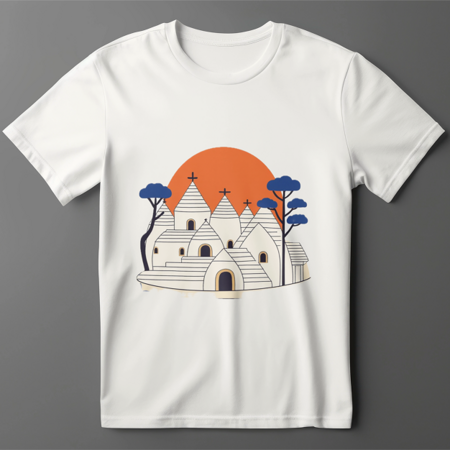
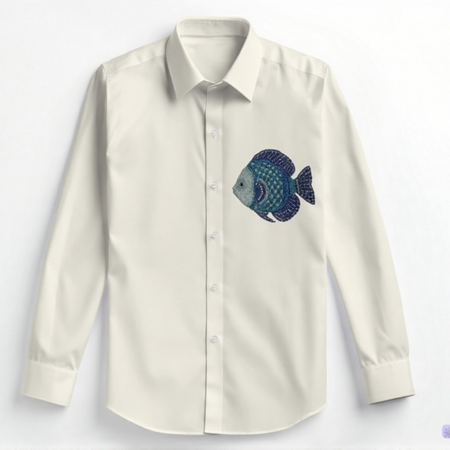
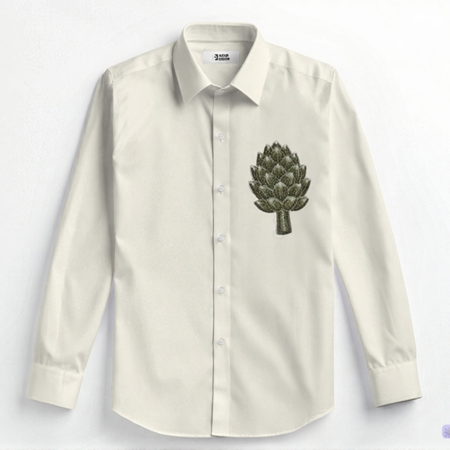
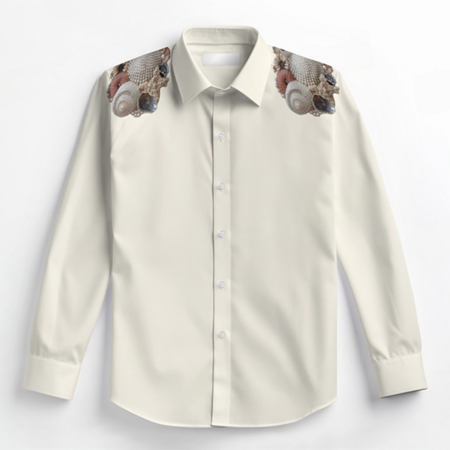
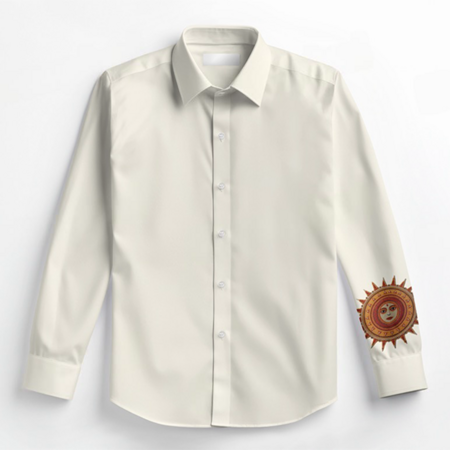
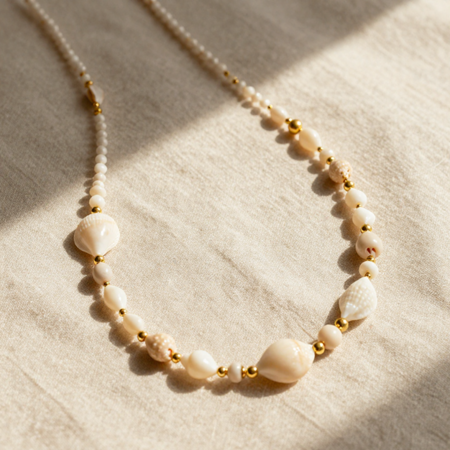
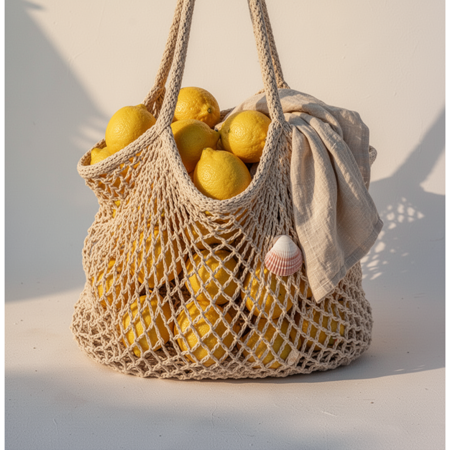
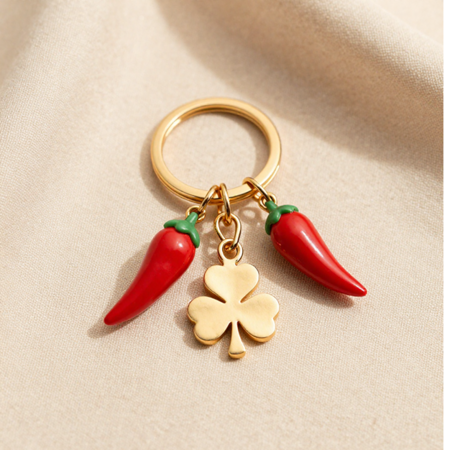
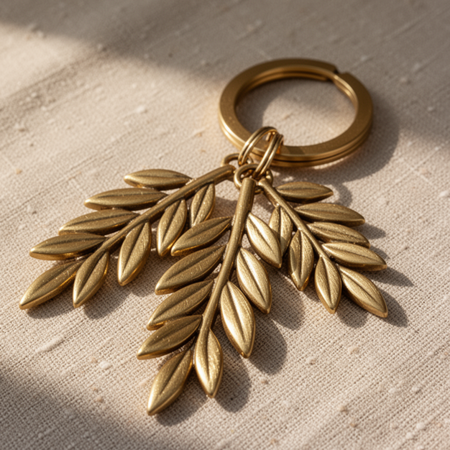
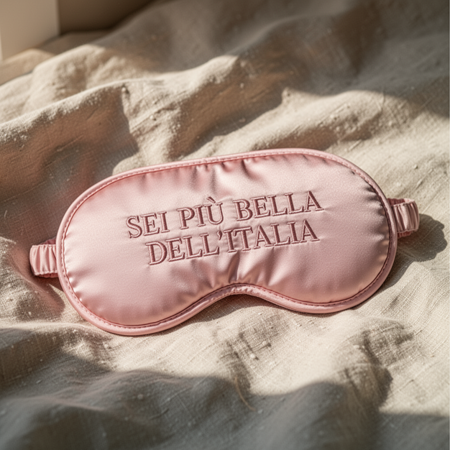
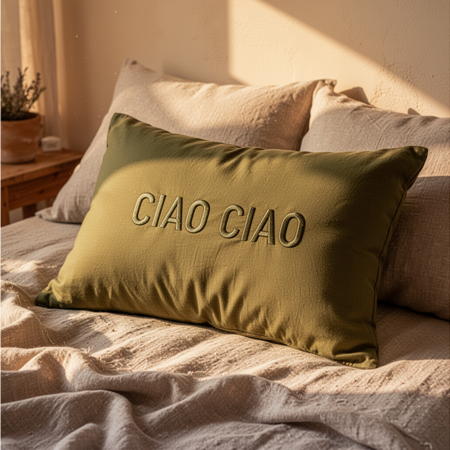
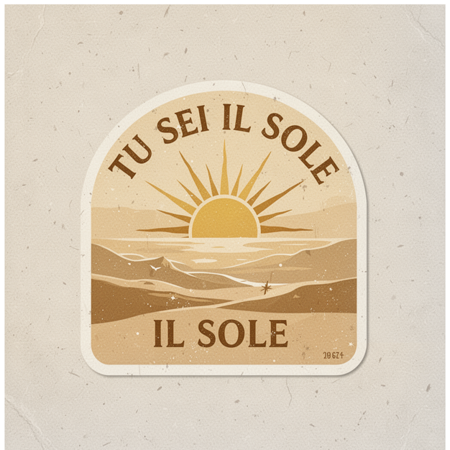
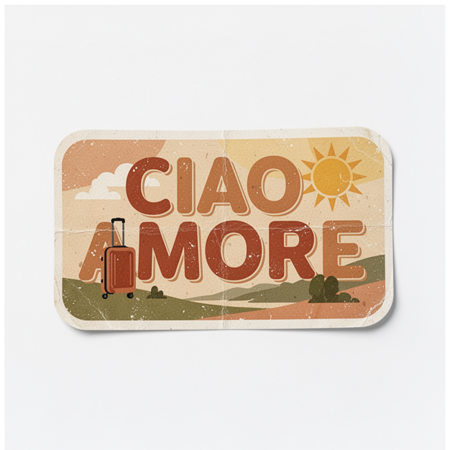
Brand Saporito — whose name is translated from Italian as «delicious». The brand was born from a pattern of «life under the sun.» It is not just aesthetics, but a special state of mind: the feeling of lightness, inner warmth and serenity.
Saporito — «life under the sun»
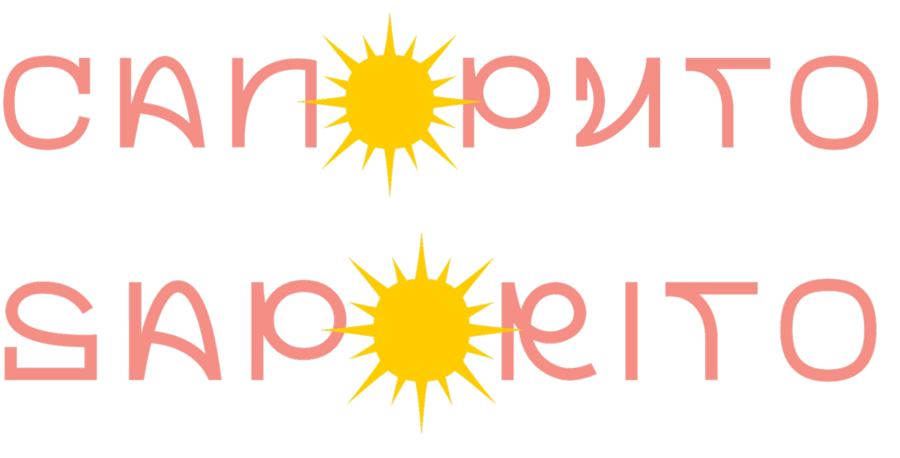
Logo
Original size 1805x918
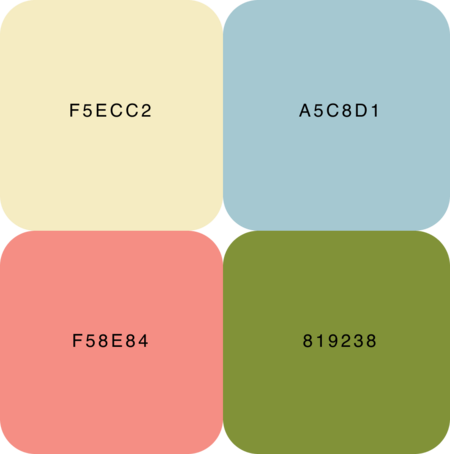
The base of a palette is:
sunshades
soft warm neutrons
natural colors
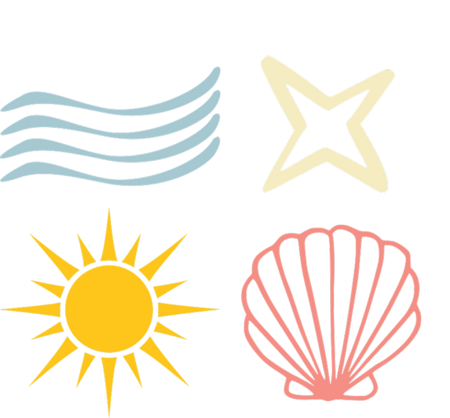
Basic elements
Waves
Travel star
Compass rose
Wave Keeper
Rapports
0
0
0
0
0
0
0
1/3
Options for applying
0
0
0
0
0
0
0
0
0
0
0
0
0
0
0
0
0
1/8
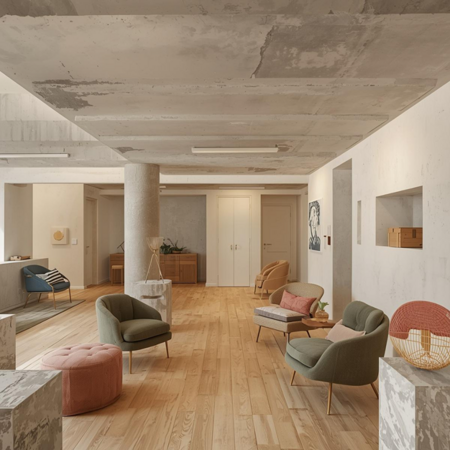
Store Design Option
Communication
Drop 1
Italy — warm air, burnt walls, lazy afternoon and a sense of no hurry.
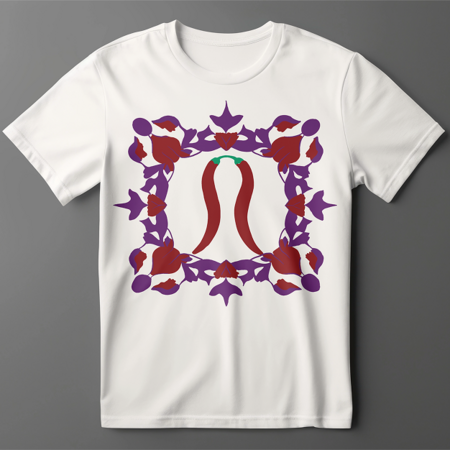
At the core of the collection lie simple shapes, tactile fabrics, faded shades, as if things had already lived one happy summer.
Анастасия Плотникова создала брендбук для Saporito, передающий концепцию «жизни под солнцем» через визуальные и текстовые элементы. Проект включает описание палитры, графических элементов и съёмок, подчёркивающих атмосферу лёгкости и безмятежности бренда.
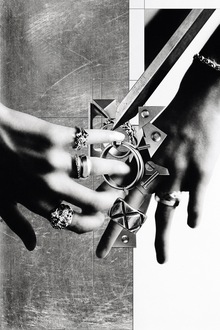
Полина Политова создала концептуальный проект для ювелирного бренда «Шесть», основанного на принципах функционализма и минимализма. Проект включает анализ целевой аудитории, позиционирование бренда и стратегию продвижения в формате цифрового контента и коллабораций.
Арина Горячева создала бренд-платформу для премиального streetwear-бренда, ориентированного на формирование социокультурной идентичности через одежду. Проект объединяет эстетику модной и музыкальной индустрий, предлагая лимитированные коллекции как инструмент персонального медийного образа и статусной самопрезентации.
Ванесса Гезалова создала проект Sehan, представляющий собой коллекцию изделий, созданных с использованием уникальных ремесленных техник. Проект включает в себя тексты, описывающие миссию, ценности, позиционирование и фирменный стиль бренда.
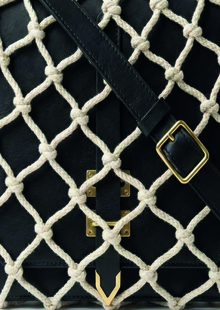
Ульяна Владимирова создала концепцию локального бренда V125, специализирующегося на кожаных сумках и аксессуарах. Проект подчёркивает функциональность, простоту формы и долговечность изделий, вдохновлённых морем и утилитарными предметами.
pro.hsedesign
Digital platform for creating presentations. An innovative online constructor where everyone can showcase their projects, proposals or educational courses in spectacular way.
We use cookies to improve the operation of the HSE website and to enhance its usability. More detailed information on the use of cookies can be fou...
Show more
Press space bar to start a drag.
When dragging you can use the arrow keys to move the item around and escape to cancel.
Some screen readers may require you to be in focus mode or to use your pass through key
Press space bar to start a drag.
When dragging you can use the arrow keys to move the item around and escape to cancel.
Some screen readers may require you to be in focus mode or to use your pass through key
Press space bar to start a drag.
When dragging you can use the arrow keys to move the item around and escape to cancel.
Some screen readers may require you to be in focus mode or to use your pass through key
Press space bar to start a drag.
When dragging you can use the arrow keys to move the item around and escape to cancel.
Some screen readers may require you to be in focus mode or to use your pass through key
Press space bar to start a drag.
When dragging you can use the arrow keys to move the item around and escape to cancel.
Some screen readers may require you to be in focus mode or to use your pass through key
Press space bar to start a drag.
When dragging you can use the arrow keys to move the item around and escape to cancel.
Some screen readers may require you to be in focus mode or to use your pass through key
Press space bar to start a drag.
When dragging you can use the arrow keys to move the item around and escape to cancel.
Some screen readers may require you to be in focus mode or to use your pass through key
Press space bar to start a drag.
When dragging you can use the arrow keys to move the item around and escape to cancel.
Some screen readers may require you to be in focus mode or to use your pass through key
Press space bar to start a drag.
When dragging you can use the arrow keys to move the item around and escape to cancel.
Some screen readers may require you to be in focus mode or to use your pass through key
Press space bar to start a drag.
When dragging you can use the arrow keys to move the item around and escape to cancel.
Some screen readers may require you to be in focus mode or to use your pass through key
Press space bar to start a drag.
When dragging you can use the arrow keys to move the item around and escape to cancel.
Some screen readers may require you to be in focus mode or to use your pass through key