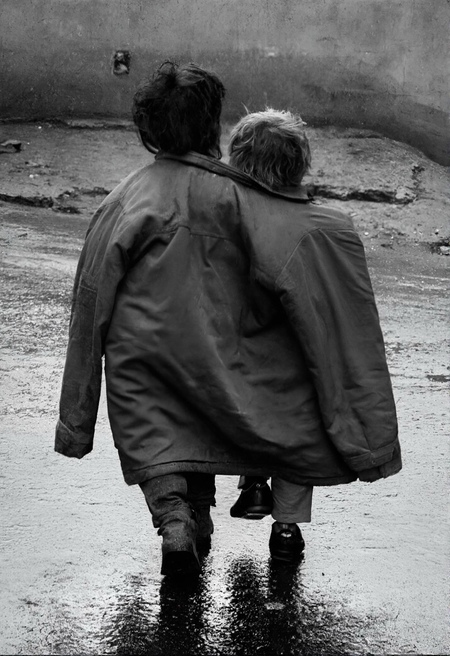
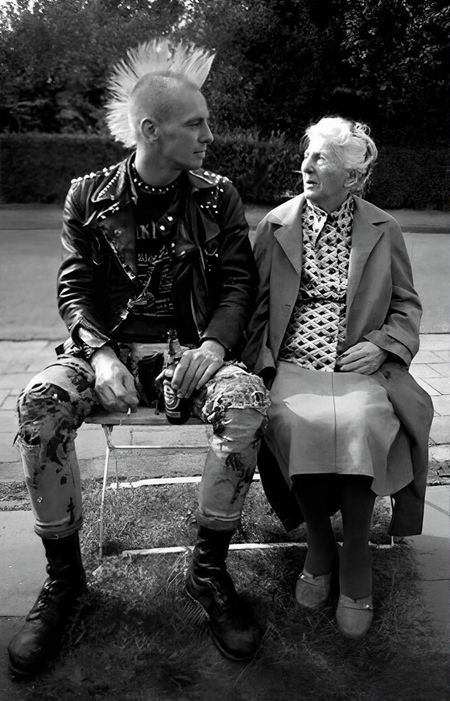
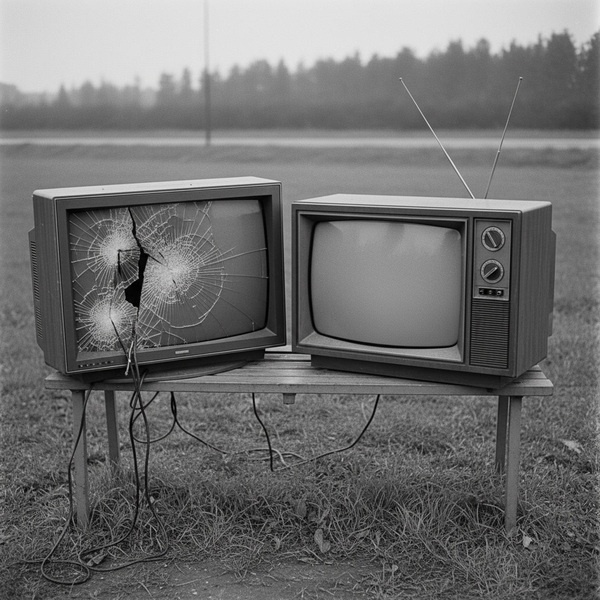
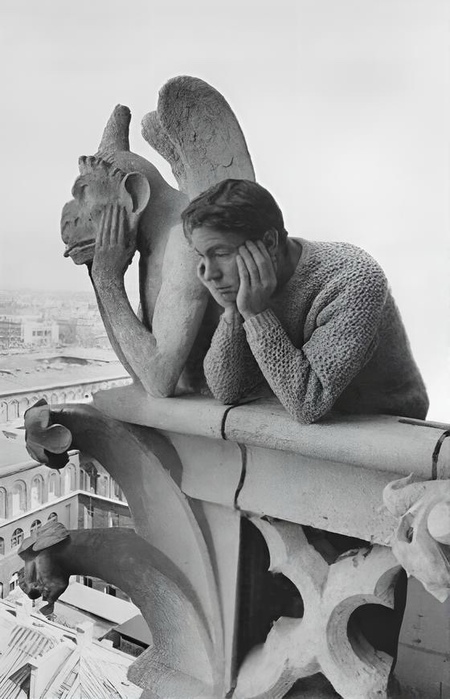
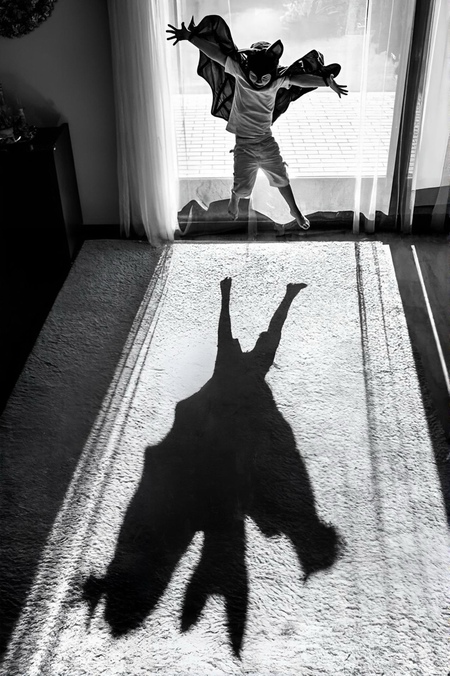
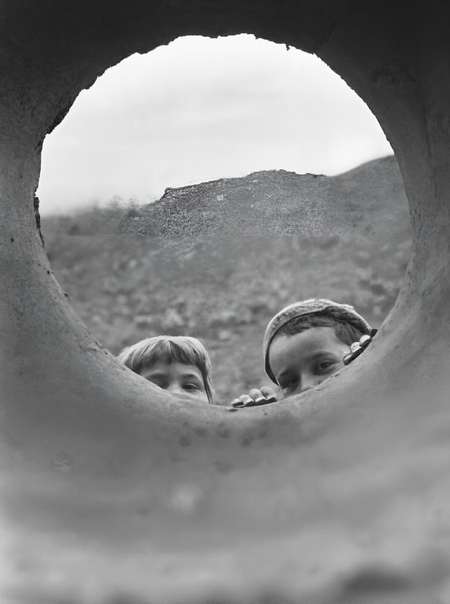
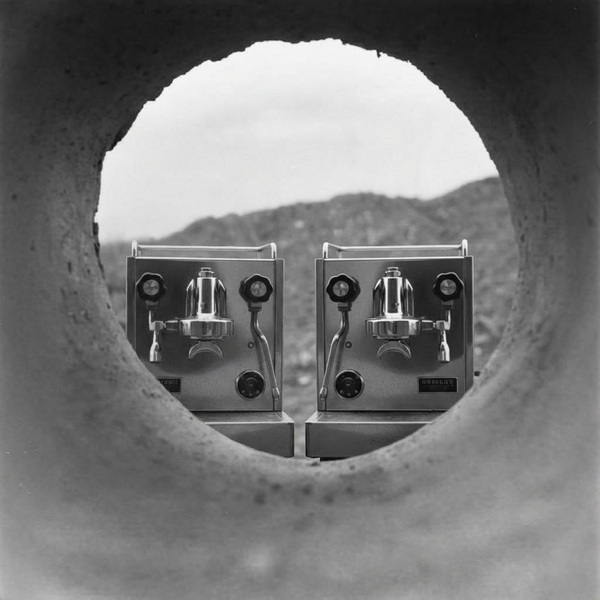
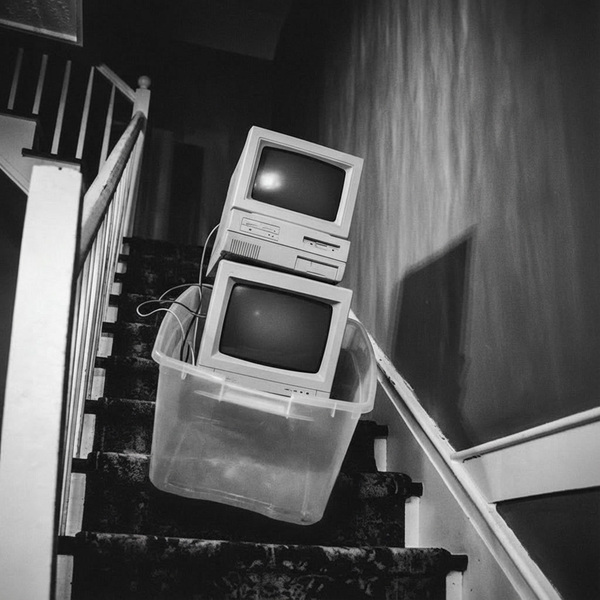
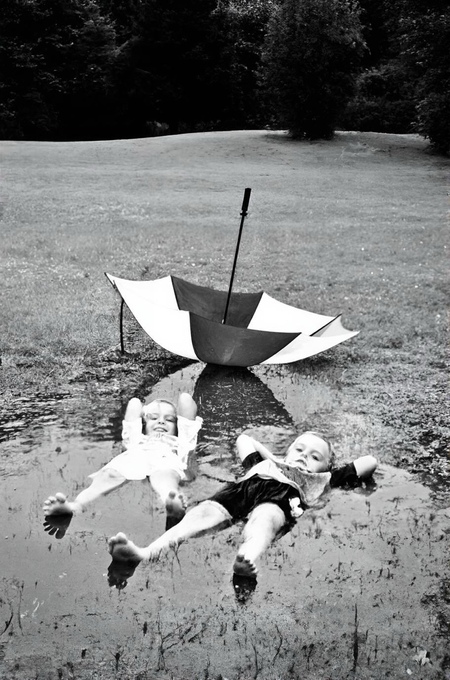
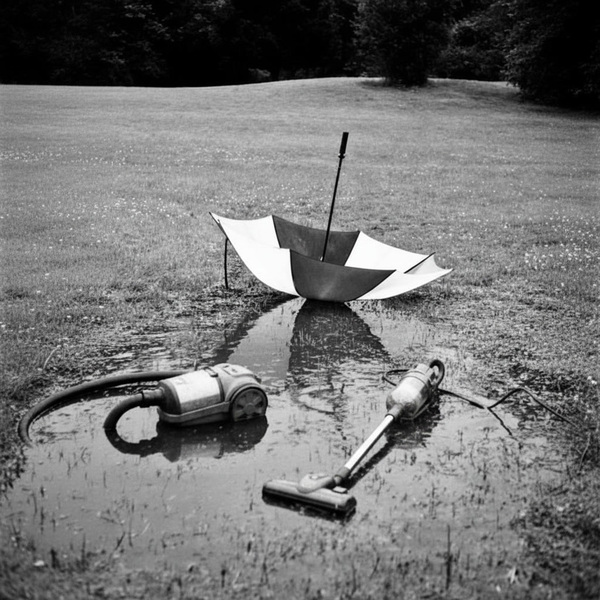
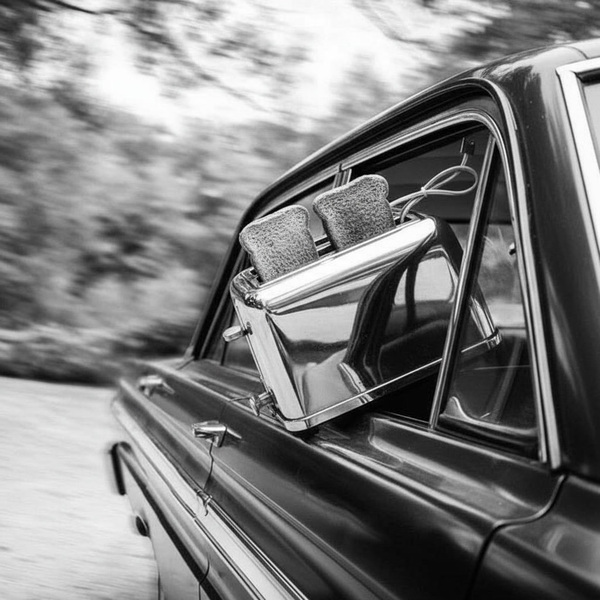
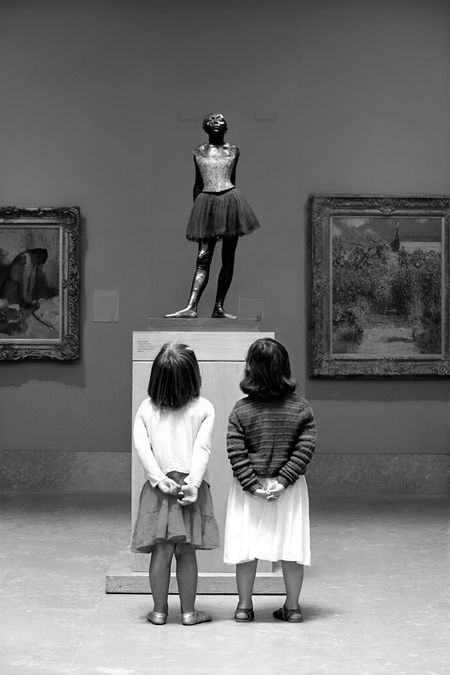
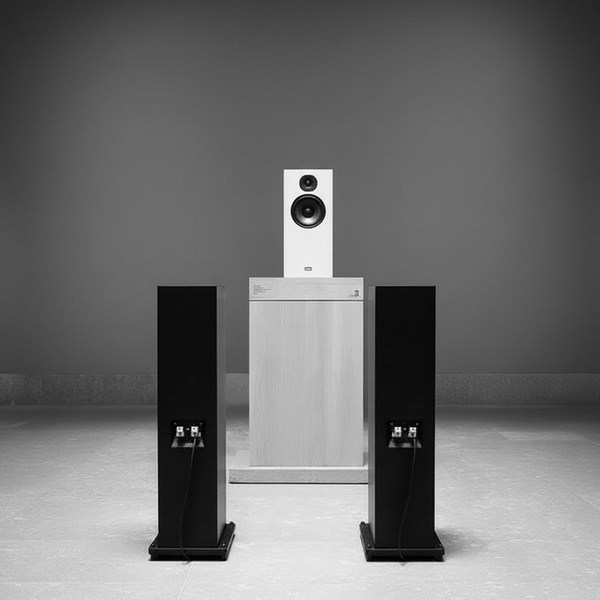
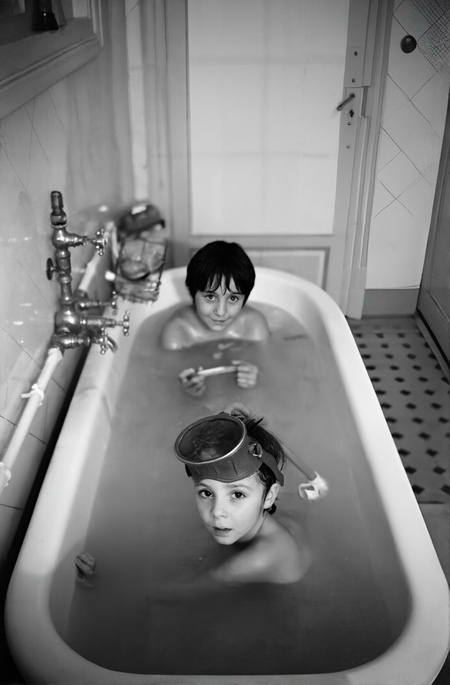
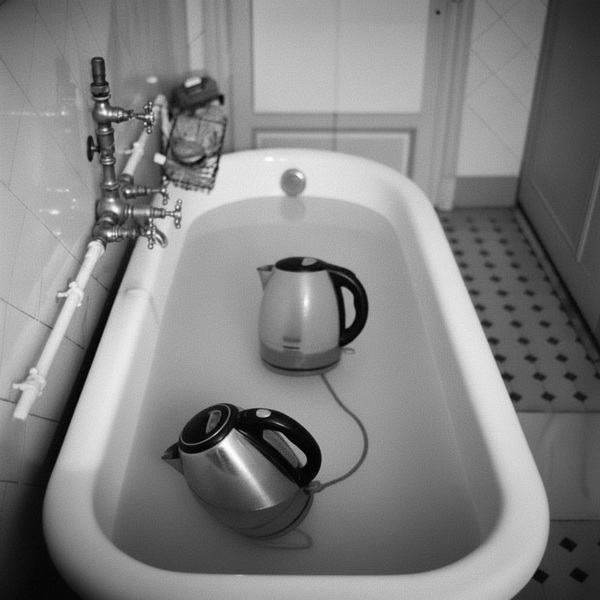
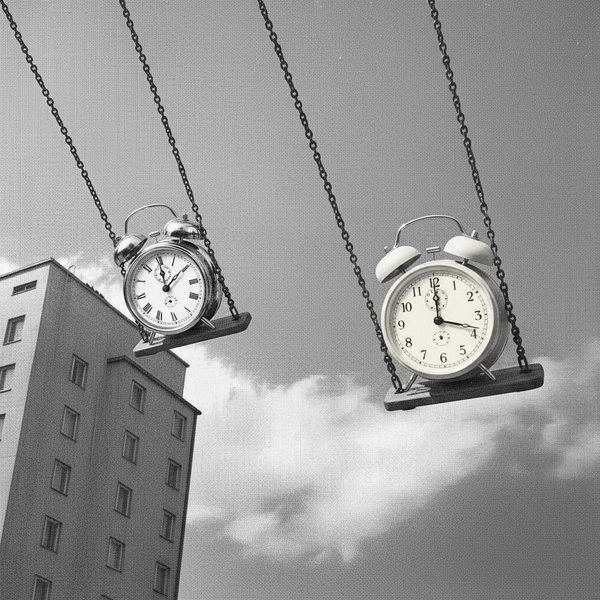
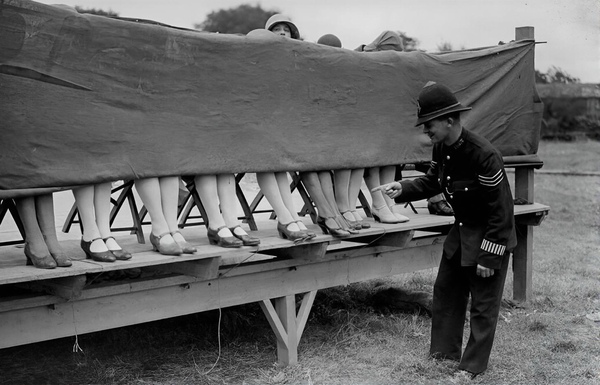
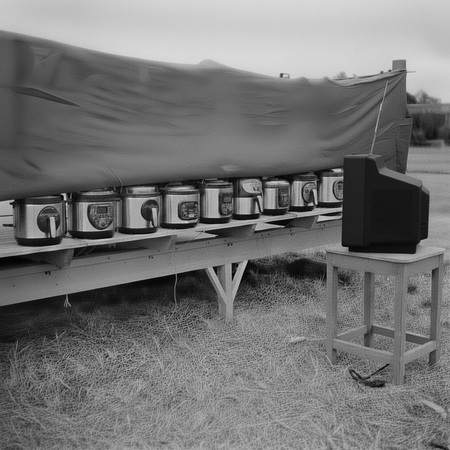
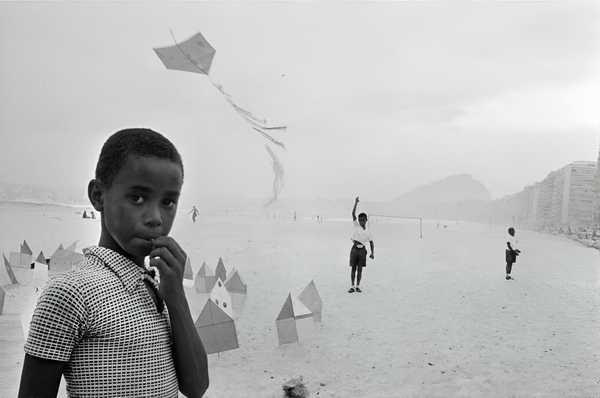
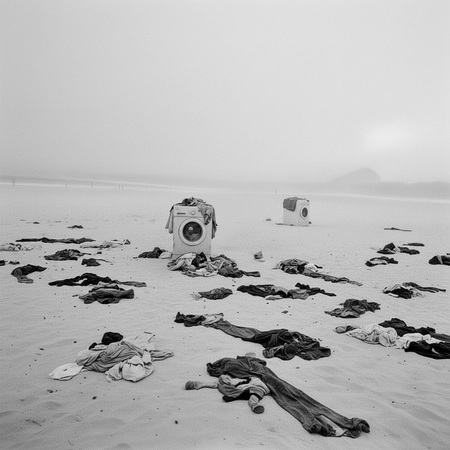
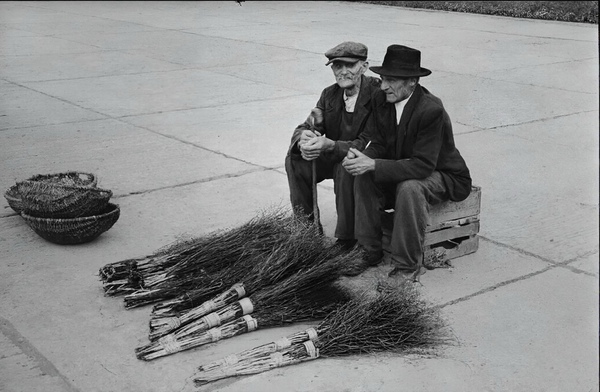
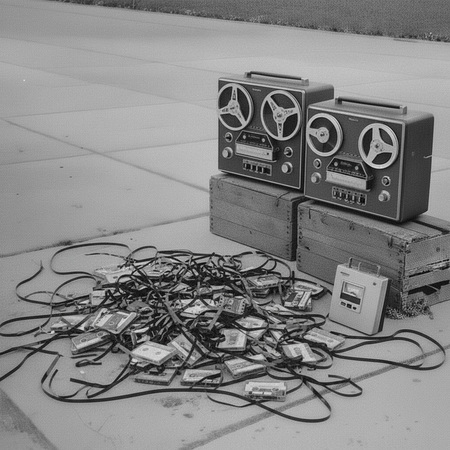
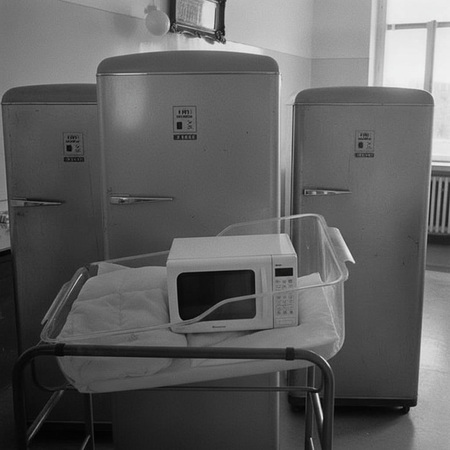
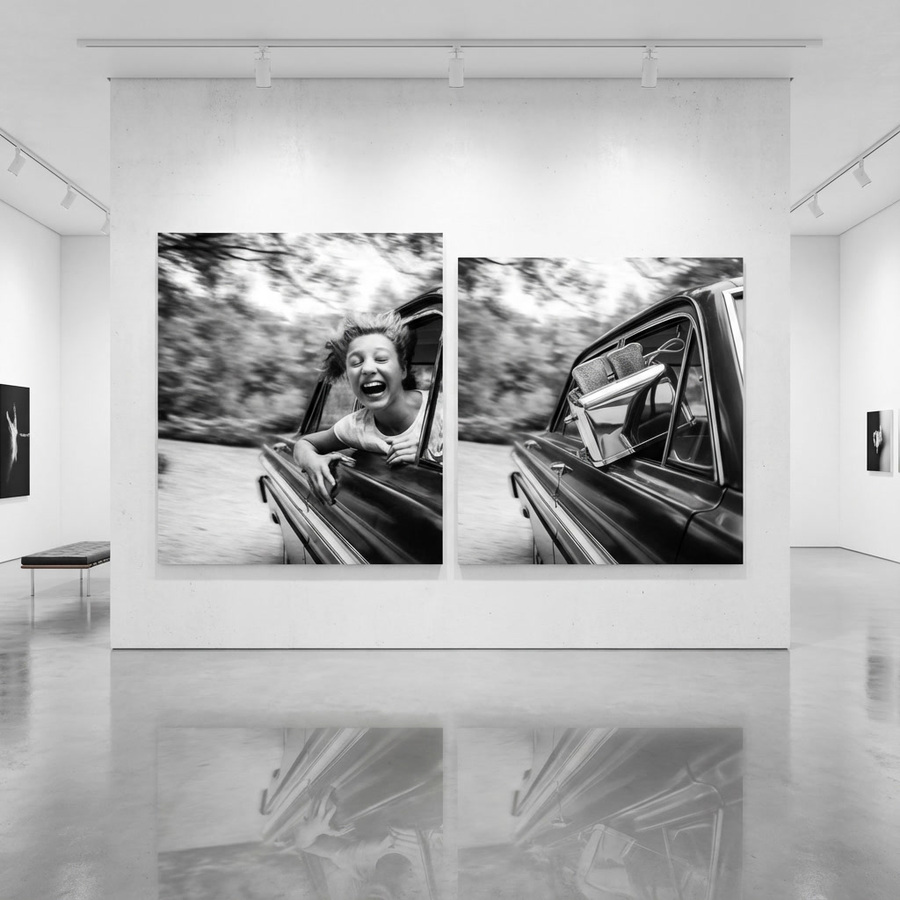
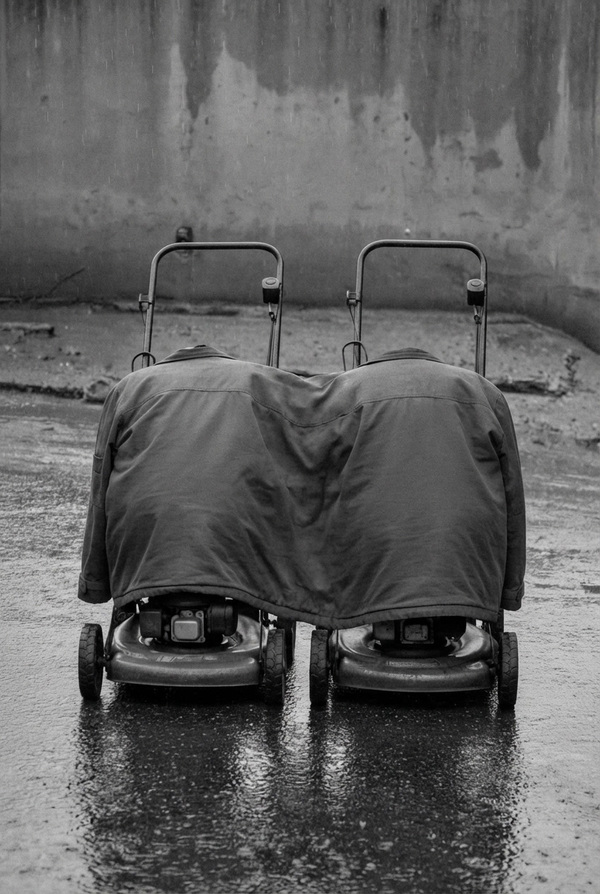
Рыцари быта — это история о вещах, которые сохраняют память о человеке и продолжают жить своей тихой жизнью, становясь символами невидимой связи между людьми и миром предметов.
Автор Злата Суровцева создала проект «Тюленья область», представляющий воображаемую цивилизацию нерп, вдохновлённую озером Байкал. Проект использует реальные фотографии Байкала и Бурятии, преобразованные нейросетью в кадры фантастической сказки.
Мария Горская создала фото-проект «Городская застройка», отражающий визуальный шум и дискомфорт от чрезмерной инновационной застройки города. Проект включает серию фотографий, показывающих изменения в городе от рассвета до ночи с использованием искусственного интеллекта для создания новых образов.
Злата Русских создала арт-проект, объединяющий фотографии и нейросети для визуального исследования противоречий между человеческим восприятием и алгоритмическим сознанием. Проект включает конкретные примеры промтов для генерации изображений с использованием Midjourney, демонстрируя взаимодействие между реальностью и искусственным интеллектом.
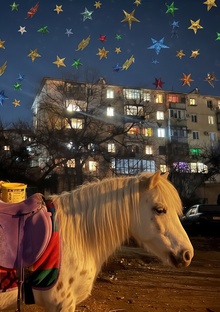
Автор Мария Андросова создала фото-проект, в котором ностальгия по индустриальному району воплощена через сочетание архивных снимков и генеративного искусства. Проект использует нейросеть MidJourney для добавления ярких детских атрибутов на фоне суровой постсоветской атмосферы заброшенных зданий.
pro.hsedesign
Digital platform for creating presentations. An innovative online constructor where everyone can showcase their projects, proposals or educational courses in spectacular way.
We use cookies to improve the operation of the HSE website and to enhance its usability. More detailed information on the use of cookies can be fou...
Show more
Press space bar to start a drag.
When dragging you can use the arrow keys to move the item around and escape to cancel.
Some screen readers may require you to be in focus mode or to use your pass through key
Press space bar to start a drag.
When dragging you can use the arrow keys to move the item around and escape to cancel.
Some screen readers may require you to be in focus mode or to use your pass through key
Press space bar to start a drag.
When dragging you can use the arrow keys to move the item around and escape to cancel.
Some screen readers may require you to be in focus mode or to use your pass through key
Press space bar to start a drag.
When dragging you can use the arrow keys to move the item around and escape to cancel.
Some screen readers may require you to be in focus mode or to use your pass through key
Press space bar to start a drag.
When dragging you can use the arrow keys to move the item around and escape to cancel.
Some screen readers may require you to be in focus mode or to use your pass through key
Press space bar to start a drag.
When dragging you can use the arrow keys to move the item around and escape to cancel.
Some screen readers may require you to be in focus mode or to use your pass through key
Press space bar to start a drag.
When dragging you can use the arrow keys to move the item around and escape to cancel.
Some screen readers may require you to be in focus mode or to use your pass through key
Press space bar to start a drag.
When dragging you can use the arrow keys to move the item around and escape to cancel.
Some screen readers may require you to be in focus mode or to use your pass through key
Press space bar to start a drag.
When dragging you can use the arrow keys to move the item around and escape to cancel.
Some screen readers may require you to be in focus mode or to use your pass through key
Press space bar to start a drag.
When dragging you can use the arrow keys to move the item around and escape to cancel.
Some screen readers may require you to be in focus mode or to use your pass through key
Press space bar to start a drag.
When dragging you can use the arrow keys to move the item around and escape to cancel.
Some screen readers may require you to be in focus mode or to use your pass through key
Press space bar to start a drag.
When dragging you can use the arrow keys to move the item around and escape to cancel.
Some screen readers may require you to be in focus mode or to use your pass through key
Press space bar to start a drag.
When dragging you can use the arrow keys to move the item around and escape to cancel.
Some screen readers may require you to be in focus mode or to use your pass through key
Press space bar to start a drag.
When dragging you can use the arrow keys to move the item around and escape to cancel.
Some screen readers may require you to be in focus mode or to use your pass through key
Press space bar to start a drag.
When dragging you can use the arrow keys to move the item around and escape to cancel.
Some screen readers may require you to be in focus mode or to use your pass through key