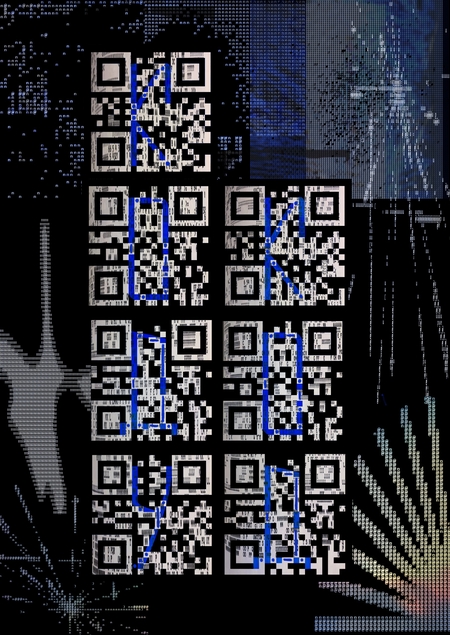
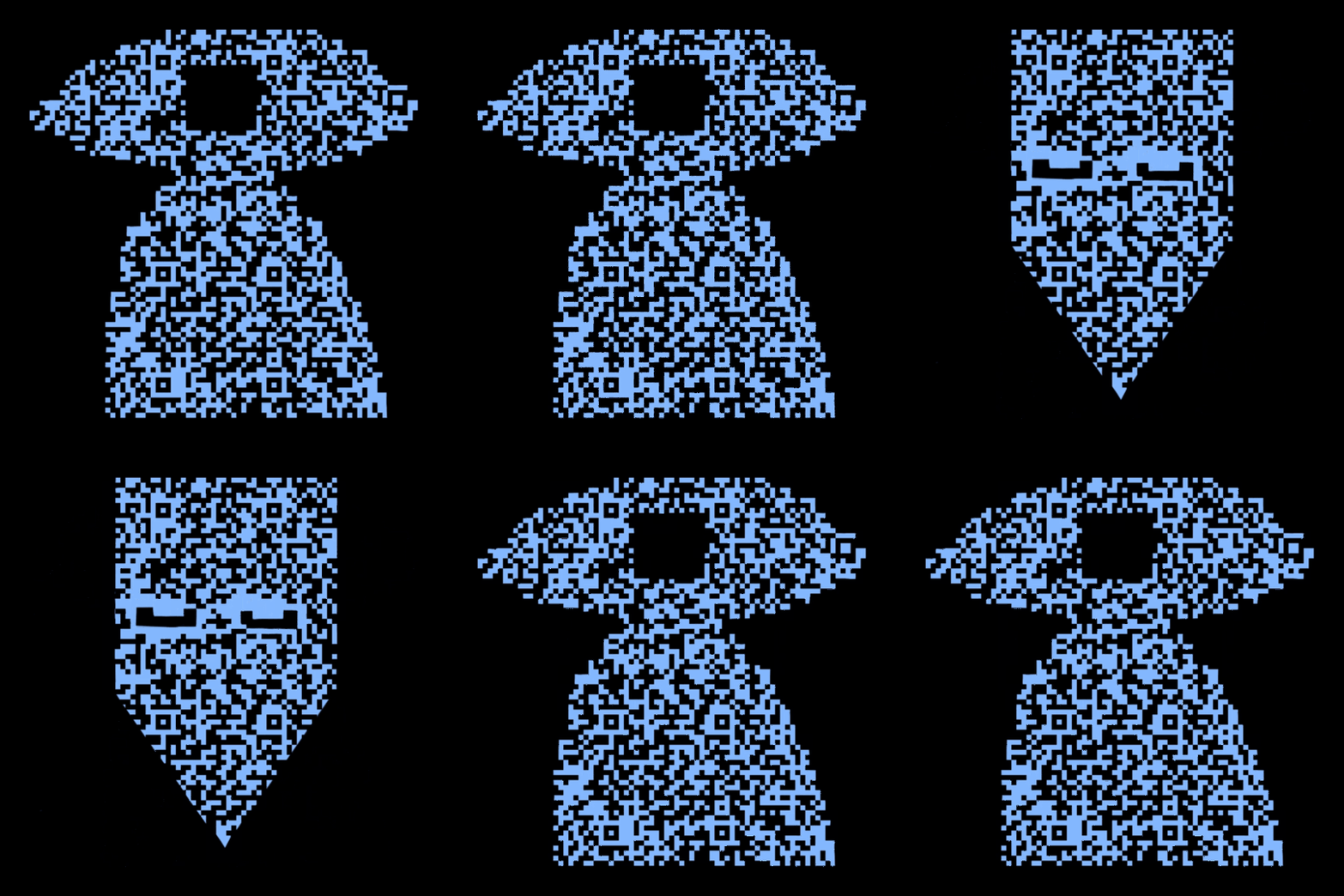
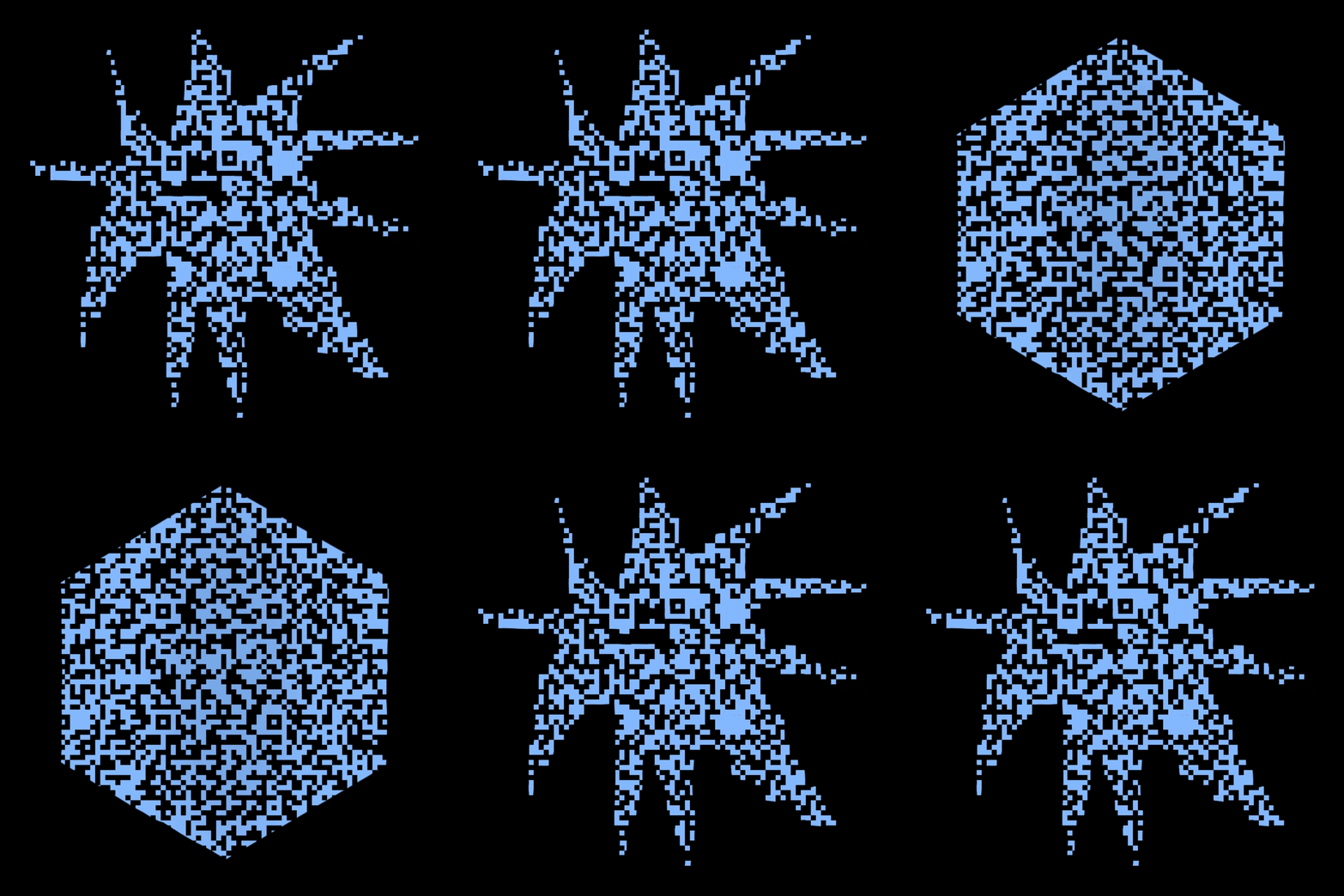
Qr-codea — это цифровое пространство, где все грани стираются. Здесь QR-коды перестают быть скучными черно-белыми квадратиками. Каждый код — это не просто набор пикселей, а цифровой организм, который способен думать, анализировать, чувствовать и ставить себе цели. Коды взаимодействуют друг с другом, создавая сложную сеть взаимоотношений, как в настоящем обществе.
Изучая проект, каждый зритель получает способность понять послания, оставленные кодами. Это симбиоз функциональности и креатива, где технологии становятся частью художественного высказывания и помогают глубже понять то, что было неясно.
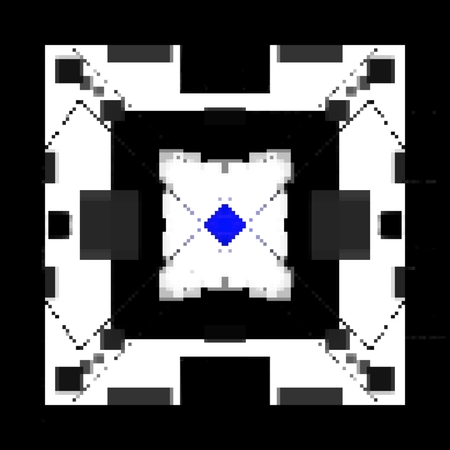
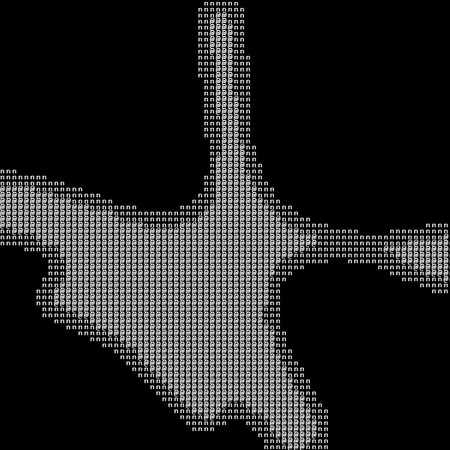
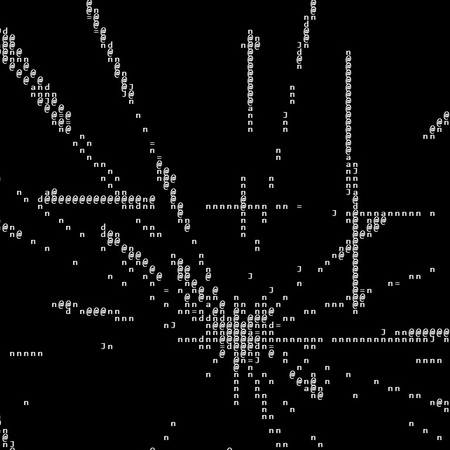
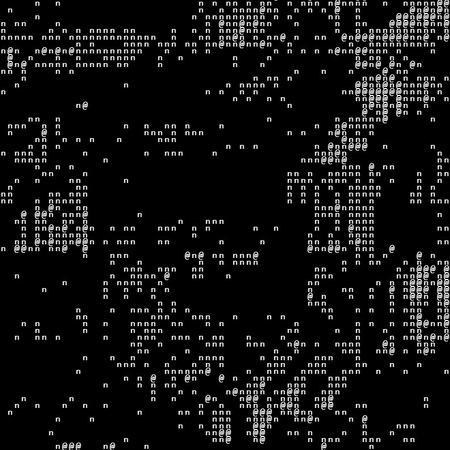
Маргарита Титова создала цифровое пространство Qr-codea, в котором QR-коды становятся живыми организмами, способными взаимодействовать и создавать сложные сети отношений. Проект включает в себя посты, посвящённые темам, таким как флаги стран, индексы профессий, иероглифы и иерархия.
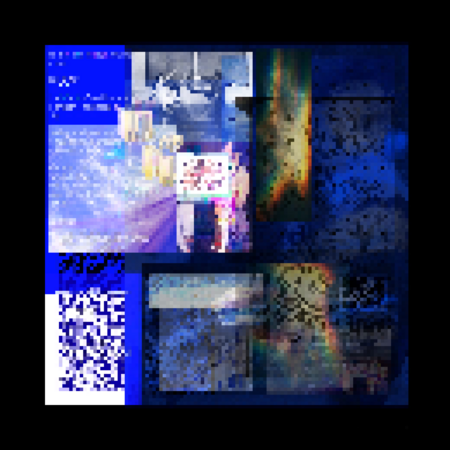
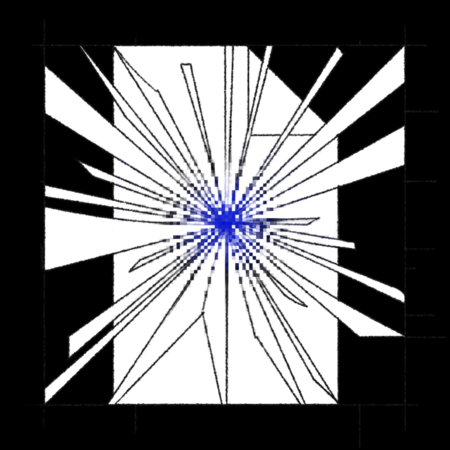
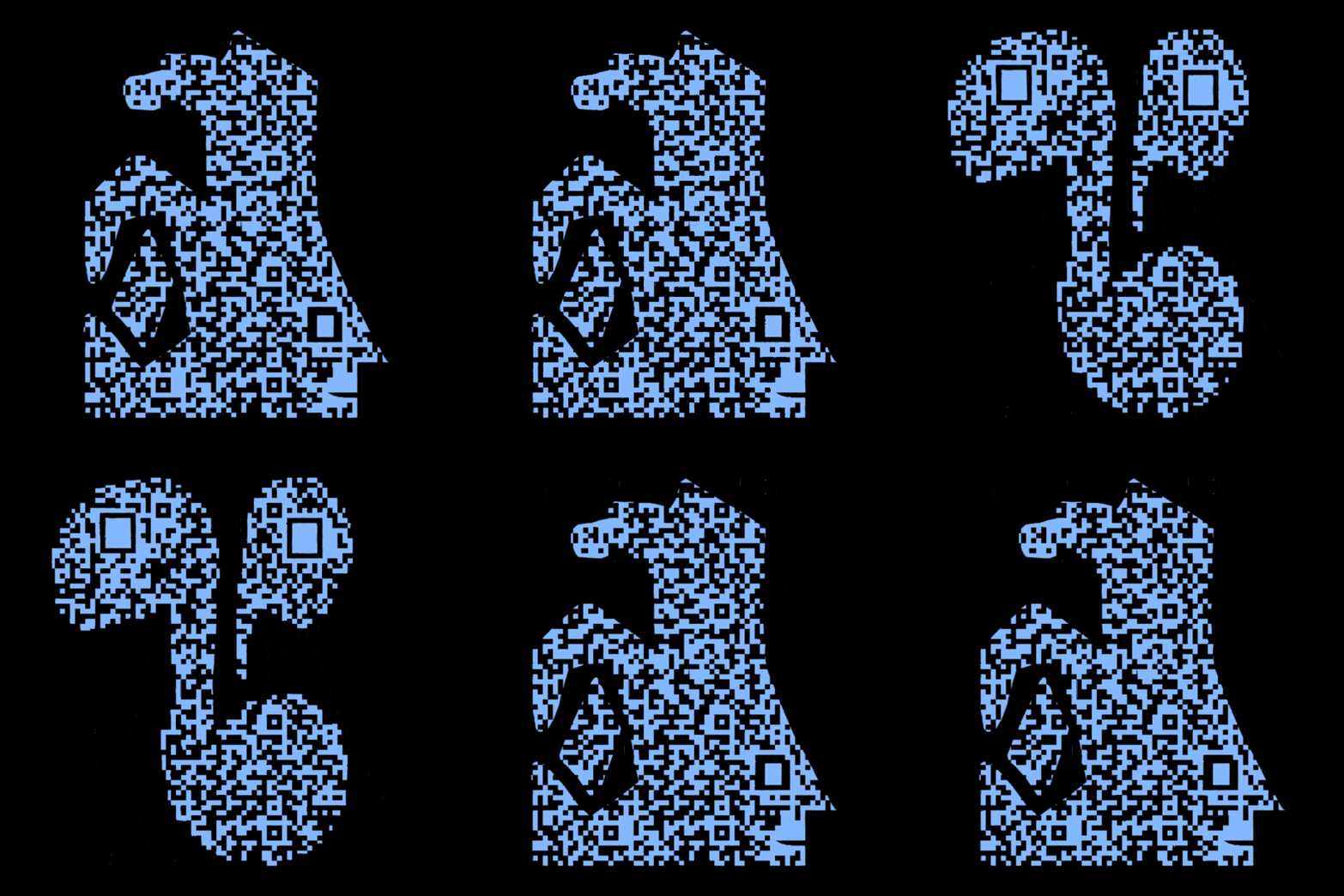
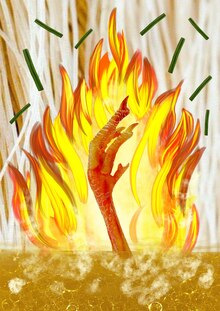
Яна Попова рассказывает истории о жизни в маленьком китайском супермаркете рядом с её домом. Проект включает в себя тексты, написанные в формате постов, которые описывают воспоминания и повседневные события в магазине.
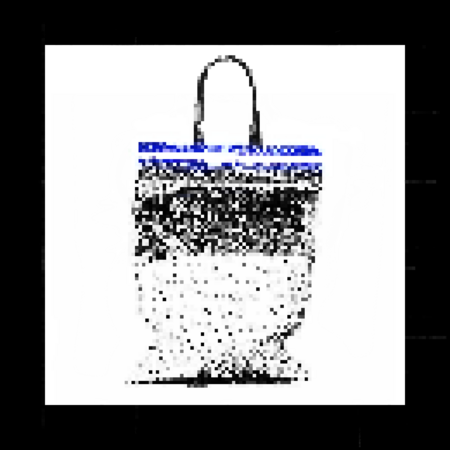
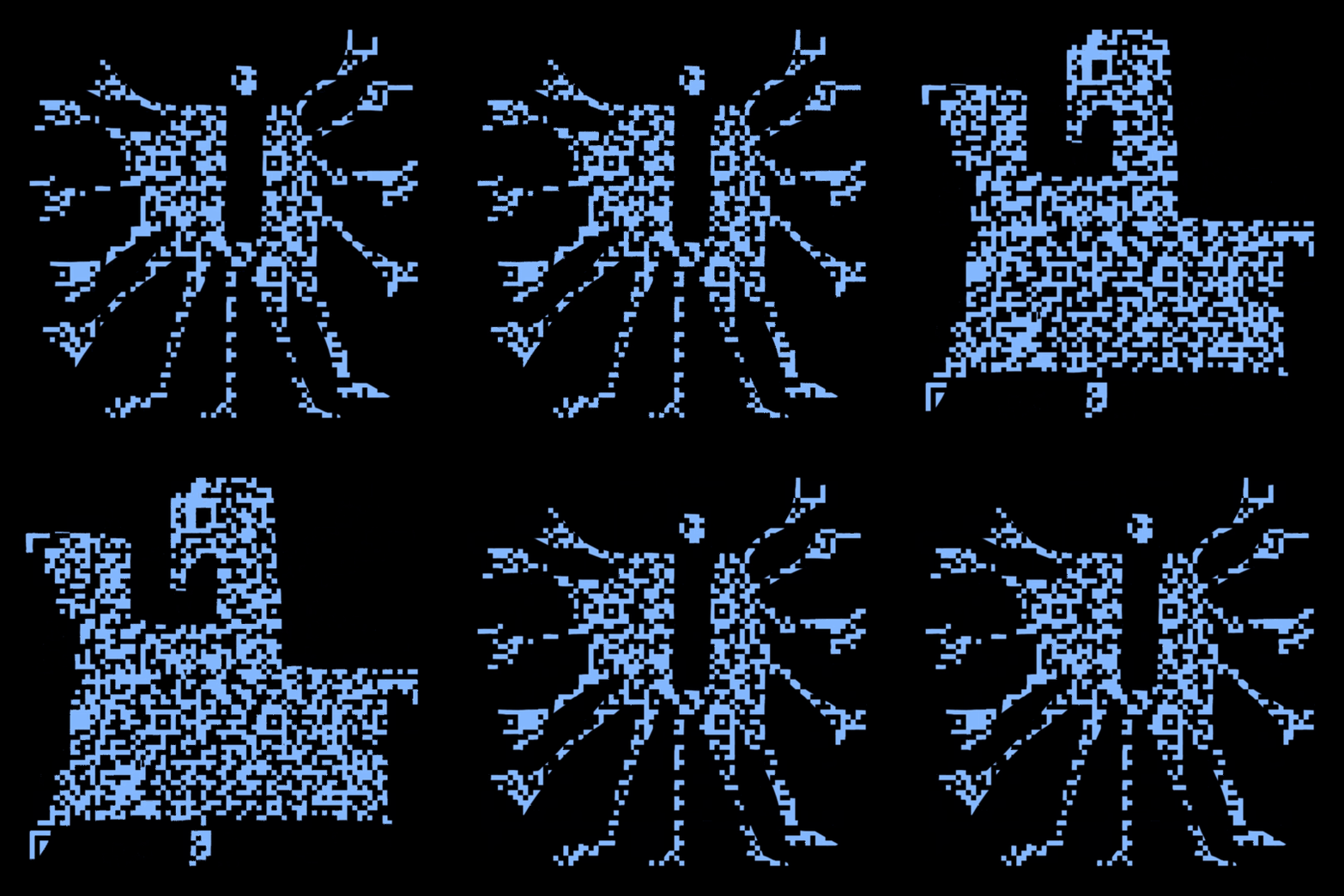
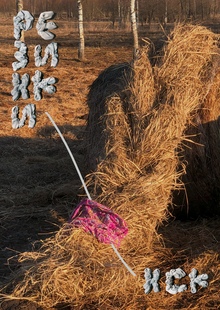
Евгения Яровицына создала город резинок с уникальными жителями и культурой. Проект включает флаги, иероглифы, персонажей и арт-объект, отражающие особенности народа резинок.
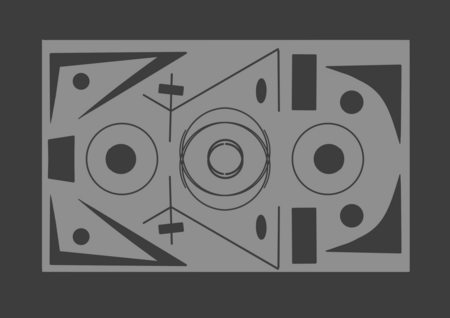
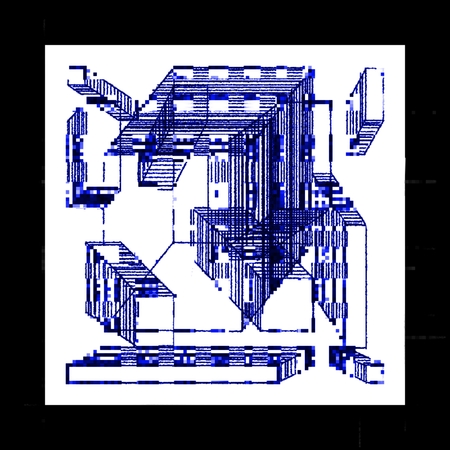
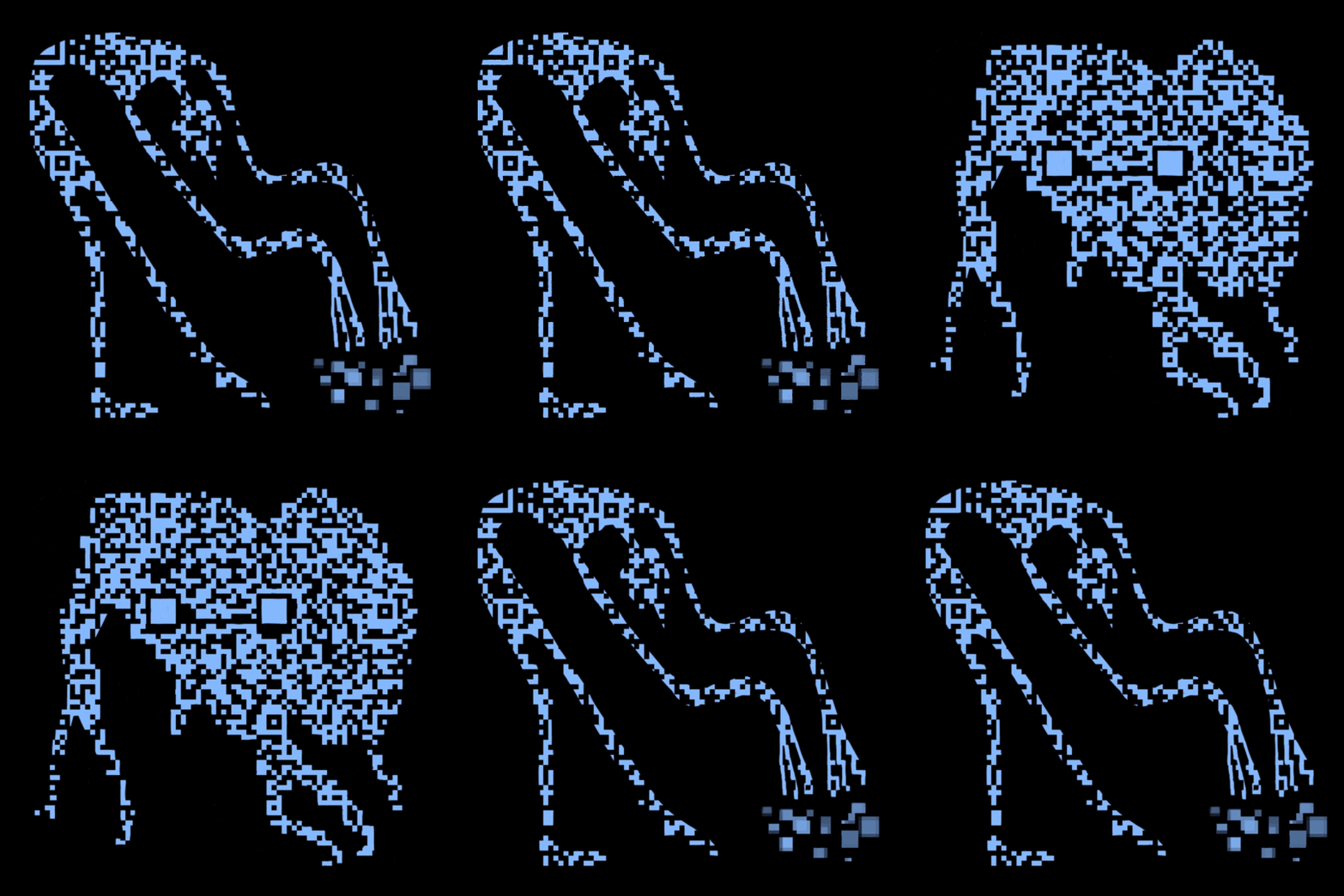
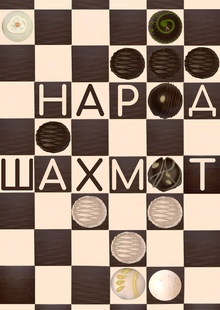
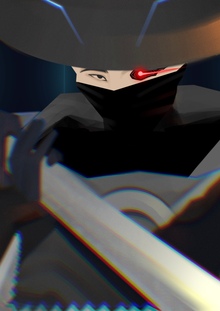
Анна Полякова создала концепт-арты локаций и персонажей для видеоигры в жанре action-adventure от третьего лица, сочетающей древний мир и высокие технологии. Проект включает детализированные описания персонажей с модифицированными телами и технологическими особенностями, а также историю лаборатории, обнаруженной буддистами в горах.
pro.hsedesign
Digital platform for creating presentations. An innovative online constructor where everyone can showcase their projects, proposals or educational courses in spectacular way.
We use cookies to improve the operation of the HSE website and to enhance its usability. More detailed information on the use of cookies can be fou...
Show more
Press space bar to start a drag.
When dragging you can use the arrow keys to move the item around and escape to cancel.
Some screen readers may require you to be in focus mode or to use your pass through key
Press space bar to start a drag.
When dragging you can use the arrow keys to move the item around and escape to cancel.
Some screen readers may require you to be in focus mode or to use your pass through key
Press space bar to start a drag.
When dragging you can use the arrow keys to move the item around and escape to cancel.
Some screen readers may require you to be in focus mode or to use your pass through key
Press space bar to start a drag.
When dragging you can use the arrow keys to move the item around and escape to cancel.
Some screen readers may require you to be in focus mode or to use your pass through key
Press space bar to start a drag.
When dragging you can use the arrow keys to move the item around and escape to cancel.
Some screen readers may require you to be in focus mode or to use your pass through key
Press space bar to start a drag.
When dragging you can use the arrow keys to move the item around and escape to cancel.
Some screen readers may require you to be in focus mode or to use your pass through key
Press space bar to start a drag.
When dragging you can use the arrow keys to move the item around and escape to cancel.
Some screen readers may require you to be in focus mode or to use your pass through key
Press space bar to start a drag.
When dragging you can use the arrow keys to move the item around and escape to cancel.
Some screen readers may require you to be in focus mode or to use your pass through key
Press space bar to start a drag.
When dragging you can use the arrow keys to move the item around and escape to cancel.
Some screen readers may require you to be in focus mode or to use your pass through key
Press space bar to start a drag.
When dragging you can use the arrow keys to move the item around and escape to cancel.
Some screen readers may require you to be in focus mode or to use your pass through key
Press space bar to start a drag.
When dragging you can use the arrow keys to move the item around and escape to cancel.
Some screen readers may require you to be in focus mode or to use your pass through key