Данный проект является учебной работой студента Школы дизайна или исследовательской работой преподавателя Школы дизайна. Данный проект не является коммерческим и служит образовательным целям
«Произведение искусства — это уголок мироздания, увиденный сквозь призму определённого темперамента.»
Эмиль Золя
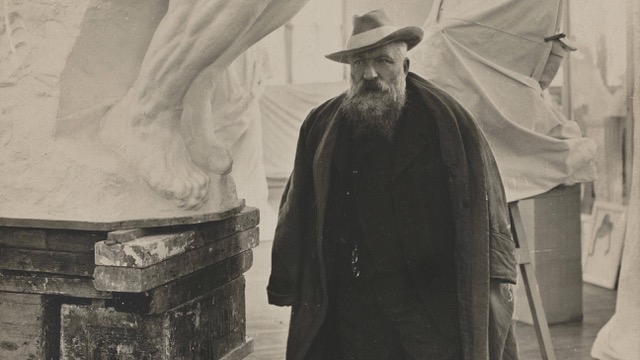
Исходный размер 640x360
фото Альберта Харлинга, Огюст Роден в мастерской, 1905
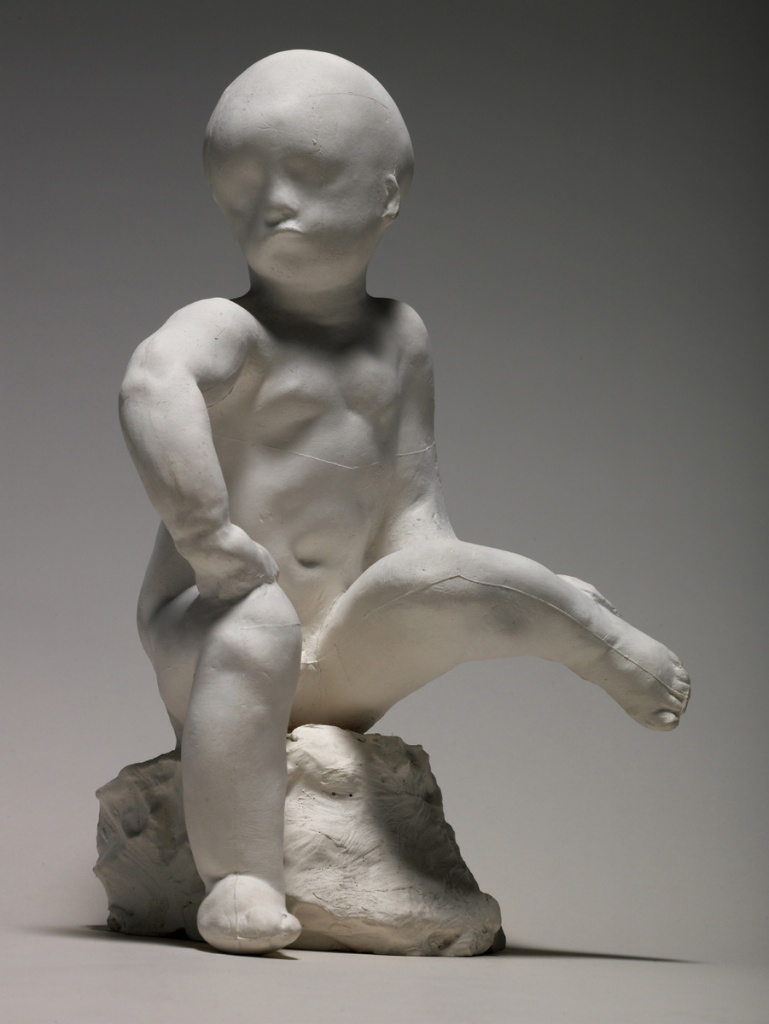
Исходный размер 769x1024
Огюст Роден, «Этюд ребёнка», 1870–1880
Исходный размер 1726x2400
Огюст Роден, «Рука ребенка», 1908
Исходный размер 1345x1681
Огюст Роден, «Сжатая левая рука», 1885
Исходный размер 1200x960
Огюст Роден, «Рука пианиста», 1885
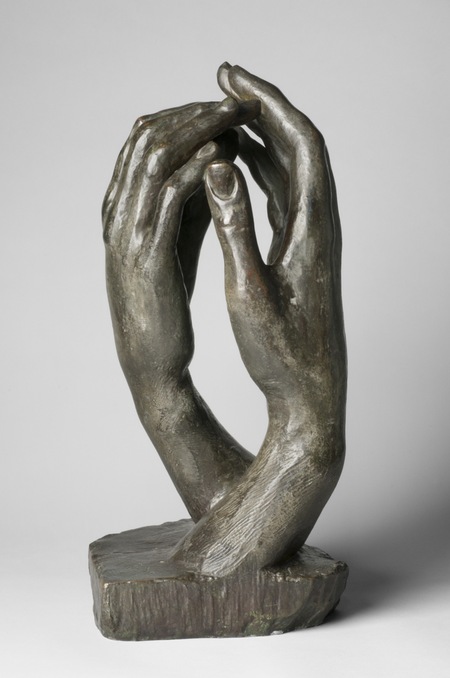
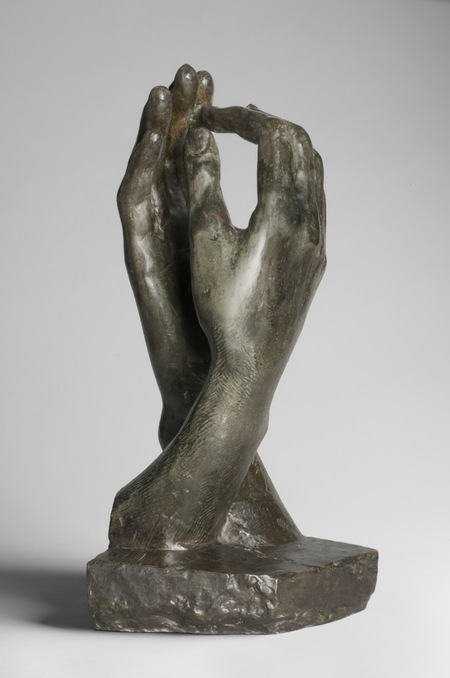
Огюст Роден, «Собор», 1908
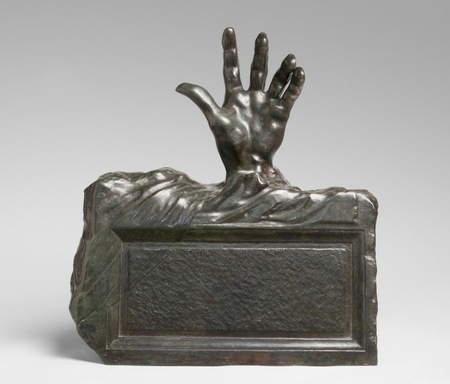
Огюст Роден, «Рука из могилы», 1914
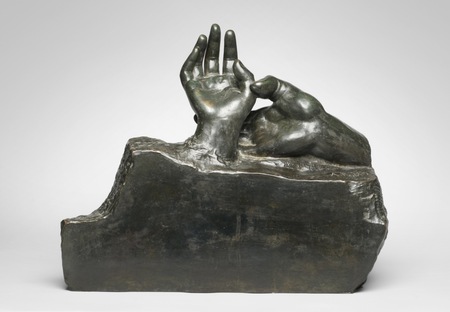
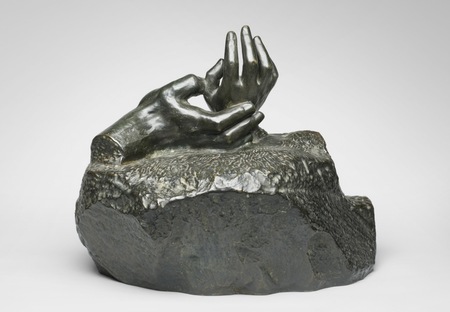
Огюст Роден, «Две руки», 1909
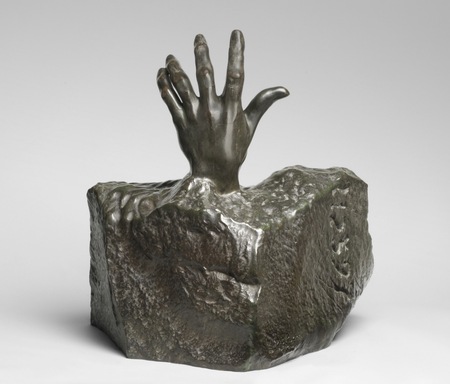
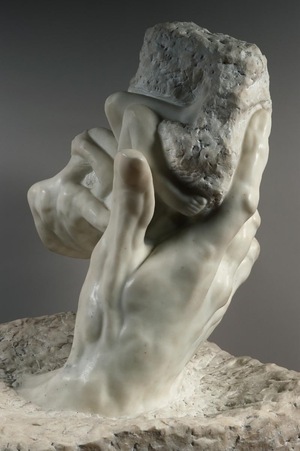
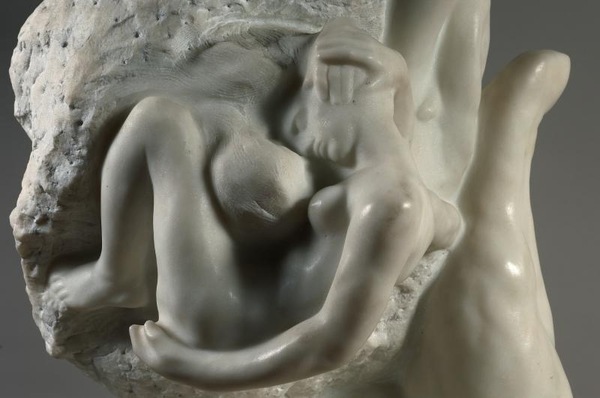
Огюст Роден, «Рука Бога», 1907
Исходный размер 2535x1646
Огюст Роден, «Рука Родена, держащая торс», 1917
«Во всем я подчиняюсь Природе и никогда не притворяюсь, что командую ею. Моя единственная цель быть рабски верным ей»
Огюст Роден
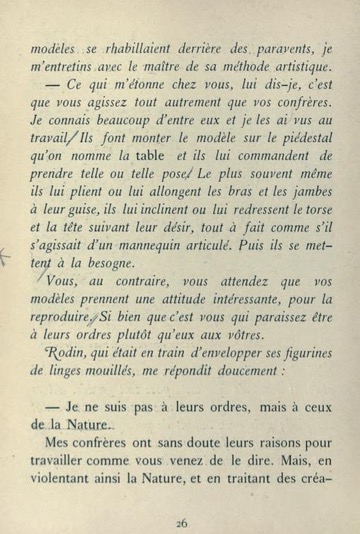
Разворот из книги Поля Гзеля, Огюста Родена «Искусство. Беседы, собранные Полем Гзелем», 1911, стр. 26-27
Огюст Роден, «Торс Адель», 1840–1917
Исходный размер 600x480
Огюст Роден, «Летящая фигура», 1890
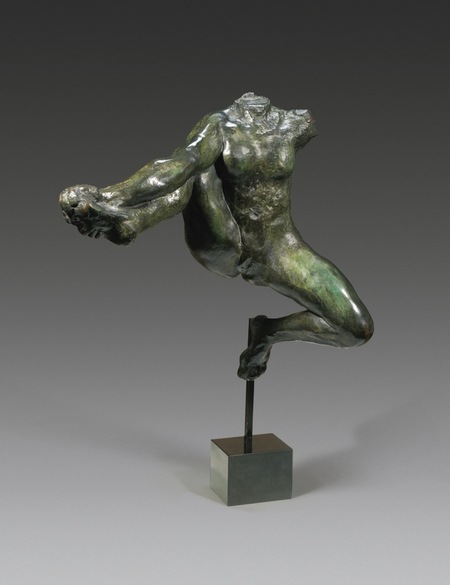
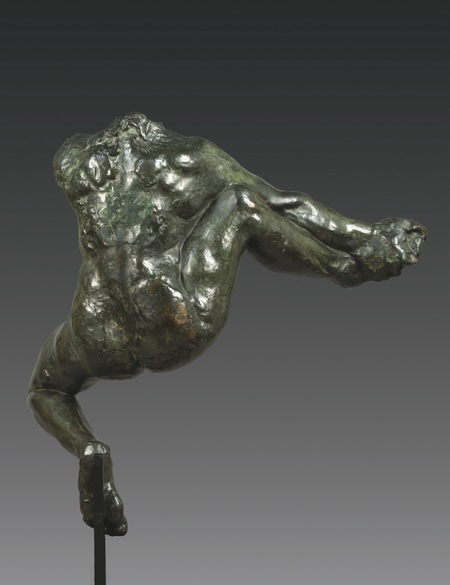
Огюст Роден, «Ирида, посланница богов», 1890–1891
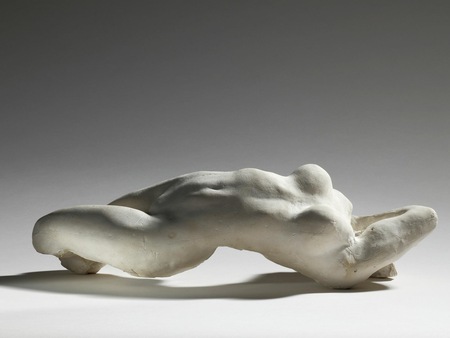
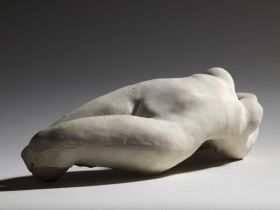
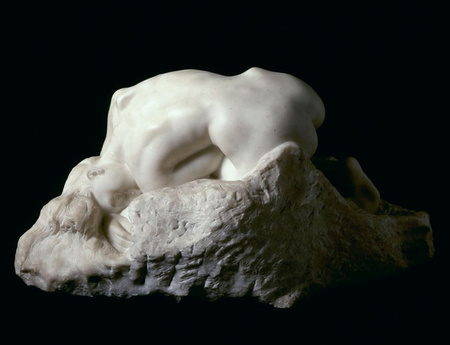
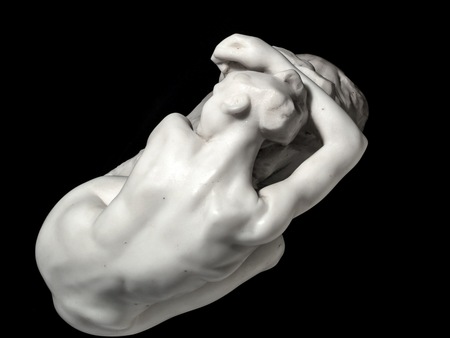
Огюст Роден, «Данаида», 1886-1889
Исходный размер 599x464
Огюст Роден, «Отчаяние», 1890
Исходный размер 735x981
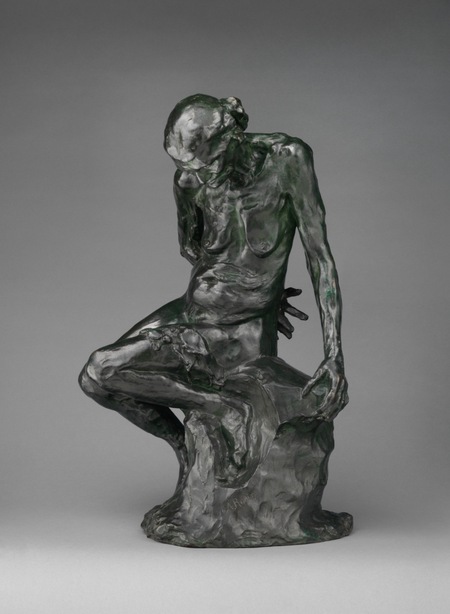
Огюст Роден, «Сидящая на корточках», 1881–1882
Огюст Роден, «Павшая кариатида с камнем II», 1883;
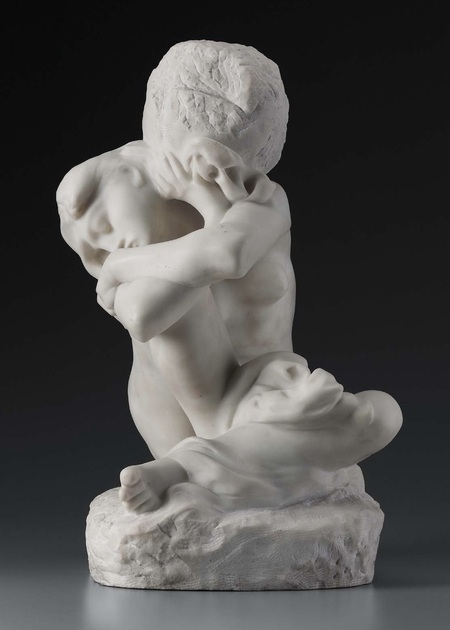
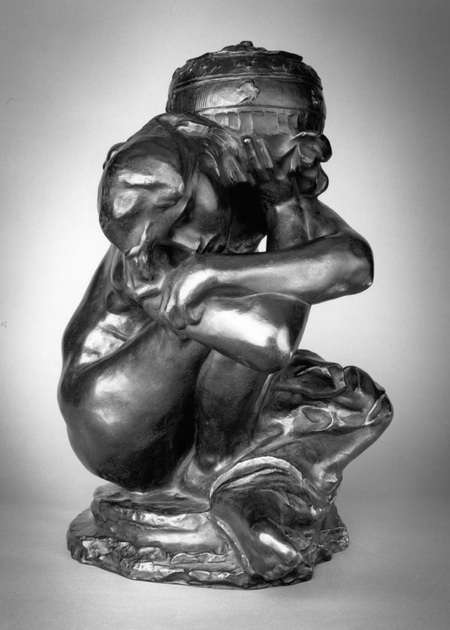
Огюст Роден, «Сидящая кариатида с урной», 1883
Мы используем файлы cookies для улучшения работы сайта НИУ ВШЭ и большего удобства его использования. Более подробную...
Показать больше
Press space bar to start a drag.
When dragging you can use the arrow keys to move the item around and escape to cancel.
Some screen readers may require you to be in focus mode or to use your pass through key
Press space bar to start a drag.
When dragging you can use the arrow keys to move the item around and escape to cancel.
Some screen readers may require you to be in focus mode or to use your pass through key
Press space bar to start a drag.
When dragging you can use the arrow keys to move the item around and escape to cancel.
Some screen readers may require you to be in focus mode or to use your pass through key
Press space bar to start a drag.
When dragging you can use the arrow keys to move the item around and escape to cancel.
Some screen readers may require you to be in focus mode or to use your pass through key
Press space bar to start a drag.
When dragging you can use the arrow keys to move the item around and escape to cancel.
Some screen readers may require you to be in focus mode or to use your pass through key
Press space bar to start a drag.
When dragging you can use the arrow keys to move the item around and escape to cancel.
Some screen readers may require you to be in focus mode or to use your pass through key
Press space bar to start a drag.
When dragging you can use the arrow keys to move the item around and escape to cancel.
Some screen readers may require you to be in focus mode or to use your pass through key
Press space bar to start a drag.
When dragging you can use the arrow keys to move the item around and escape to cancel.
Some screen readers may require you to be in focus mode or to use your pass through key
Press space bar to start a drag.
When dragging you can use the arrow keys to move the item around and escape to cancel.
Some screen readers may require you to be in focus mode or to use your pass through key
Press space bar to start a drag.
When dragging you can use the arrow keys to move the item around and escape to cancel.
Some screen readers may require you to be in focus mode or to use your pass through key
Press space bar to start a drag.
When dragging you can use the arrow keys to move the item around and escape to cancel.
Some screen readers may require you to be in focus mode or to use your pass through key
Press space bar to start a drag.
When dragging you can use the arrow keys to move the item around and escape to cancel.
Some screen readers may require you to be in focus mode or to use your pass through key
Press space bar to start a drag.
When dragging you can use the arrow keys to move the item around and escape to cancel.
Some screen readers may require you to be in focus mode or to use your pass through key
Press space bar to start a drag.
When dragging you can use the arrow keys to move the item around and escape to cancel.
Some screen readers may require you to be in focus mode or to use your pass through key