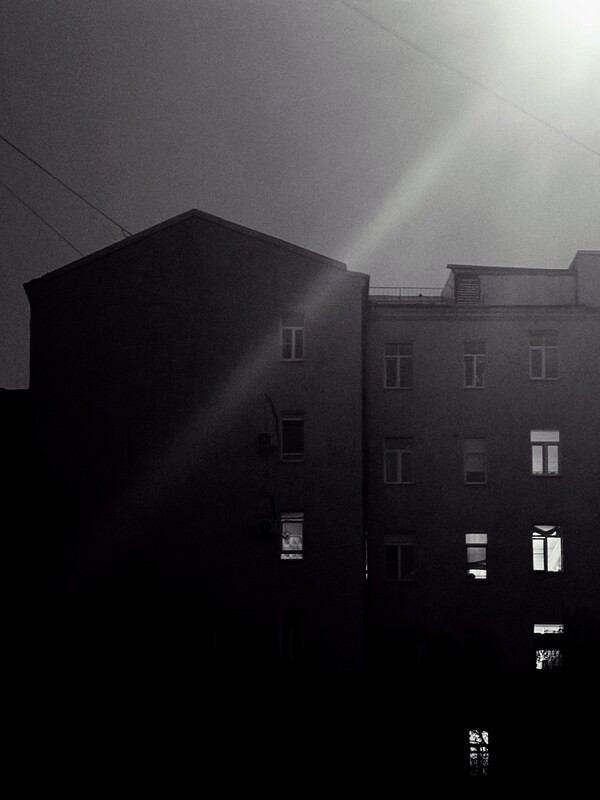
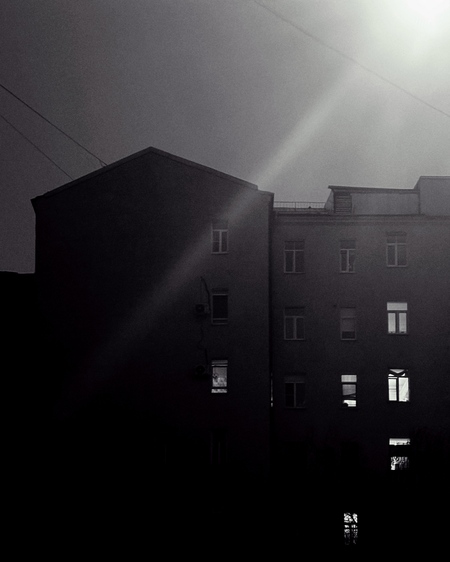
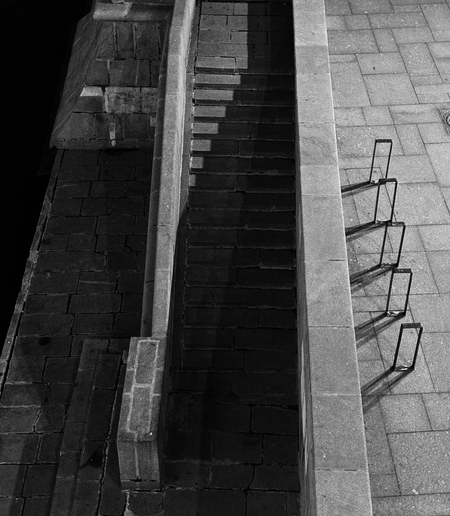
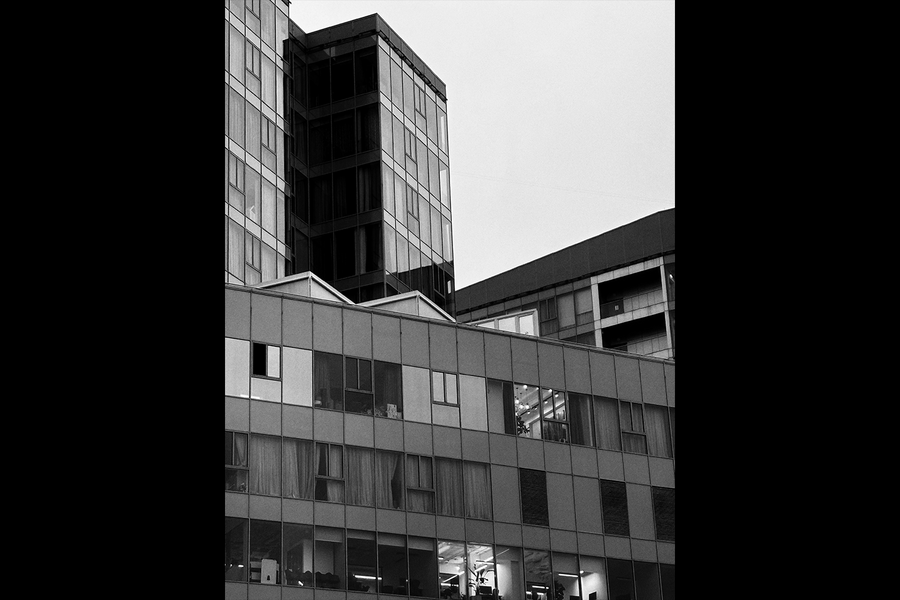
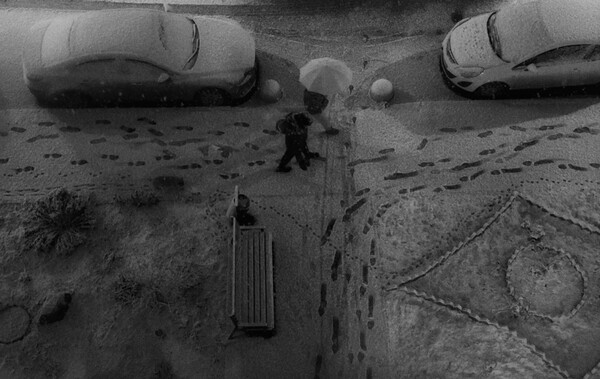
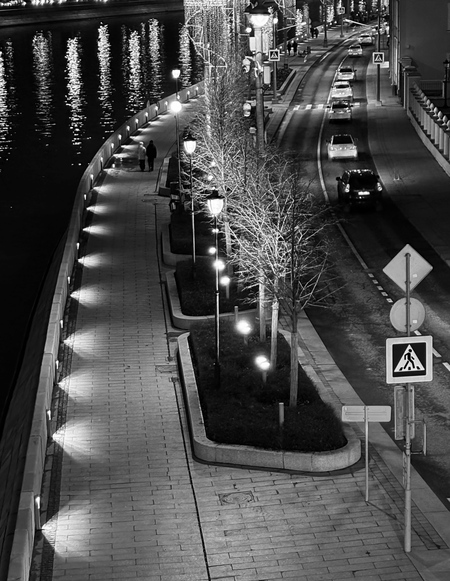
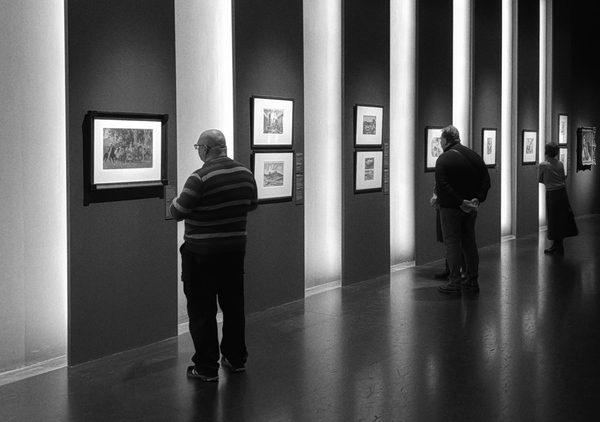
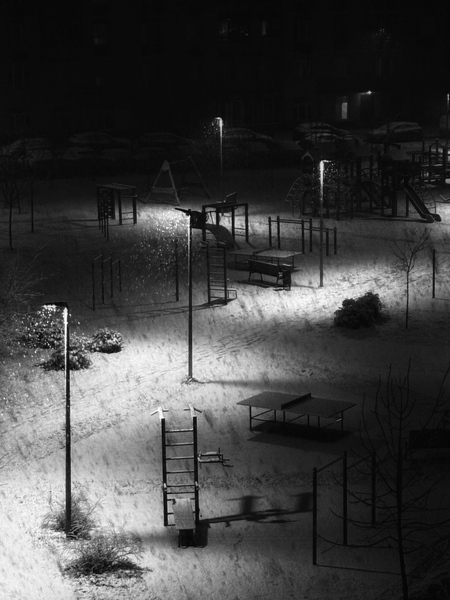
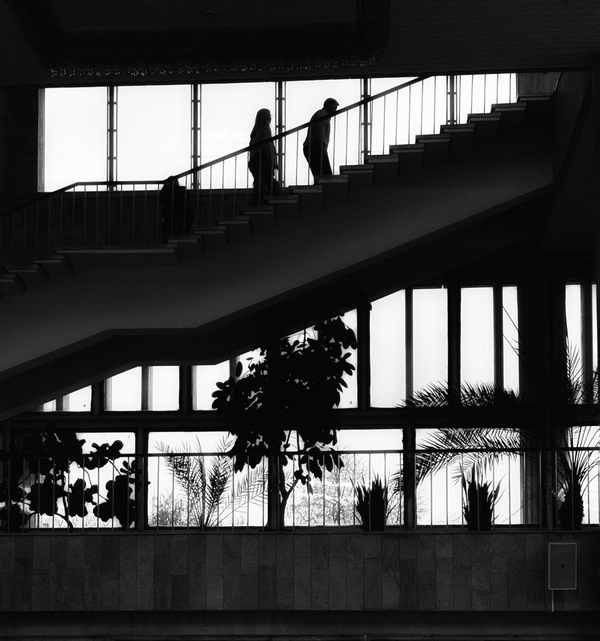
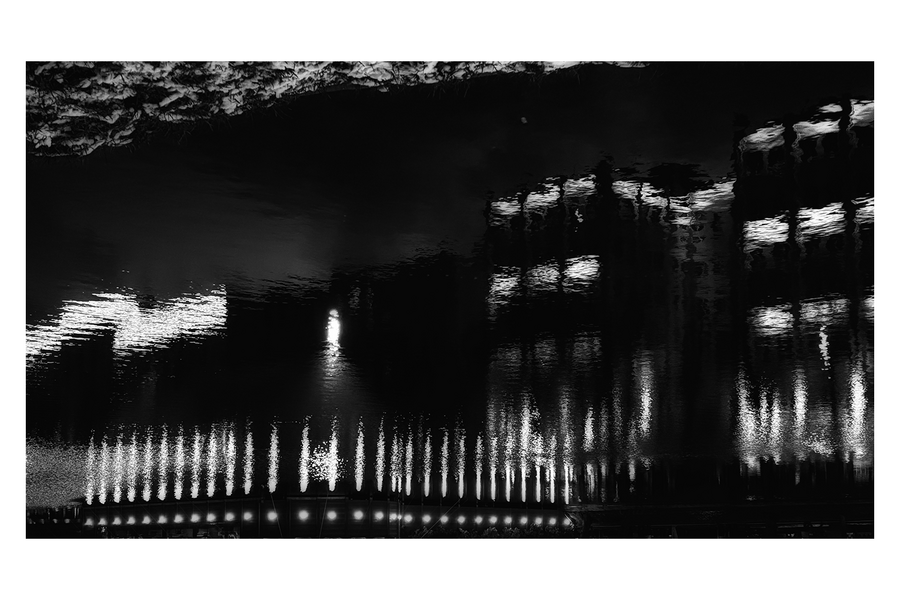
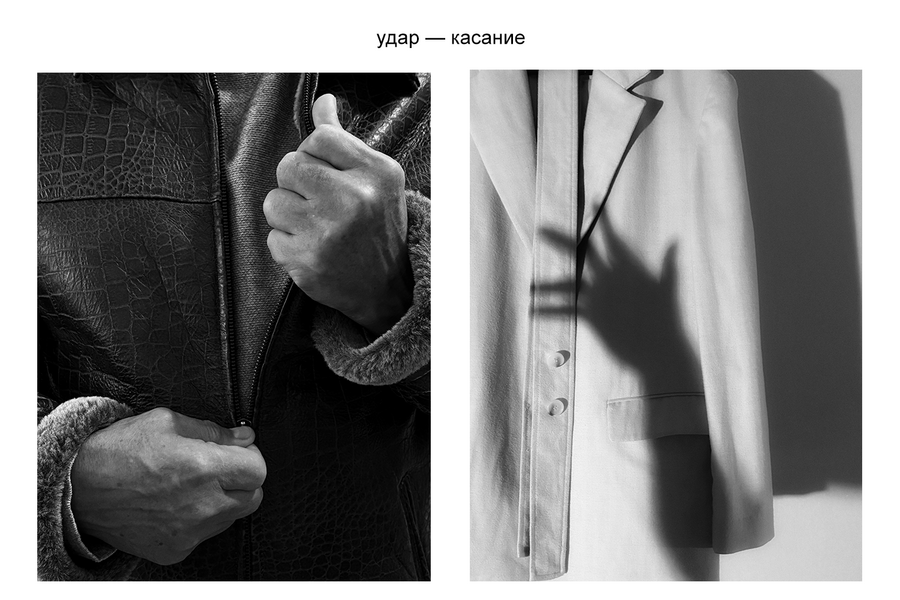
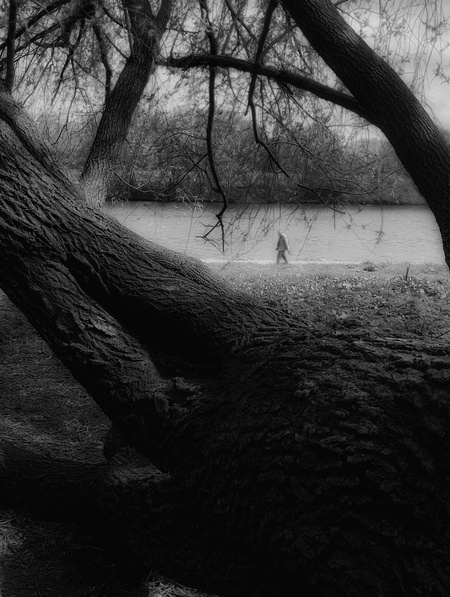
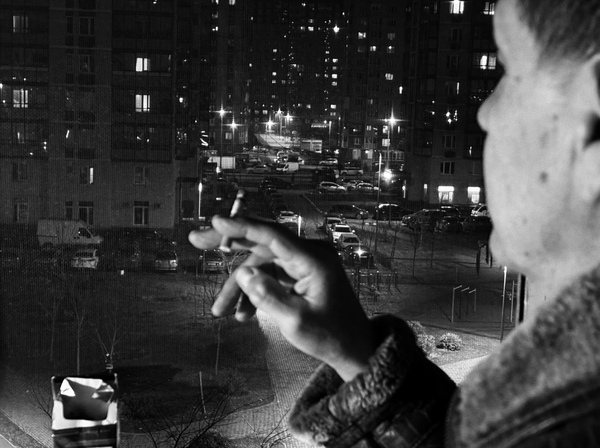
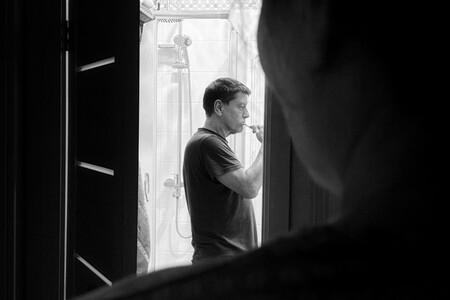
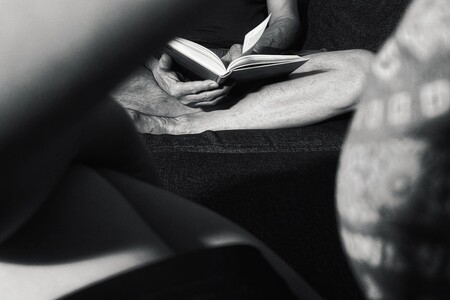
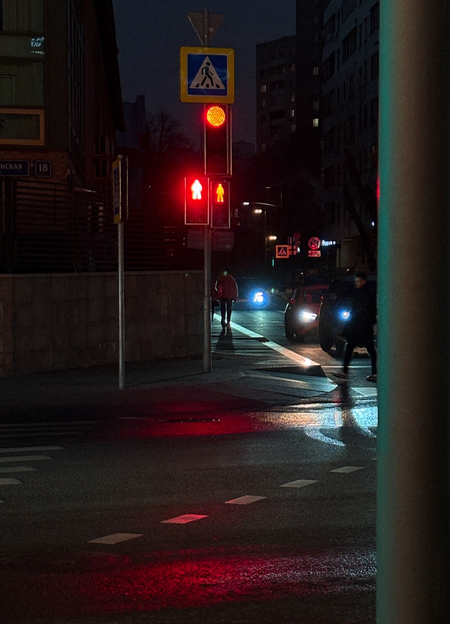
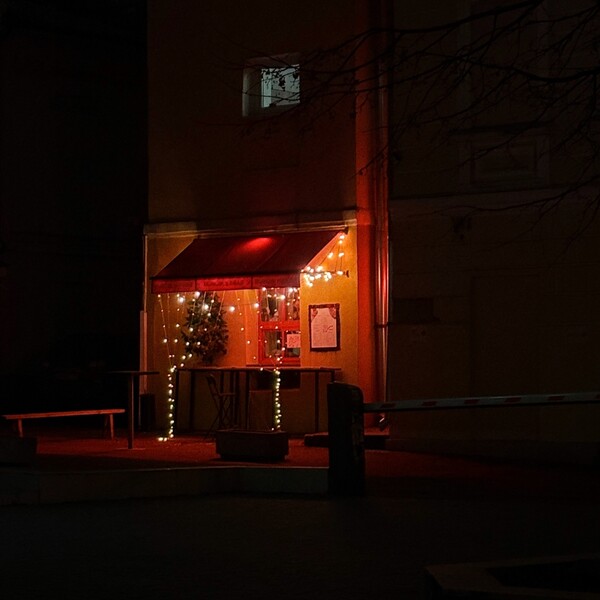
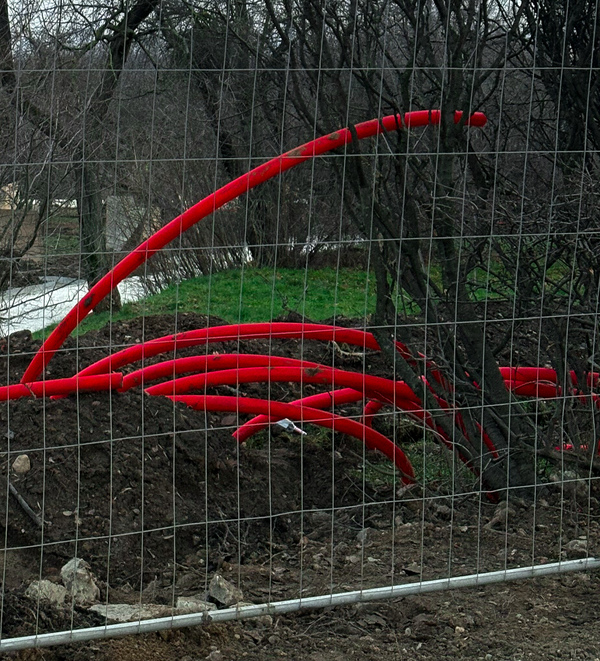
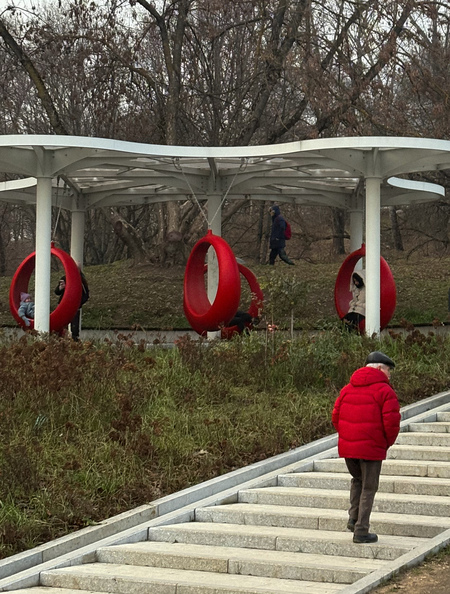
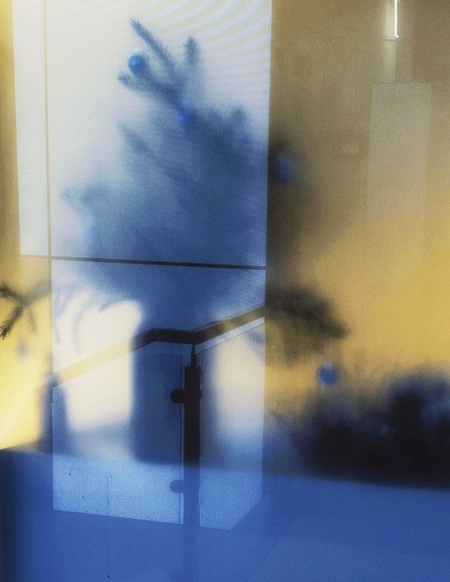
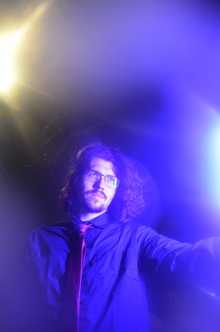
Мария Кочеткова создала проект современной фотографии, включающий в себя серию работ на разные темы и техники. Особенностью проекта является использование экспериментальных методов, таких как нерезкость с помощью вазелина и контраст светлого и темного внутри одной цветовой гаммы.
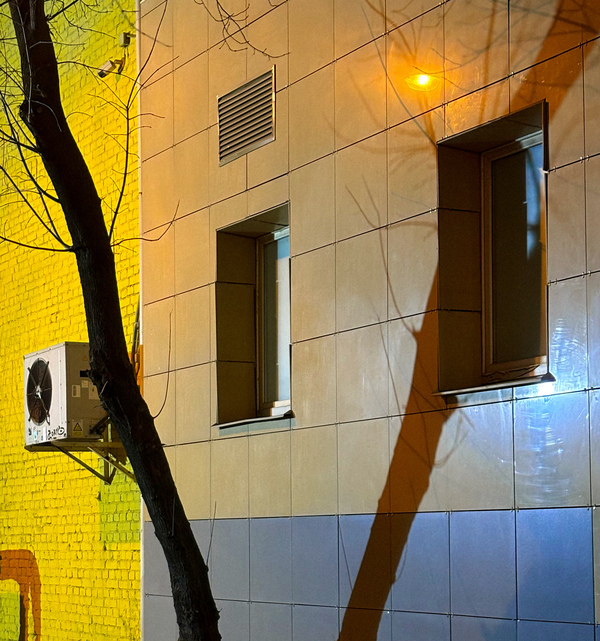
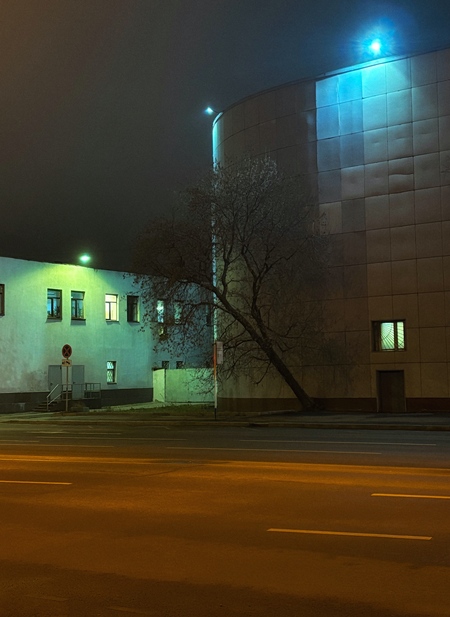
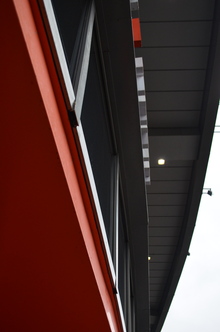
Анастасия Вахтина создала фото-проект, исследующий город как визуальную систему через осознанную режиссуру кадра. Проект включает темы, такие как геометрия, ритм и цветовые контрасты, с акцентом на развитие наблюдательности и композиционного мышления.
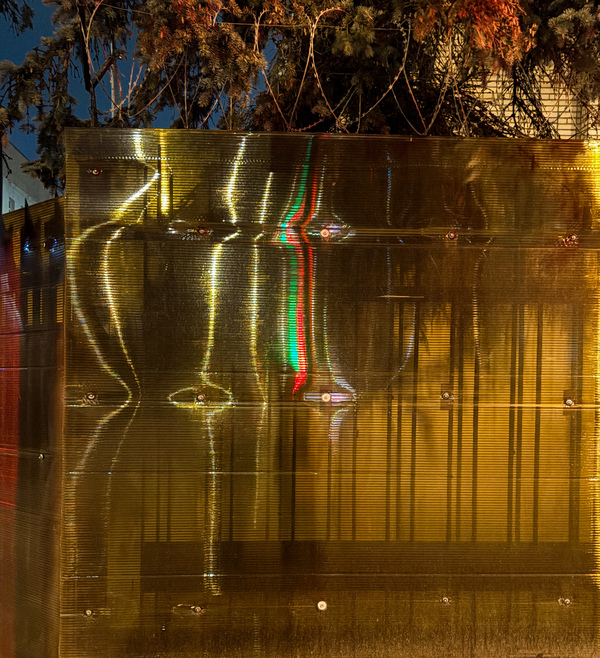
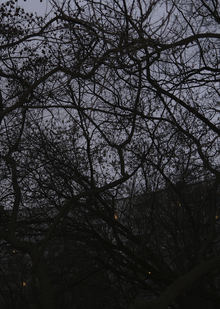
Анна Чапкина создала фотопроект «Захват», исследующий эстетический контраст между панельной архитектурой и неконтролируемой растительностью. Проект включает в себя серию фотографий, в которых ветви деревьев в замкнутых дворах формируют мифологизированный пограничный топос.
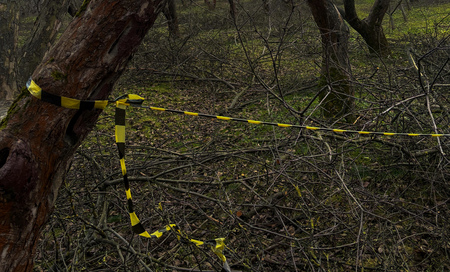
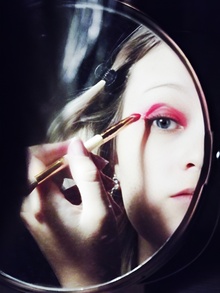
Автор Мария Маркина создала проект «Between the mirror», исследующий макияж как культурный ритуал и инструмент формирования идентичности женщины. Проект представляет собой серию текстов, в которых анализируются фрагменты образа девушки, подчеркивая важность деталей в создании её визуальной идентичности.
pro.hsedesign
Digital platform for creating presentations. An innovative online constructor where everyone can showcase their projects, proposals or educational courses in spectacular way.
We use cookies to improve the operation of the HSE website and to enhance its usability. More detailed information on the use of cookies can be fou...
Show more
Press space bar to start a drag.
When dragging you can use the arrow keys to move the item around and escape to cancel.
Some screen readers may require you to be in focus mode or to use your pass through key
Press space bar to start a drag.
When dragging you can use the arrow keys to move the item around and escape to cancel.
Some screen readers may require you to be in focus mode or to use your pass through key
Press space bar to start a drag.
When dragging you can use the arrow keys to move the item around and escape to cancel.
Some screen readers may require you to be in focus mode or to use your pass through key
Press space bar to start a drag.
When dragging you can use the arrow keys to move the item around and escape to cancel.
Some screen readers may require you to be in focus mode or to use your pass through key
Press space bar to start a drag.
When dragging you can use the arrow keys to move the item around and escape to cancel.
Some screen readers may require you to be in focus mode or to use your pass through key
Press space bar to start a drag.
When dragging you can use the arrow keys to move the item around and escape to cancel.
Some screen readers may require you to be in focus mode or to use your pass through key
Press space bar to start a drag.
When dragging you can use the arrow keys to move the item around and escape to cancel.
Some screen readers may require you to be in focus mode or to use your pass through key
Press space bar to start a drag.
When dragging you can use the arrow keys to move the item around and escape to cancel.
Some screen readers may require you to be in focus mode or to use your pass through key
Press space bar to start a drag.
When dragging you can use the arrow keys to move the item around and escape to cancel.
Some screen readers may require you to be in focus mode or to use your pass through key
Press space bar to start a drag.
When dragging you can use the arrow keys to move the item around and escape to cancel.
Some screen readers may require you to be in focus mode or to use your pass through key
Press space bar to start a drag.
When dragging you can use the arrow keys to move the item around and escape to cancel.
Some screen readers may require you to be in focus mode or to use your pass through key
Press space bar to start a drag.
When dragging you can use the arrow keys to move the item around and escape to cancel.
Some screen readers may require you to be in focus mode or to use your pass through key
Press space bar to start a drag.
When dragging you can use the arrow keys to move the item around and escape to cancel.
Some screen readers may require you to be in focus mode or to use your pass through key