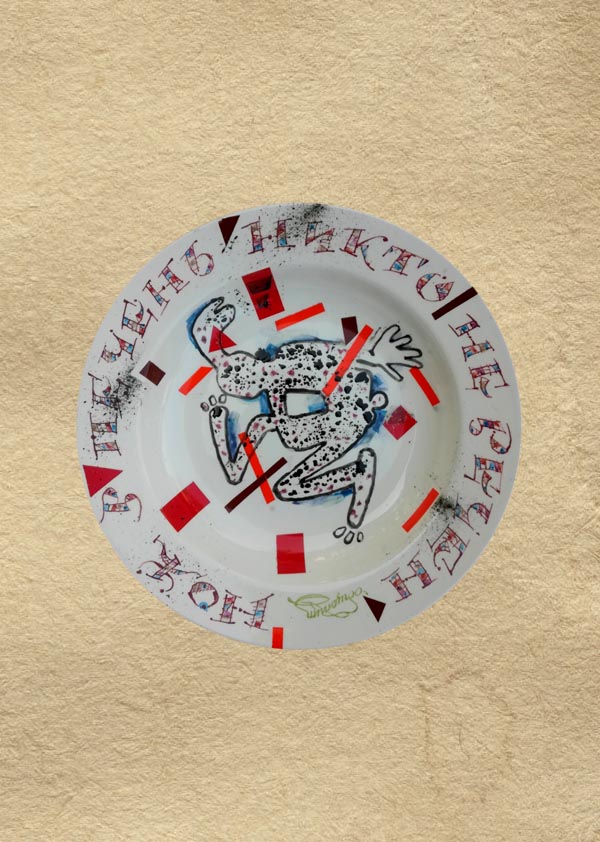
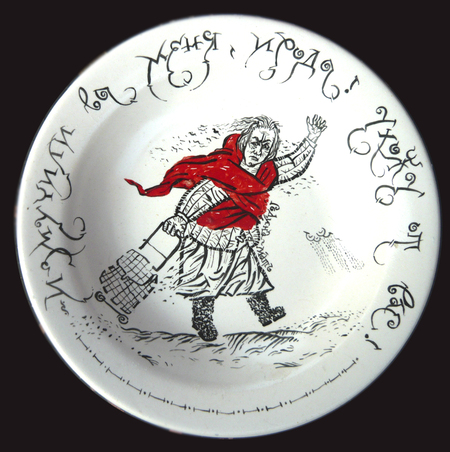
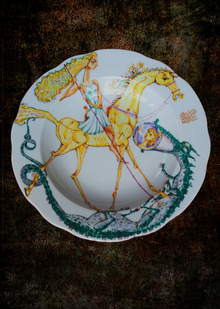
Алексей Капнинский рассказывает древний мифологический сюжет о спасении первого человека его проматерью от протосуществ в допотопном мире. Проект представляет собой текст, основанный на мифологической предистории человечества, в которой промать играет ключевую роль в спасении первого человека.
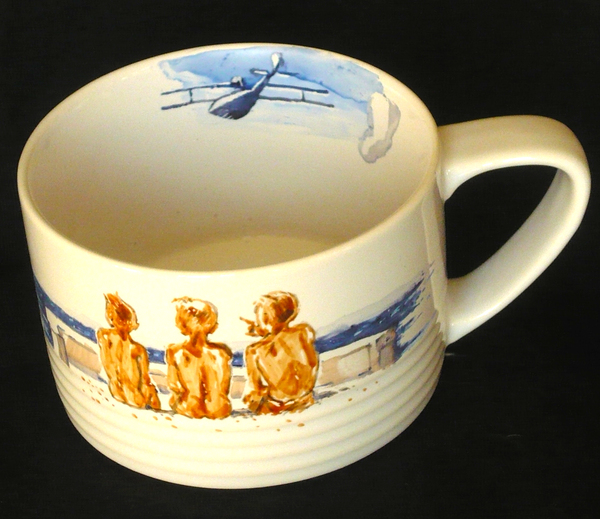
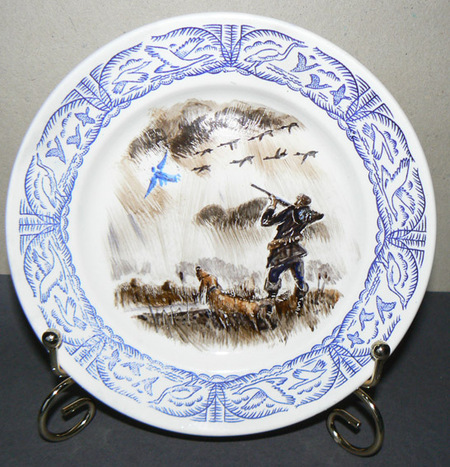
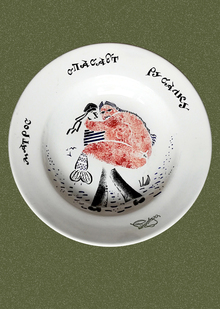
Рассказ «Русалка» написан Алексеем Капнинским и повествует о необычной истории матроса, спасшего в море загадочную женщину. В тексте описывается фольклорный сюжет, в котором спасённая героиня оказывается русалкой, а после Революции пара выступает в цирке.
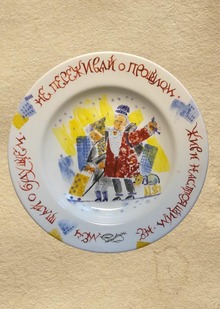
Алексей Капнинский написал текст под названием «Пенсия». В тексте рассматриваются размышления о времени, старости и смерти через метафору пойманного голубя.
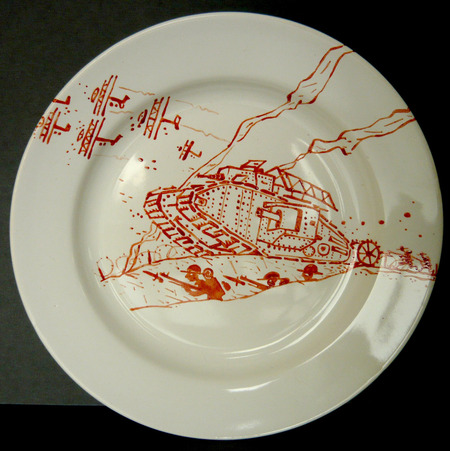
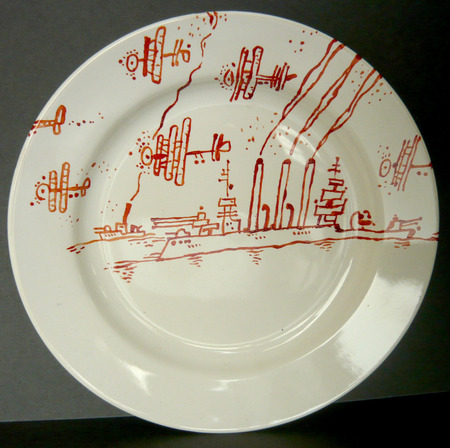
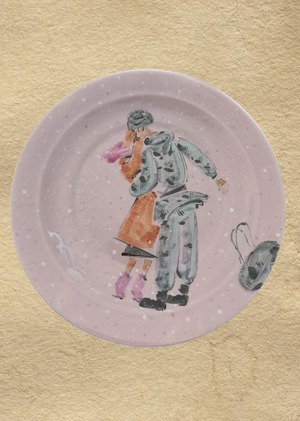
Алексей Капнинский написал рассказ «Прощание» о встрече военнослужащих и гражданки в напряжённой атмосфере. В тексте описывается эмоциональный момент расставания, переданный через образы и звуки воинской части.
pro.hsedesign
Digital platform for creating presentations. An innovative online constructor where everyone can showcase their projects, proposals or educational courses in spectacular way.
We use cookies to improve the operation of the HSE website and to enhance its usability. More detailed information on the use of cookies can be fou...
Show more
Press space bar to start a drag.
When dragging you can use the arrow keys to move the item around and escape to cancel.
Some screen readers may require you to be in focus mode or to use your pass through key
Press space bar to start a drag.
When dragging you can use the arrow keys to move the item around and escape to cancel.
Some screen readers may require you to be in focus mode or to use your pass through key
Press space bar to start a drag.
When dragging you can use the arrow keys to move the item around and escape to cancel.
Some screen readers may require you to be in focus mode or to use your pass through key
Press space bar to start a drag.
When dragging you can use the arrow keys to move the item around and escape to cancel.
Some screen readers may require you to be in focus mode or to use your pass through key
Press space bar to start a drag.
When dragging you can use the arrow keys to move the item around and escape to cancel.
Some screen readers may require you to be in focus mode or to use your pass through key