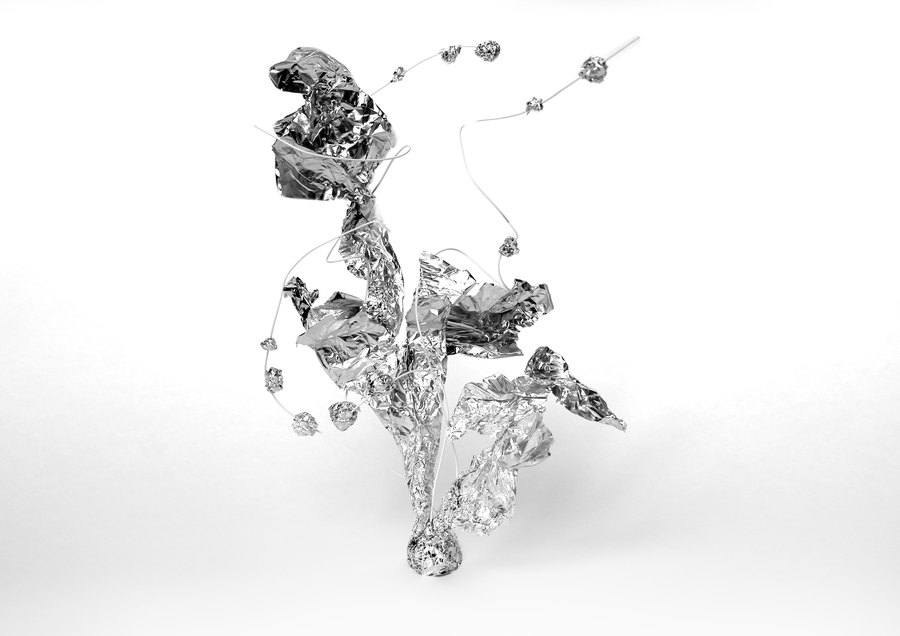
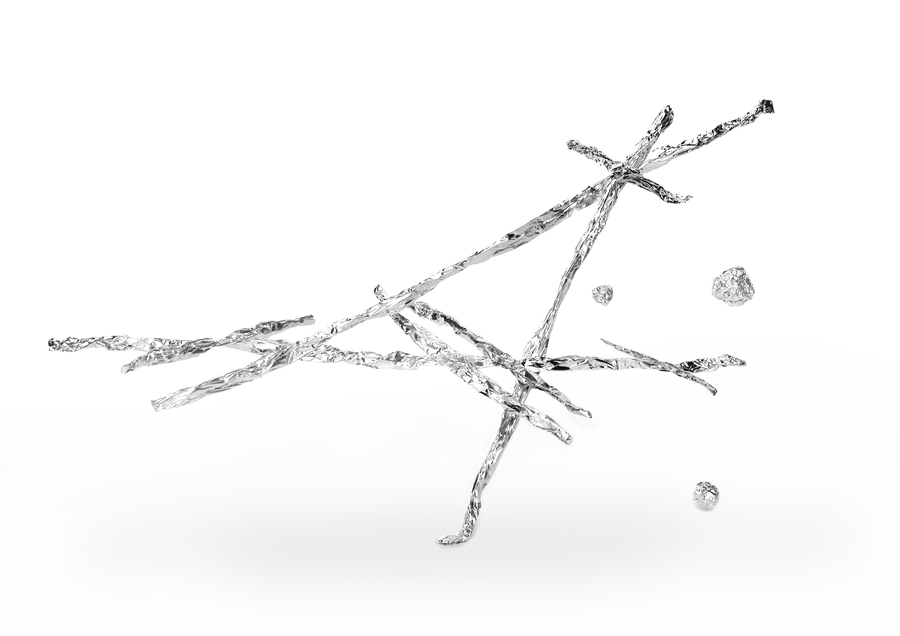
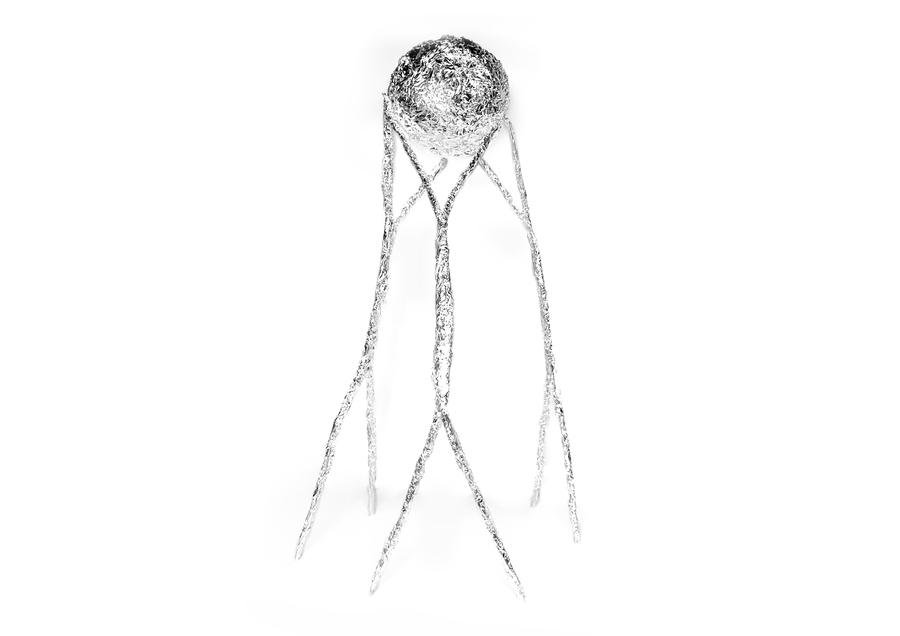
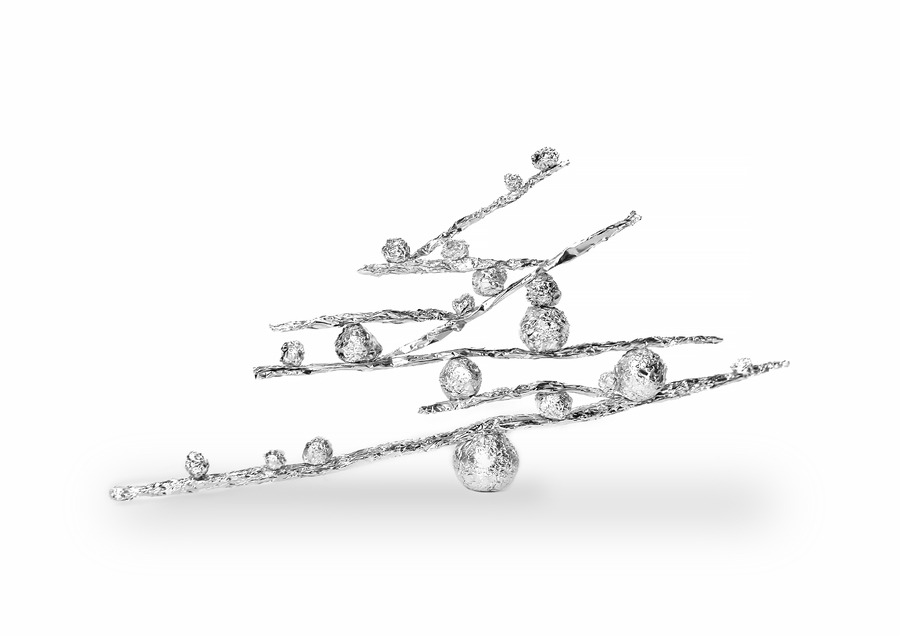
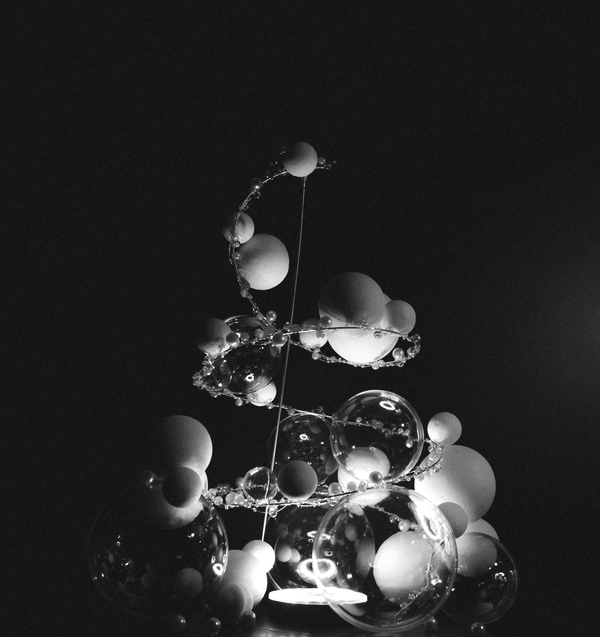
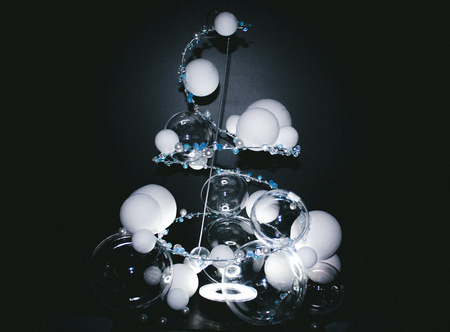
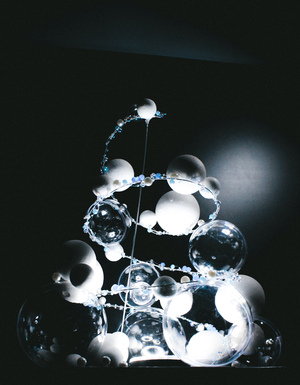
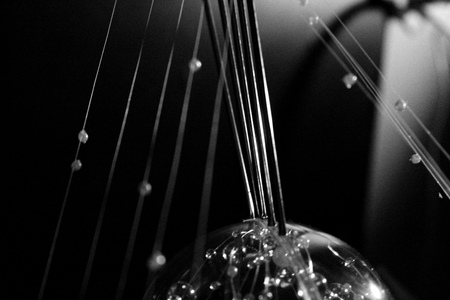
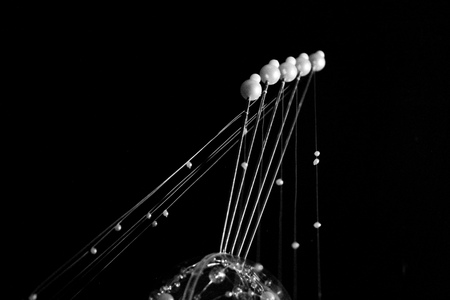
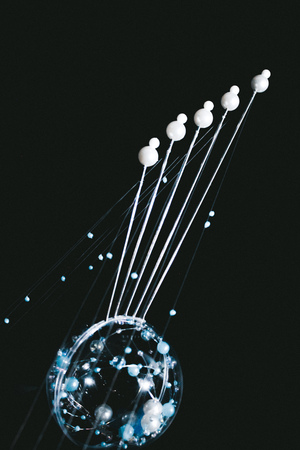
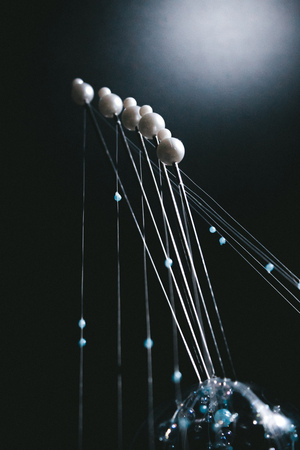
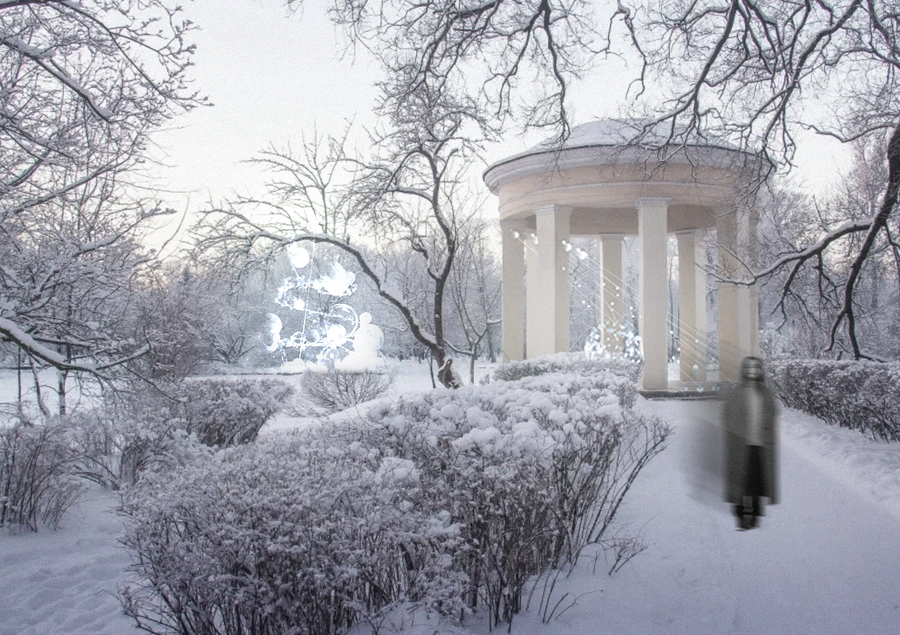
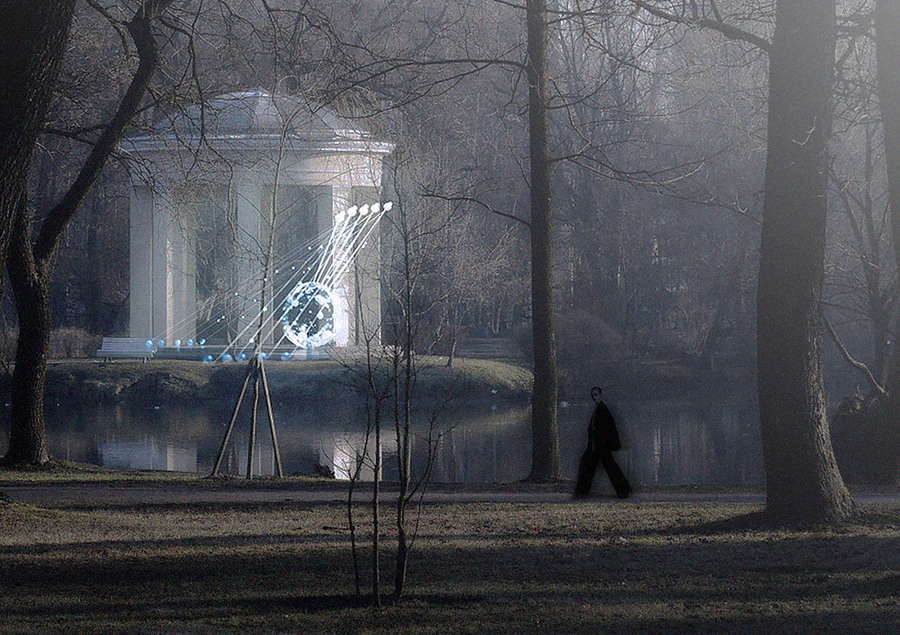
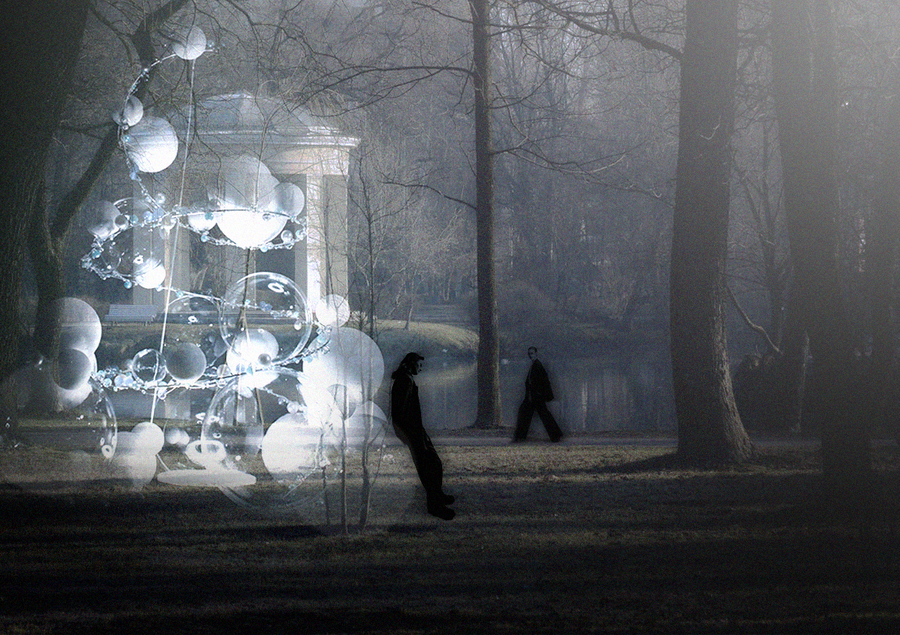
Our project features two unique art objects that explore the theme of the struggle and coexistence of order and chaos.
The asymmetric form creates an illusion of stability, while the contrasting materials—silver and glass—emphasize the fragility of balance.
The interactive elements engage the viewers, allowing them to experience the complexity of maintaining harmony. The objects serve as both a space for meditation and a venue for social events, inspiring a deeper reflection on the theme of equilibrium.
Search Mockups
0
0
0
0
0
0
0
0
0
0
0
1/5
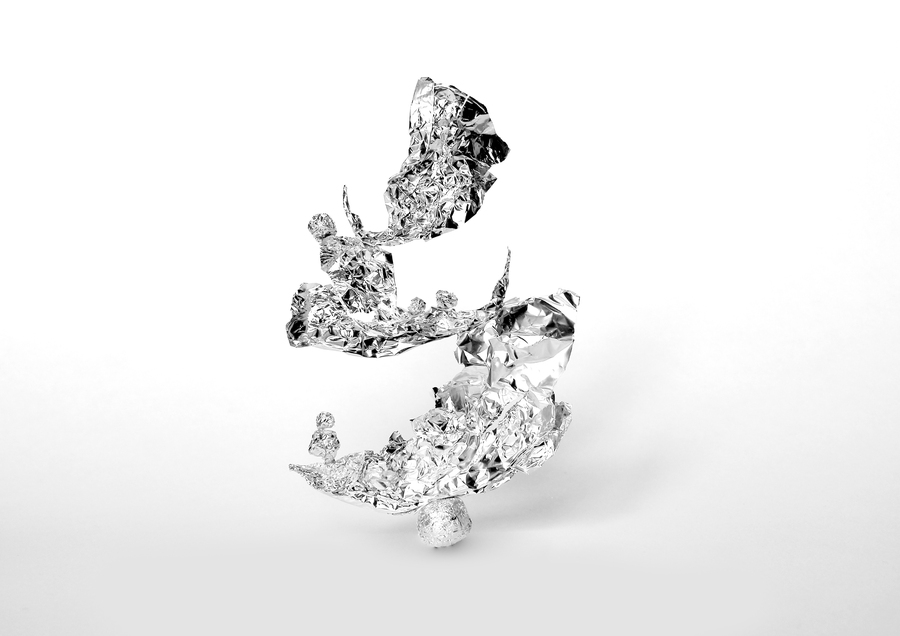
Foil search wireframes
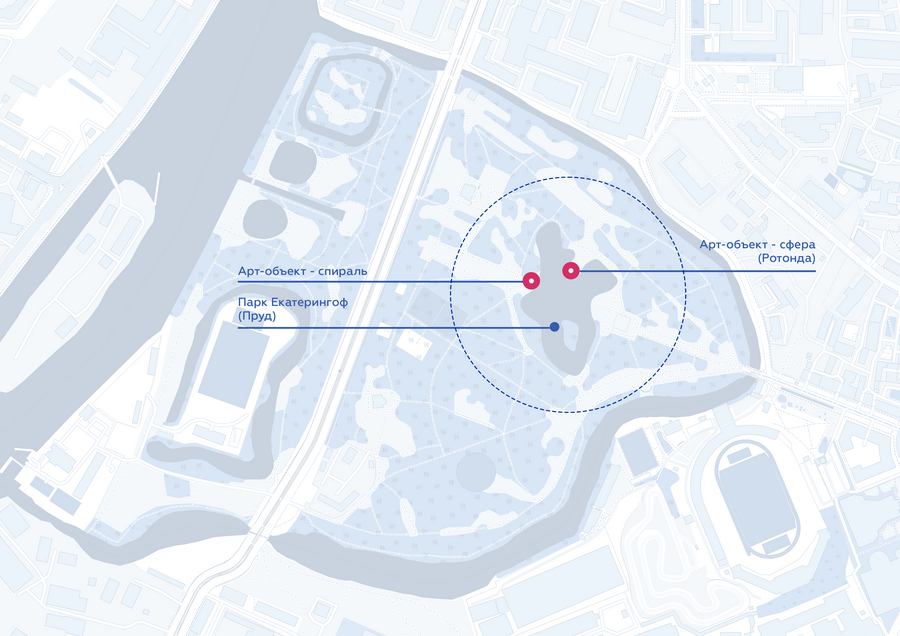
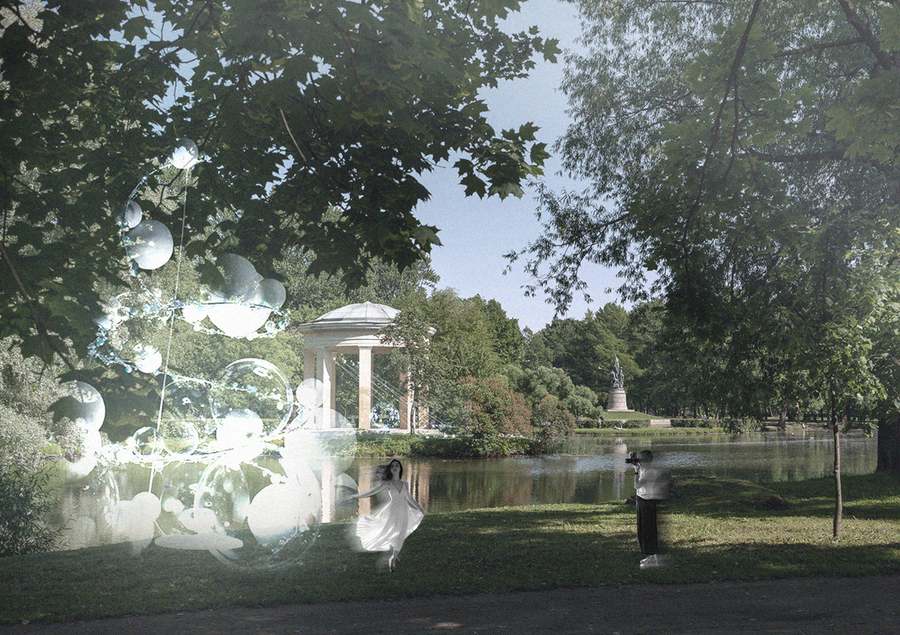
Situational Plan
Original size 3508x2480
Ekaterinogof Park, St. Petersburg
Concept
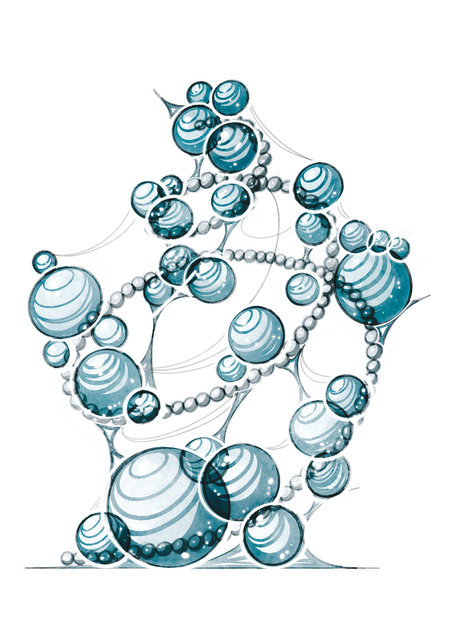
The concept aims to demonstrate the struggle and coexistence of order and chaos, mirroring life processes. The asymmetrical form creates an illusion of stability; the materials contrast—silver symbolizes purity, while glass reflects the fragility of balance.
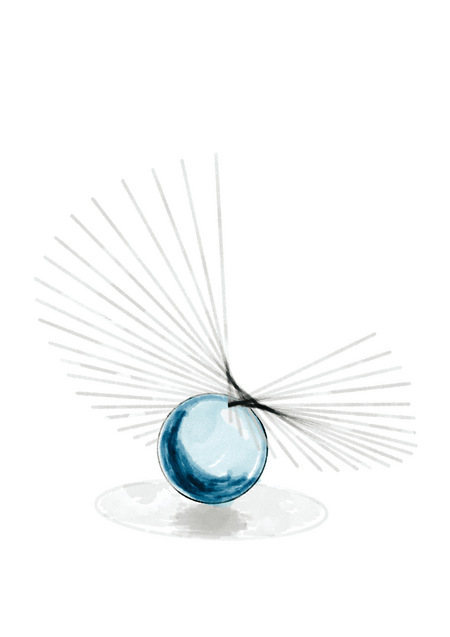
Art Object. Sketches
Interactive elements allow viewers to experience the complexity of maintaining balance. The object can be used as a space for meditation and contemplation, as well as for community events related to the theme of harmony.
Проект «Равновесие» представляет два арт-объекта, созданные Елизаветой Тюленевой и её коллегами для исследования темы баланса между порядком и хаосом. Особенностью проекта является использование интерактивных элементов, позволяющих зрителям ощутить сложность поддержания гармонии.
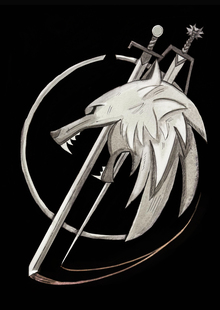
Арсений Процко создал проект, посвящённый исполнителю zavet и его альбому «Kaidan» в формате текста. В работе использовалась техника масляной пастели для передачи мрачной и готической атмосферы альбома.
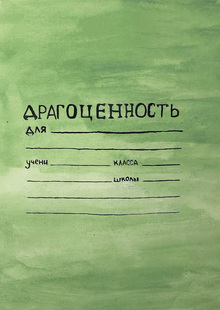
Рассказ «Драгоценность» написан Анастасией Лисицыной и рассказывает о школьнике, который находит волшебный камень, делающий его жизнь ярче. В проекте использованы акварельные иллюстрации с элементами гуаши для выделения ключевых деталей.
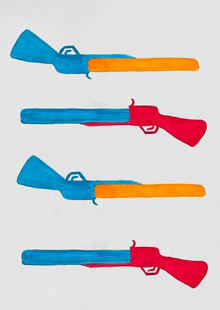
Анастасия Ван написала анекдот про ружье, в котором обыгрывает известный постулат Чехова о выстреле в конце пьесы. Анекдот сопровождается иллюстрацией и рассказывает о том, как ружья ведут себя в театрах разных стран.
Digital platform for creating presentations. An innovative online constructor where everyone can showcase their projects, proposals or educational courses in spectacular way.
We use cookies to improve the operation of the HSE website and to enhance its usability. More detailed information on the use of cookies can be fou...
Show more
Press space bar to start a drag.
When dragging you can use the arrow keys to move the item around and escape to cancel.
Some screen readers may require you to be in focus mode or to use your pass through key
Press space bar to start a drag.
When dragging you can use the arrow keys to move the item around and escape to cancel.
Some screen readers may require you to be in focus mode or to use your pass through key
Press space bar to start a drag.
When dragging you can use the arrow keys to move the item around and escape to cancel.
Some screen readers may require you to be in focus mode or to use your pass through key
Press space bar to start a drag.
When dragging you can use the arrow keys to move the item around and escape to cancel.
Some screen readers may require you to be in focus mode or to use your pass through key
Press space bar to start a drag.
When dragging you can use the arrow keys to move the item around and escape to cancel.
Some screen readers may require you to be in focus mode or to use your pass through key
Press space bar to start a drag.
When dragging you can use the arrow keys to move the item around and escape to cancel.
Some screen readers may require you to be in focus mode or to use your pass through key
Press space bar to start a drag.
When dragging you can use the arrow keys to move the item around and escape to cancel.
Some screen readers may require you to be in focus mode or to use your pass through key
Press space bar to start a drag.
When dragging you can use the arrow keys to move the item around and escape to cancel.
Some screen readers may require you to be in focus mode or to use your pass through key
Press space bar to start a drag.
When dragging you can use the arrow keys to move the item around and escape to cancel.
Some screen readers may require you to be in focus mode or to use your pass through key
Press space bar to start a drag.
When dragging you can use the arrow keys to move the item around and escape to cancel.
Some screen readers may require you to be in focus mode or to use your pass through key