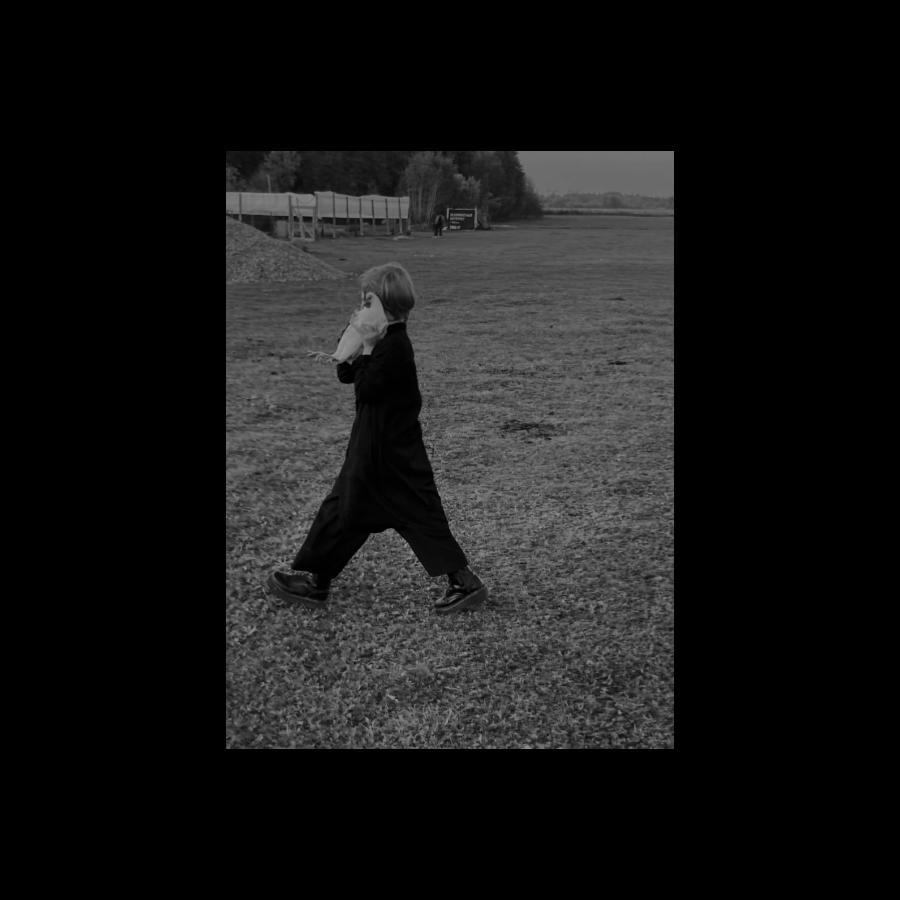
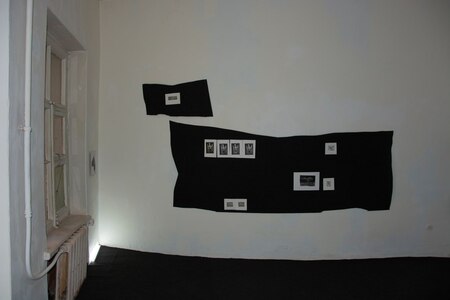
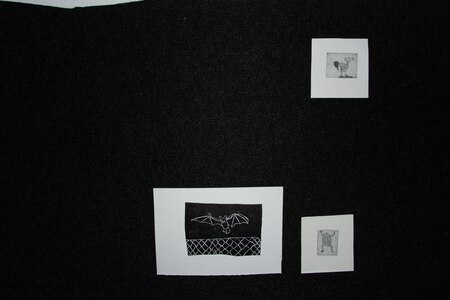
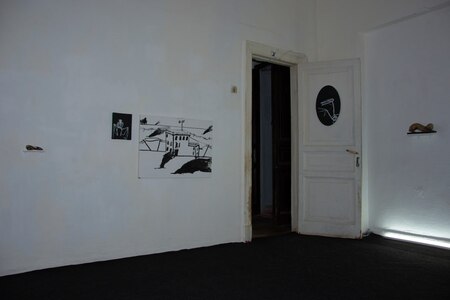
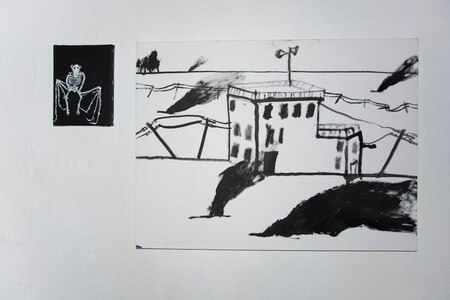
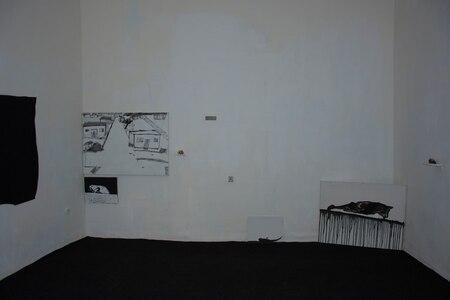
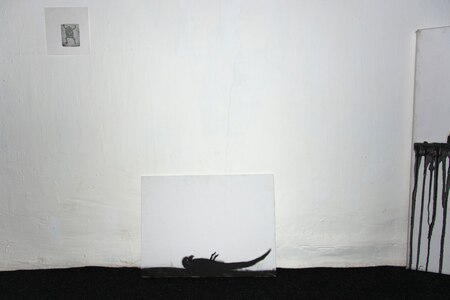
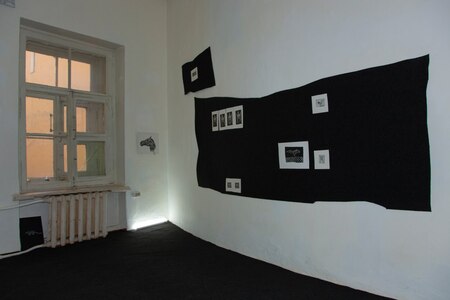
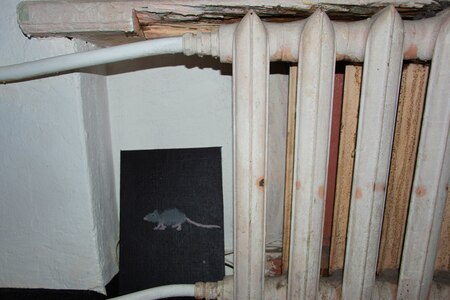
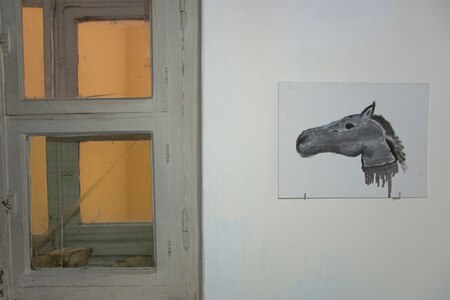
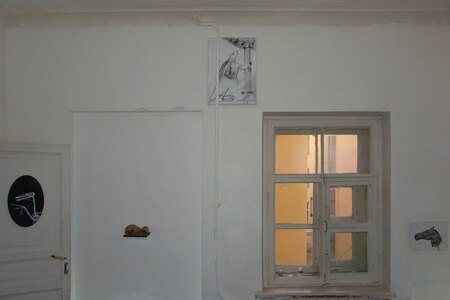
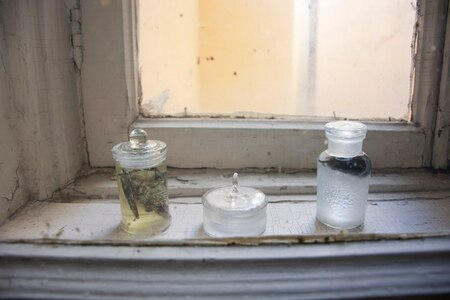
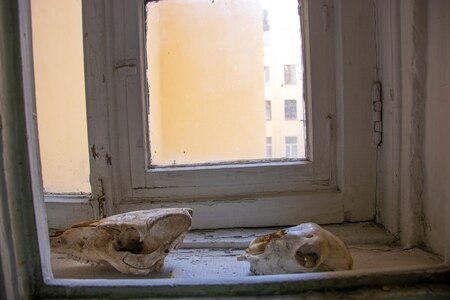
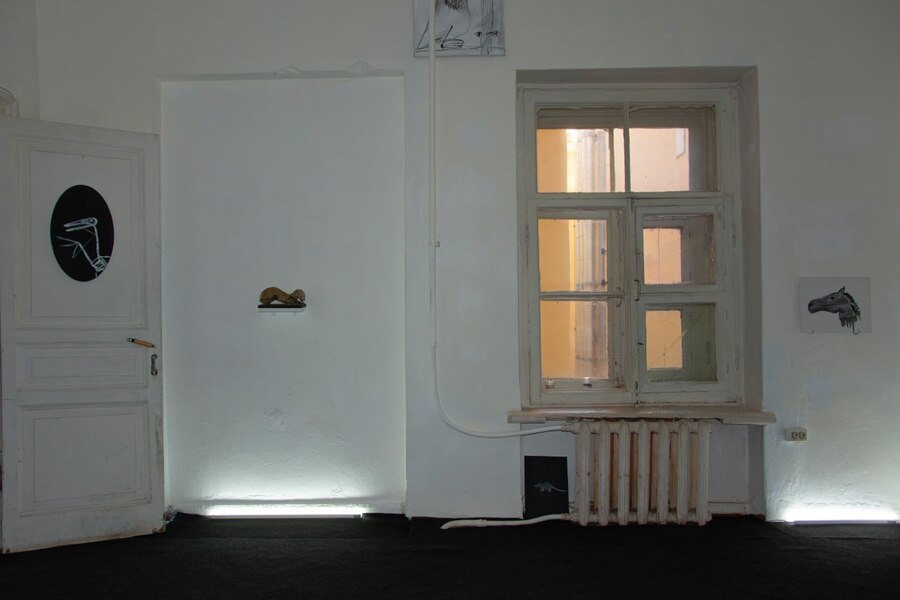
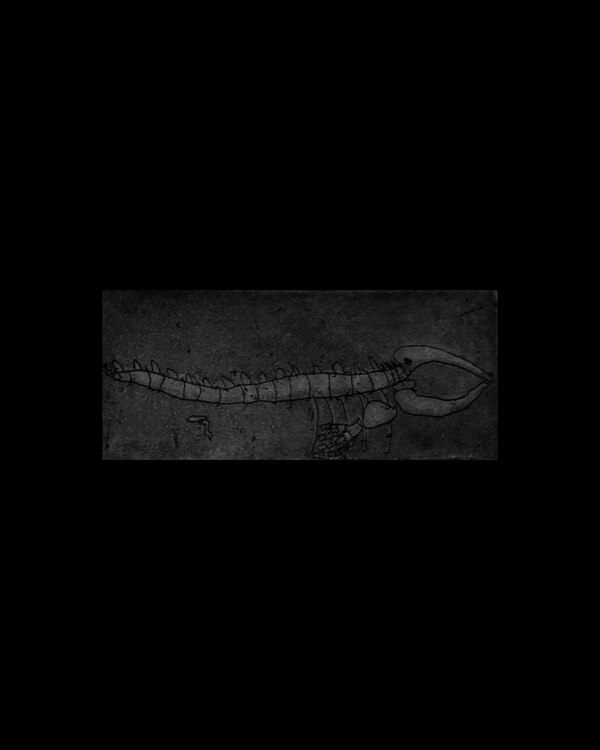
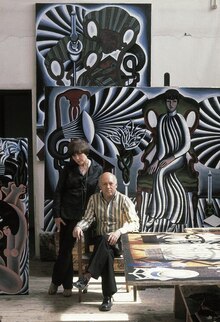
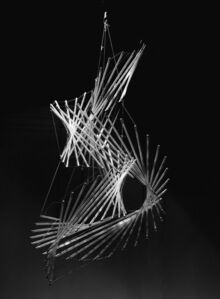
Илья Крончев-Иванов подготовил текст для персональной выставки художника Гарта Штапакова, посвящённой коллекции мёртвых животных и исследованию образов смерти в искусстве. Проект включает в себя анализ детского восприятия смерти и её отражение в графических и живописных работах художника, основанных на исследованиях неконвенциональной фауны.
Анна Назарикова создала выставочный сезон «Точки переплетения: цифровые следы». Проект включает четыре выставки, исследующие взаимодействие человека и виртуальных технологий.
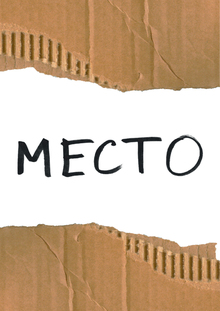
Проект «Место» представляет собой тексты, написанные Таисией Мицнер и Элиной Погребной о блошином рынке как особом пространстве со своей ритуальностью и системой взаимоотношений. Выставка интегрируется в логику рынка, используя найденные вещи для трансформации их функции в контексте современного искусства.
Ольга Городиская создала саунд-гид о любви Беллы Ахмадулиной и Бориса Мессерера в Тарусе. Проект включает в себя исторические и личные детали их творческих встреч и вдохновения в этом городе.
Елена Рыскунова описала координаторский опыт подготовки выставки «Вячеслав Колейчук. Живая линия» в Третьяковской галерее. Проект включал интеграцию произведений художника в постоянную экспозицию, размещённую в четырнадцати залах музея.
pro.hsedesign
Digital platform for creating presentations. An innovative online constructor where everyone can showcase their projects, proposals or educational courses in spectacular way.
We use cookies to improve the operation of the HSE website and to enhance its usability. More detailed information on the use of cookies can be fou...
Show more
Press space bar to start a drag.
When dragging you can use the arrow keys to move the item around and escape to cancel.
Some screen readers may require you to be in focus mode or to use your pass through key
Press space bar to start a drag.
When dragging you can use the arrow keys to move the item around and escape to cancel.
Some screen readers may require you to be in focus mode or to use your pass through key
Press space bar to start a drag.
When dragging you can use the arrow keys to move the item around and escape to cancel.
Some screen readers may require you to be in focus mode or to use your pass through key
Press space bar to start a drag.
When dragging you can use the arrow keys to move the item around and escape to cancel.
Some screen readers may require you to be in focus mode or to use your pass through key
Press space bar to start a drag.
When dragging you can use the arrow keys to move the item around and escape to cancel.
Some screen readers may require you to be in focus mode or to use your pass through key
Press space bar to start a drag.
When dragging you can use the arrow keys to move the item around and escape to cancel.
Some screen readers may require you to be in focus mode or to use your pass through key