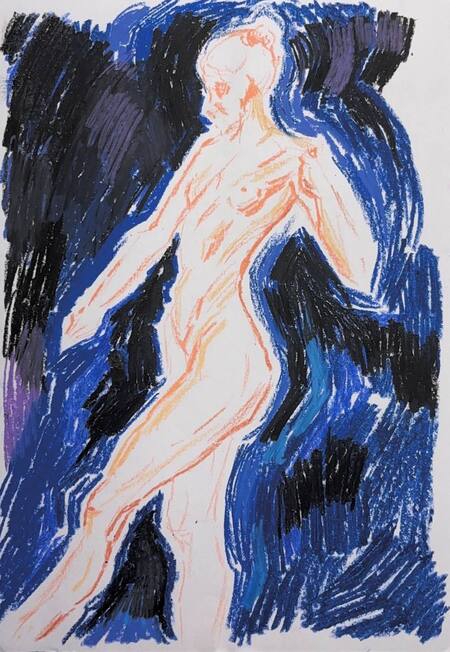
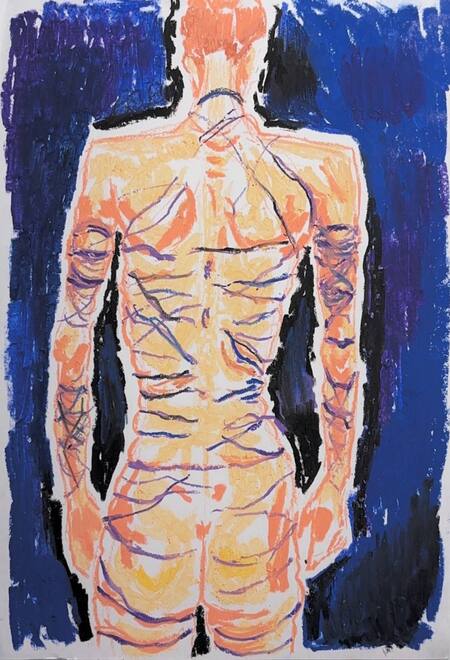
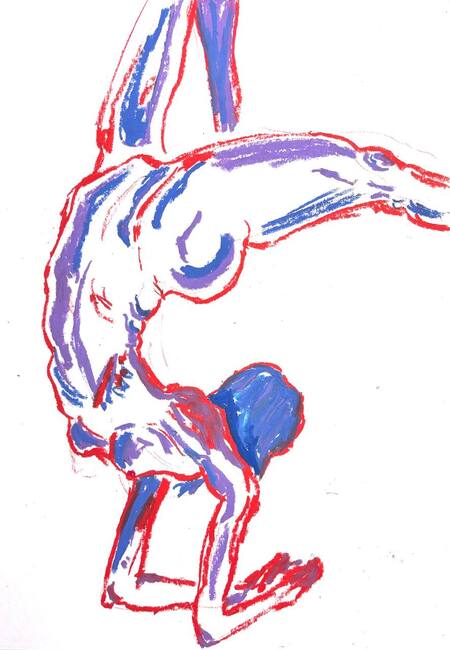
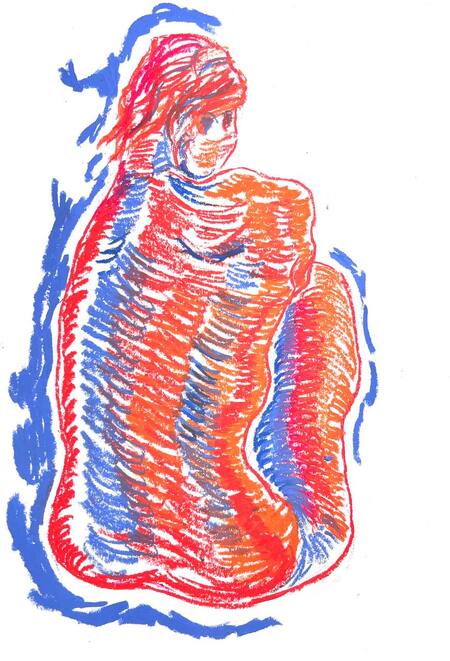
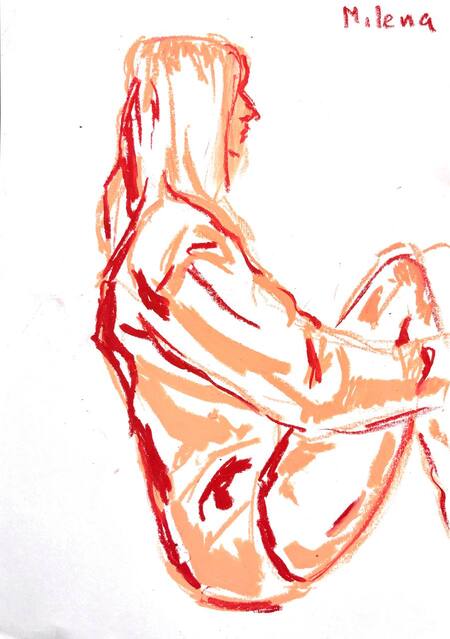
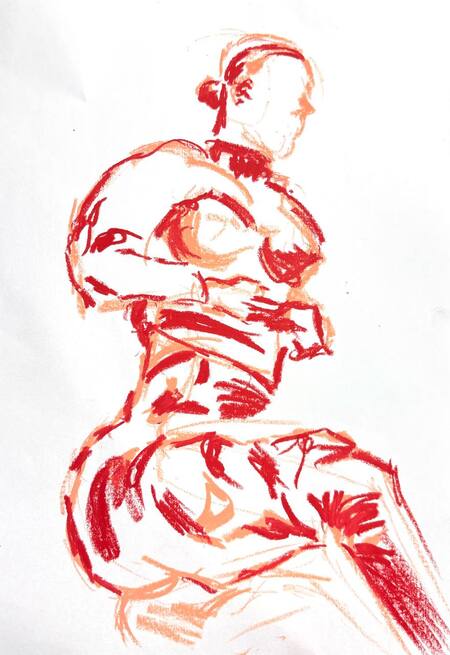
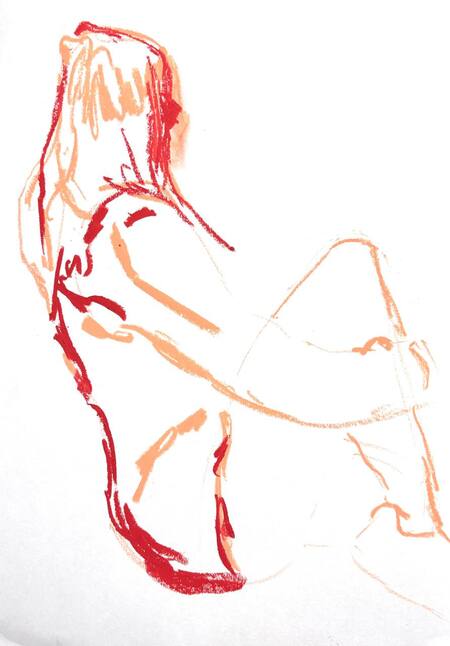
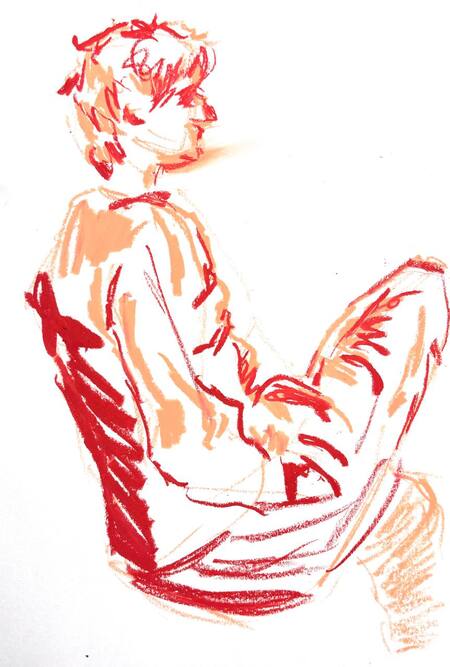
«The pillow book»
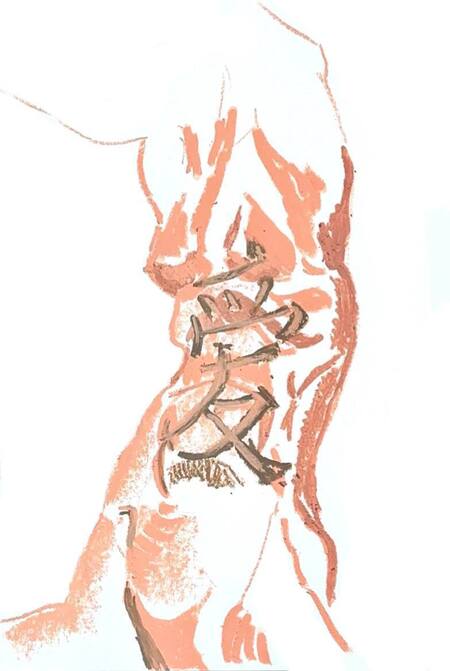
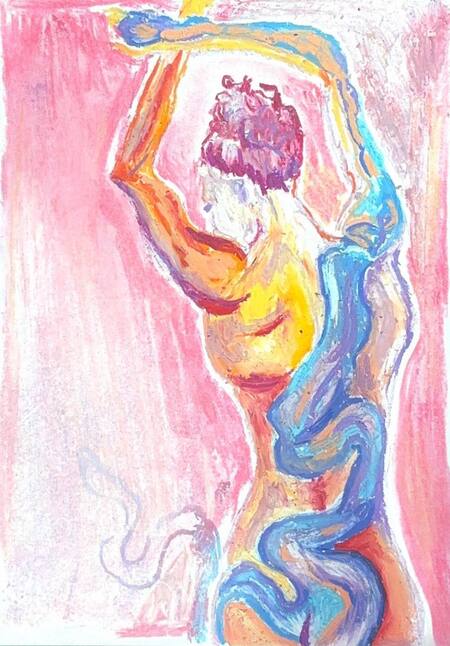
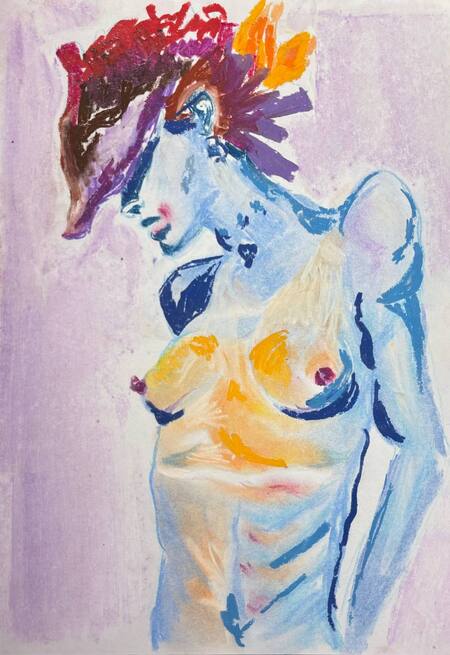
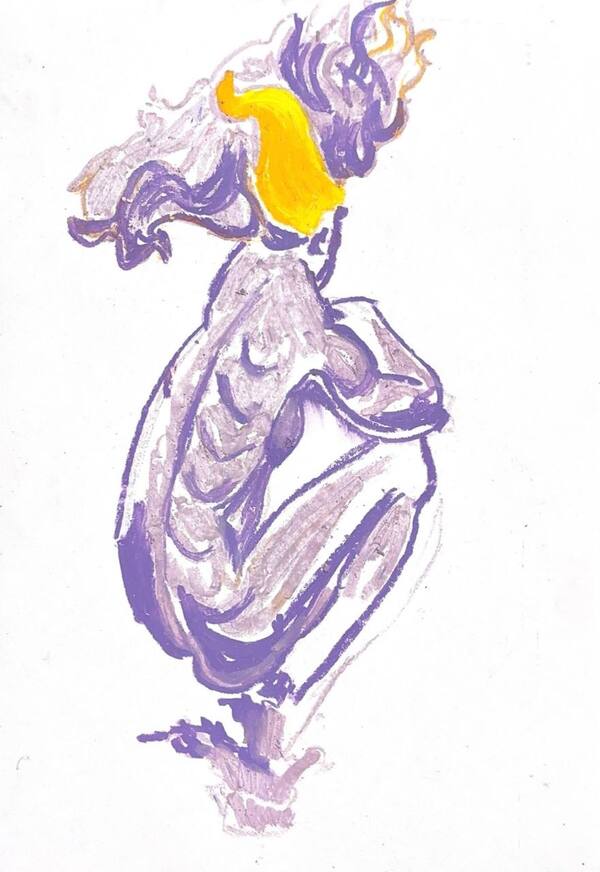
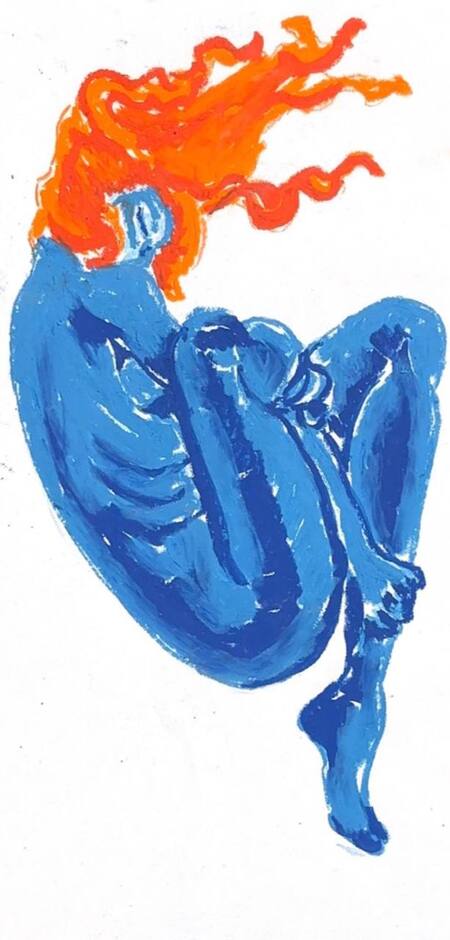
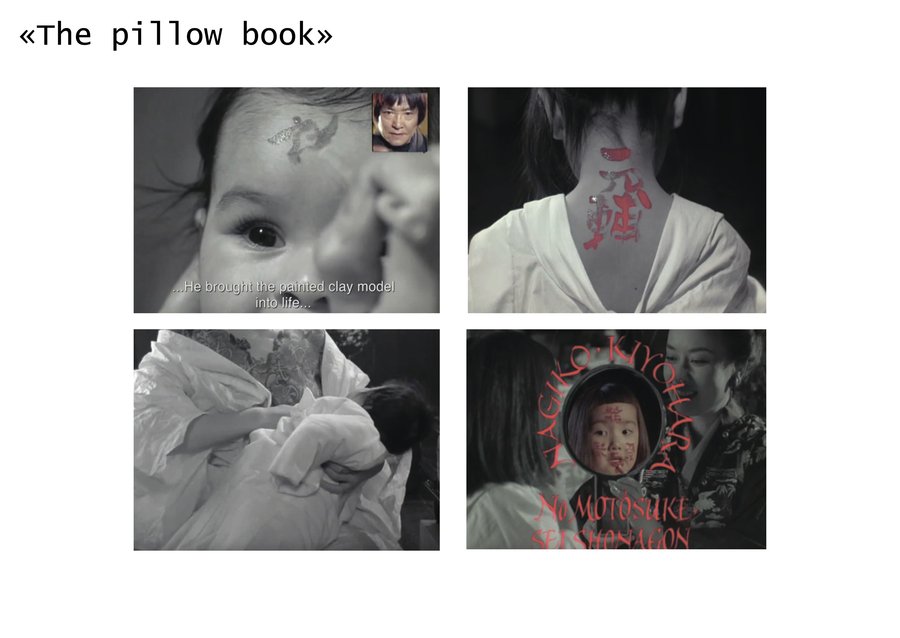
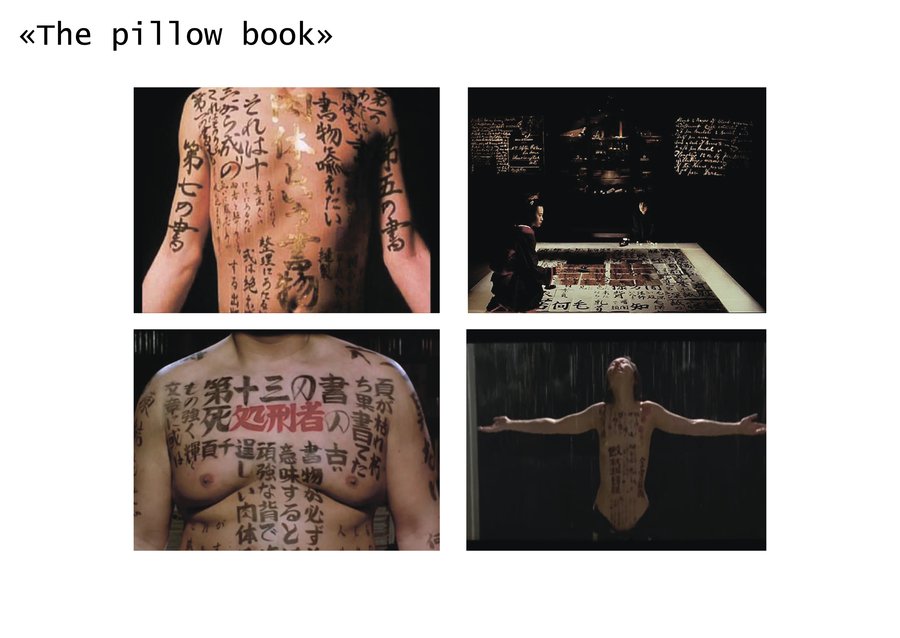
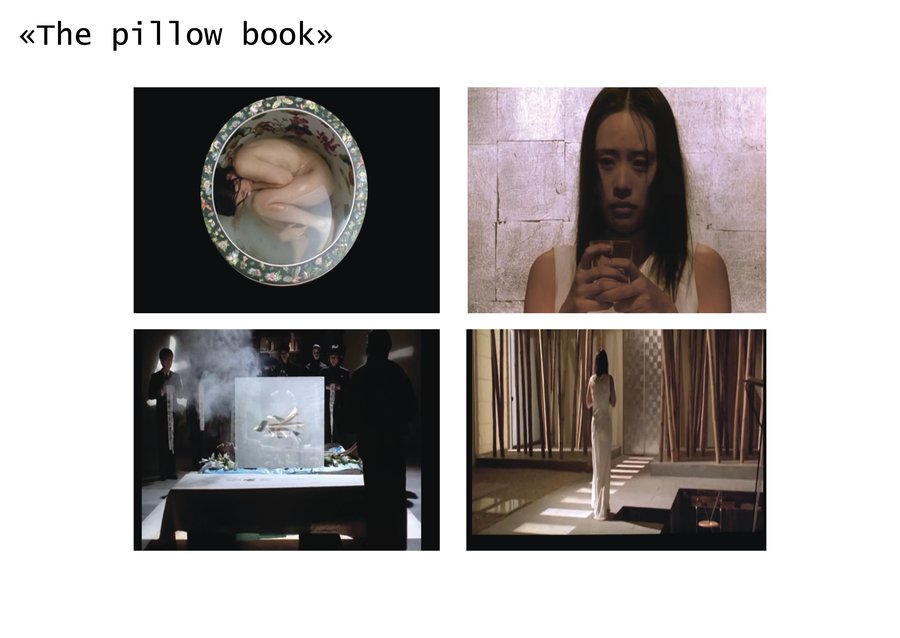
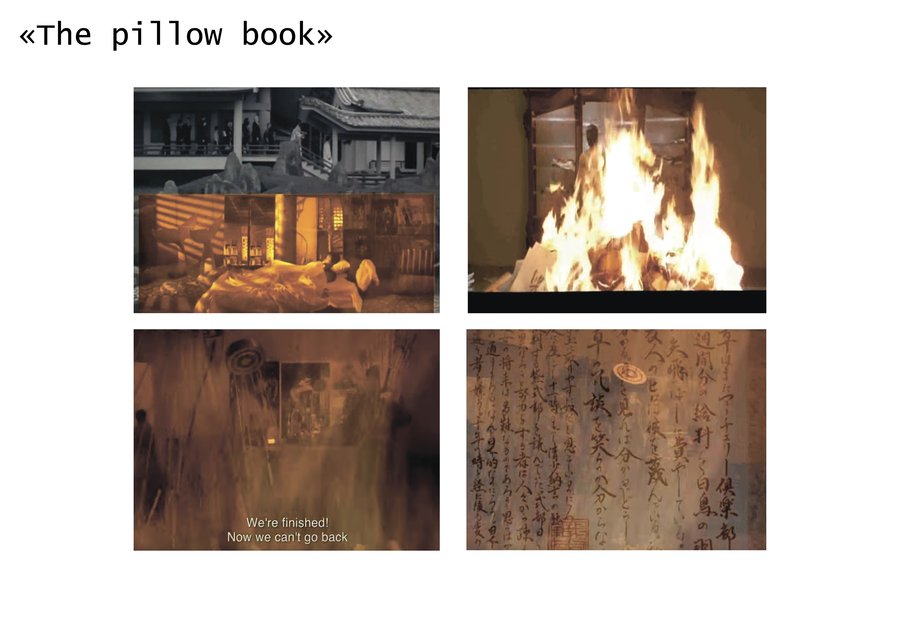
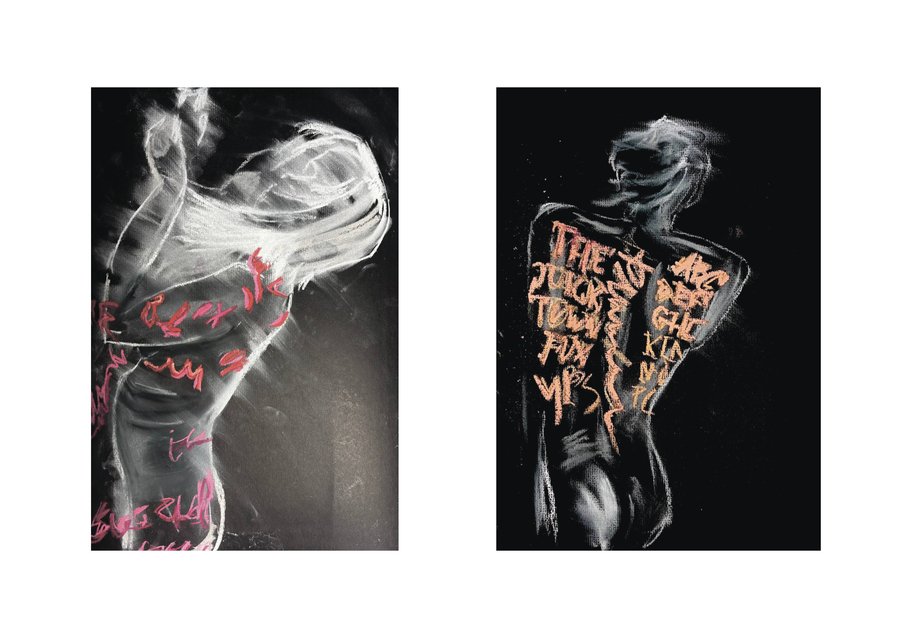
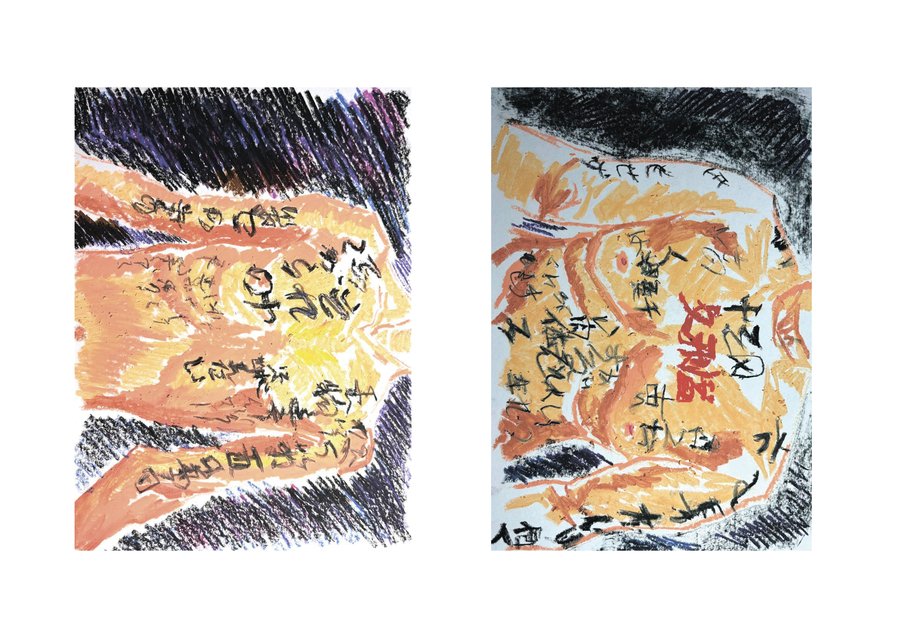
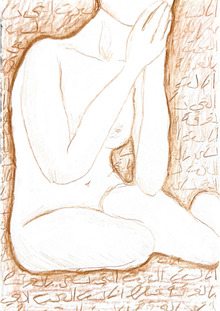
Фильм рассказывает о двадцати восьми годах из жизни очарованной древнейшим искусством каллиграфии современной японской девушки Нагико, уехавшей от жестокого мужа в Гонконг, где она пережила с англичанином-переводчиком историю любви. Действие фильма перемежается вставками с зарисовками из придворной и личной жизни Сей-Сёнагон, основанных на фрагментах «Записок у изголовья».
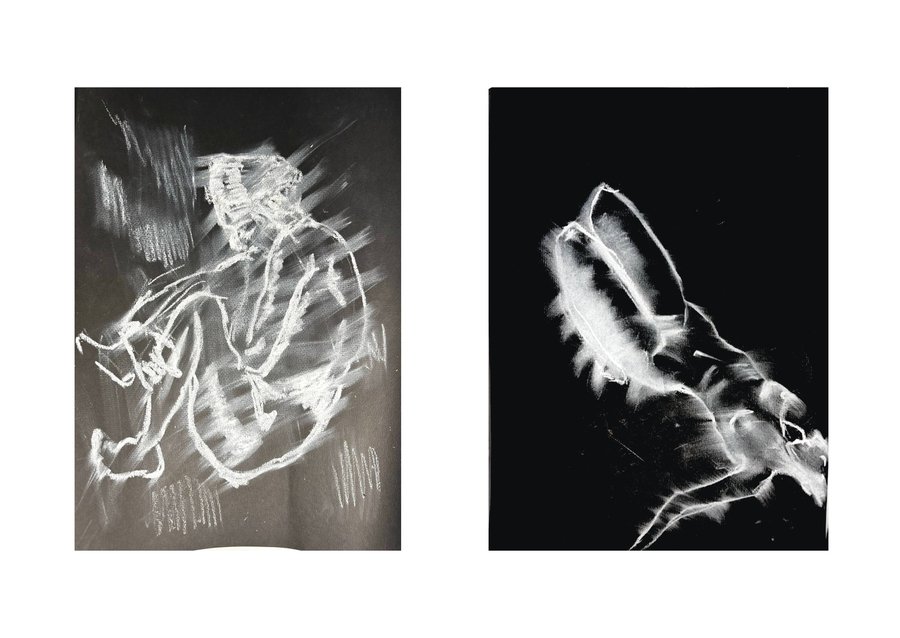
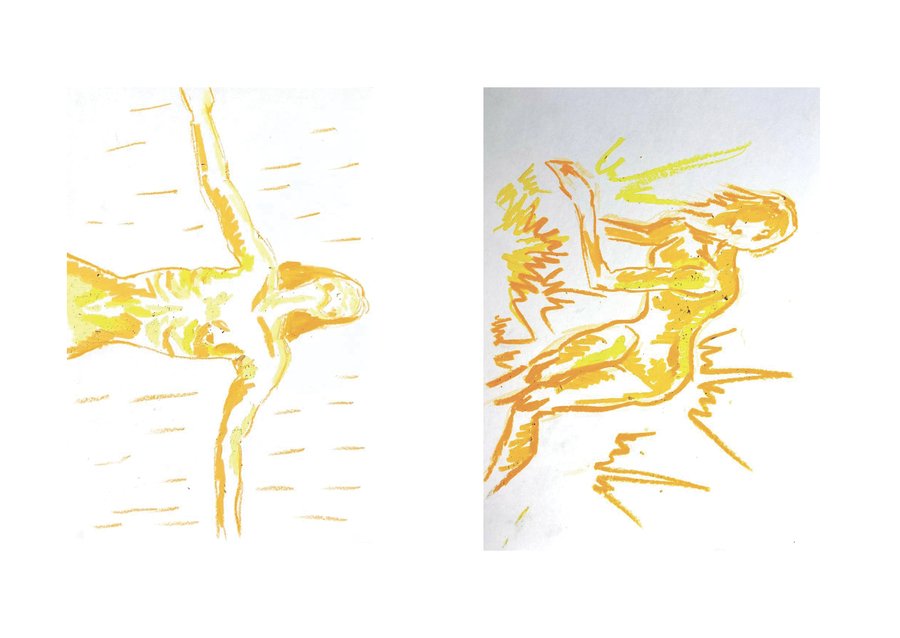
«Записки у изголовья» — это фильм, содержащий размышления о каллиграфии и иероглифе — идеальном языке, в котором изображение и текст едины. Гринуэй создал своё произведение, объединив две тысячи лет каллиграфических знаков, сто лет киноязыка и десять лет компьютерных визуальных новаций.
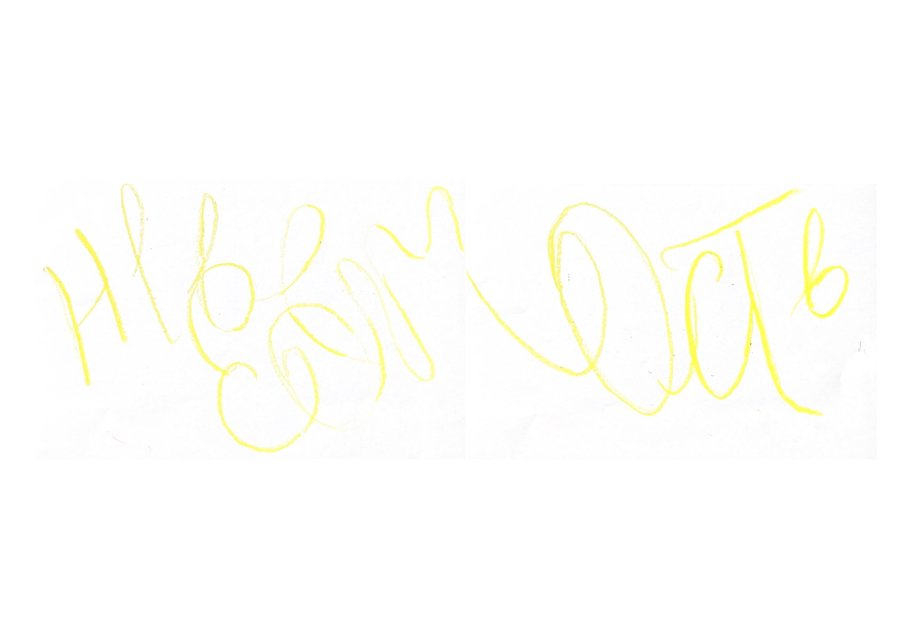
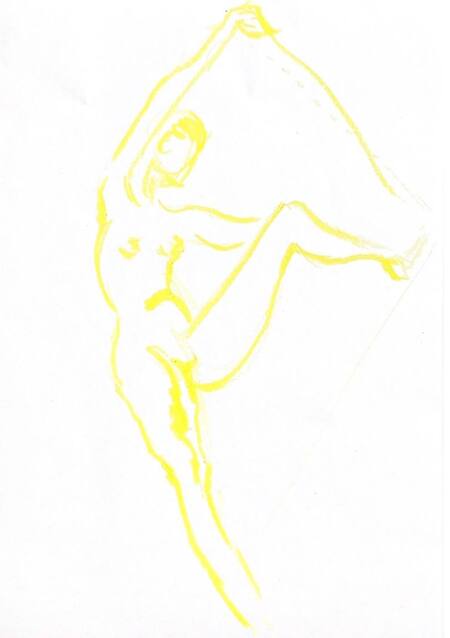
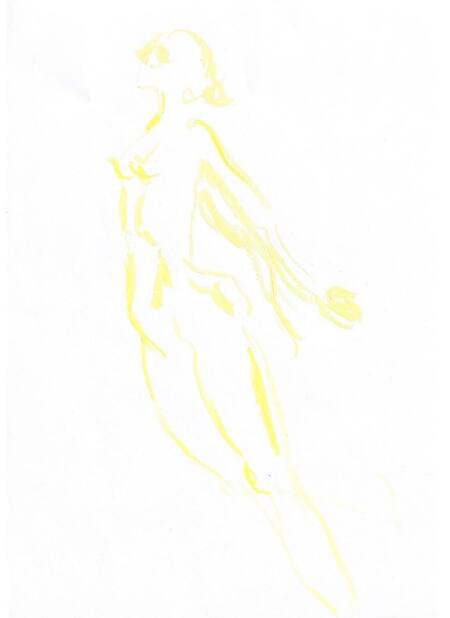
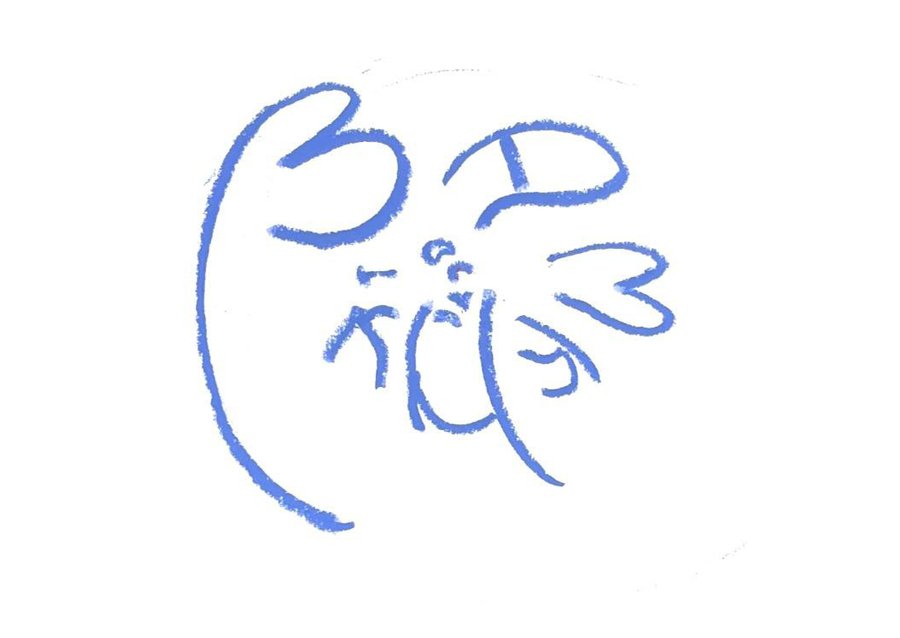
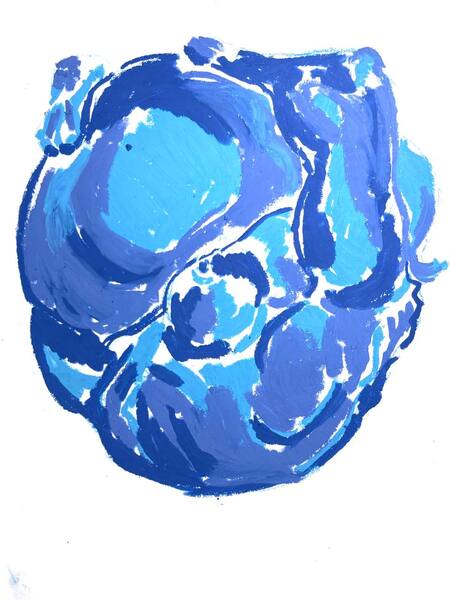
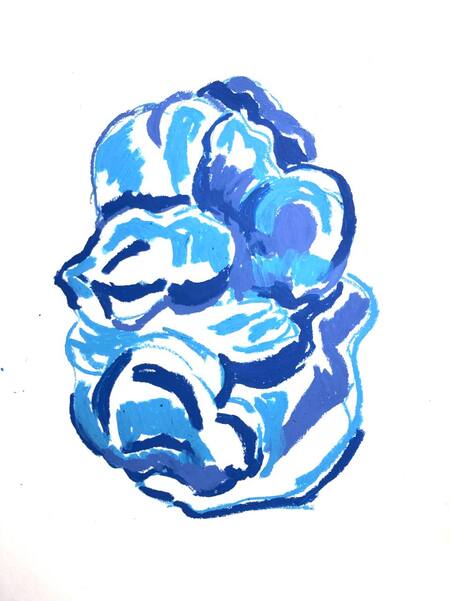
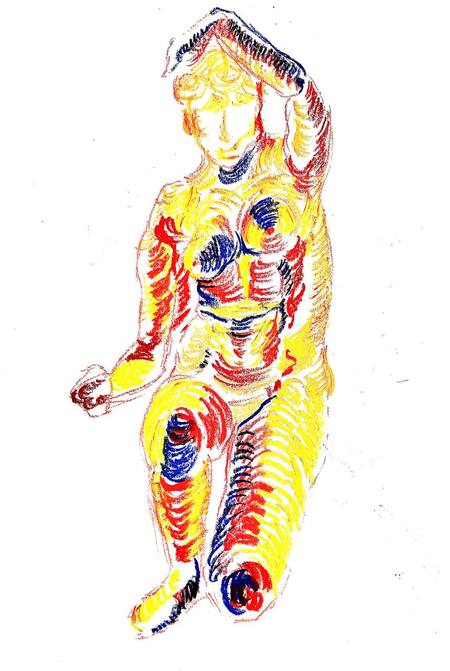
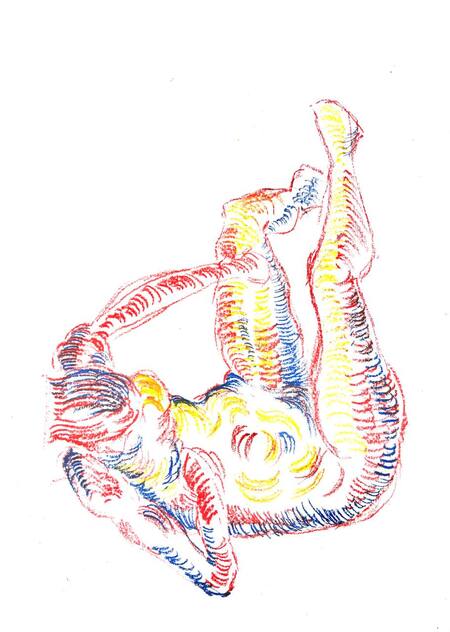
Валерия Никитина создала проект «ЦВЕТ», включающий тексты и посты о цветовых сочетаниях и каллиграфии. Один из постов проекта посвящён фильму «The pillow book», объединяющему каллиграфию, кино и компьютерные визуальные новации.
Автор Самира Мансурова создала проект, посвящённый символике цветов в отношениях человека и природы. Проект включает в себя серию текстов, где каждый цвет интерпретируется как этап эмоционального и духовного развития.
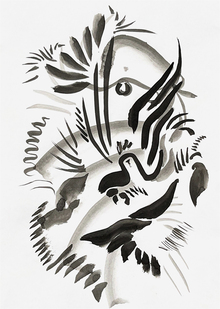
Ульяна Владимирова описала свой творческий путь в серии работ, созданных в рамках 4-го модуля. Проект включает в себя отражение личных изменений и эмоций, возникших в процессе работы с тушью на ватмане А1.
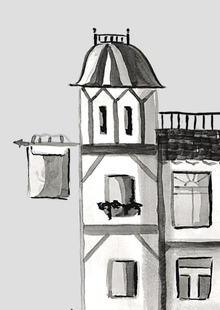
Мария Чайчук создала серию тушевых работ, в которых архитектурные образы становятся материализацией бессознательной памяти. Каждая композиция представляет собой деформированное воспоминание о детских зданиях, переработанных в новое архитектурное видение.
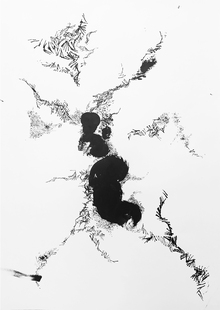
Автор Ксения Зиновьева создала серию графики, в которой изображены абстракции, обретшие собственную жизнь и форму в процессе поиска внутреннего спокойствия. Проект включает в себя тексты, описывающие личный путь от сомнений и внутреннего сопротивления к свободе творчества без страха ошибки.
pro.hsedesign
Digital platform for creating presentations. An innovative online constructor where everyone can showcase their projects, proposals or educational courses in spectacular way.
Confirm your ageProject contains information not suitable for individuals under the age of 18
I am already 18 years old
Cancel
Confirm
We use cookies to improve the operation of the HSE website and to enhance its usability. More detailed information on the use of cookies can be fou...
Show more
Press space bar to start a drag.
When dragging you can use the arrow keys to move the item around and escape to cancel.
Some screen readers may require you to be in focus mode or to use your pass through key
Press space bar to start a drag.
When dragging you can use the arrow keys to move the item around and escape to cancel.
Some screen readers may require you to be in focus mode or to use your pass through key
Press space bar to start a drag.
When dragging you can use the arrow keys to move the item around and escape to cancel.
Some screen readers may require you to be in focus mode or to use your pass through key
Press space bar to start a drag.
When dragging you can use the arrow keys to move the item around and escape to cancel.
Some screen readers may require you to be in focus mode or to use your pass through key
Press space bar to start a drag.
When dragging you can use the arrow keys to move the item around and escape to cancel.
Some screen readers may require you to be in focus mode or to use your pass through key
Press space bar to start a drag.
When dragging you can use the arrow keys to move the item around and escape to cancel.
Some screen readers may require you to be in focus mode or to use your pass through key
Press space bar to start a drag.
When dragging you can use the arrow keys to move the item around and escape to cancel.
Some screen readers may require you to be in focus mode or to use your pass through key
Press space bar to start a drag.
When dragging you can use the arrow keys to move the item around and escape to cancel.
Some screen readers may require you to be in focus mode or to use your pass through key
Press space bar to start a drag.
When dragging you can use the arrow keys to move the item around and escape to cancel.
Some screen readers may require you to be in focus mode or to use your pass through key
Press space bar to start a drag.
When dragging you can use the arrow keys to move the item around and escape to cancel.
Some screen readers may require you to be in focus mode or to use your pass through key
Press space bar to start a drag.
When dragging you can use the arrow keys to move the item around and escape to cancel.
Some screen readers may require you to be in focus mode or to use your pass through key
Press space bar to start a drag.
When dragging you can use the arrow keys to move the item around and escape to cancel.
Some screen readers may require you to be in focus mode or to use your pass through key
Press space bar to start a drag.
When dragging you can use the arrow keys to move the item around and escape to cancel.
Some screen readers may require you to be in focus mode or to use your pass through key
Press space bar to start a drag.
When dragging you can use the arrow keys to move the item around and escape to cancel.
Some screen readers may require you to be in focus mode or to use your pass through key