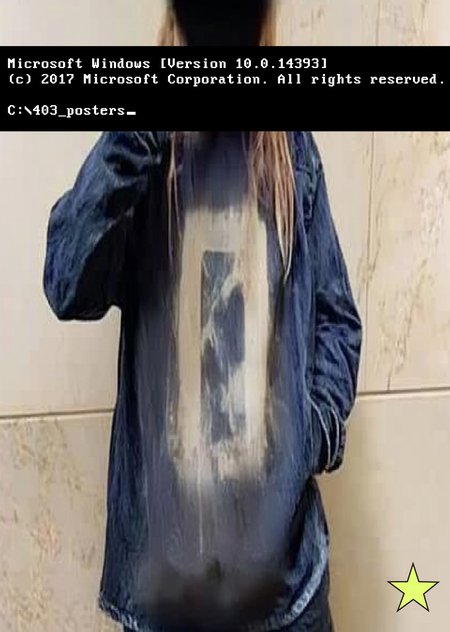
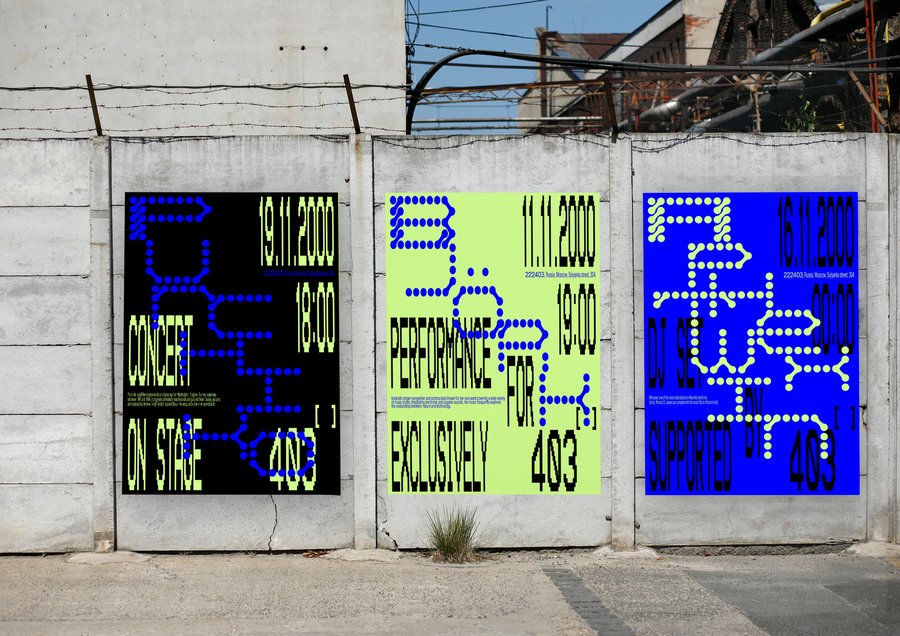
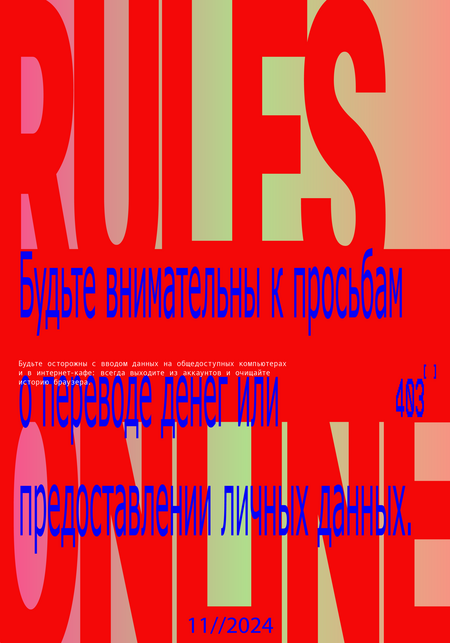
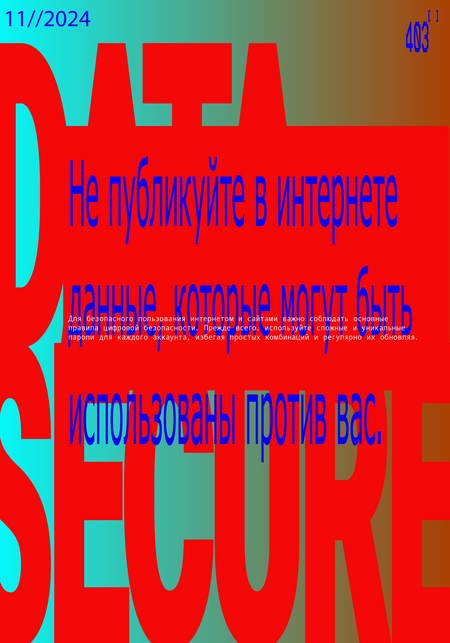
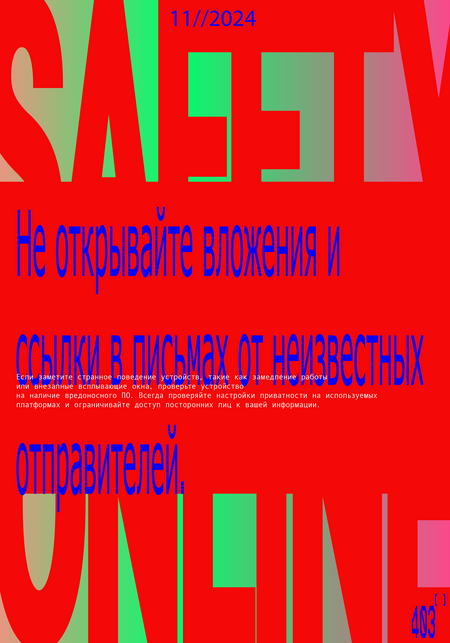
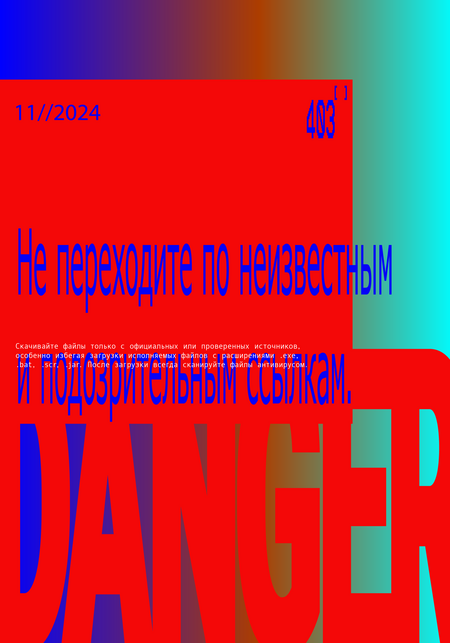
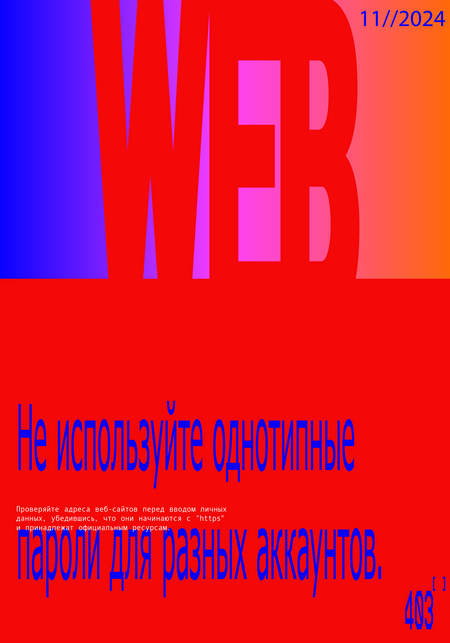
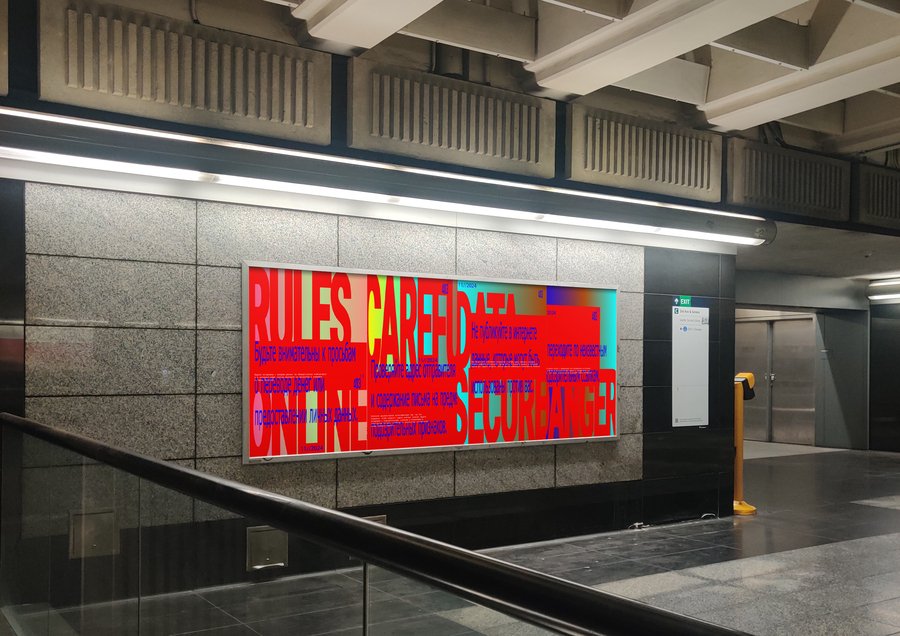
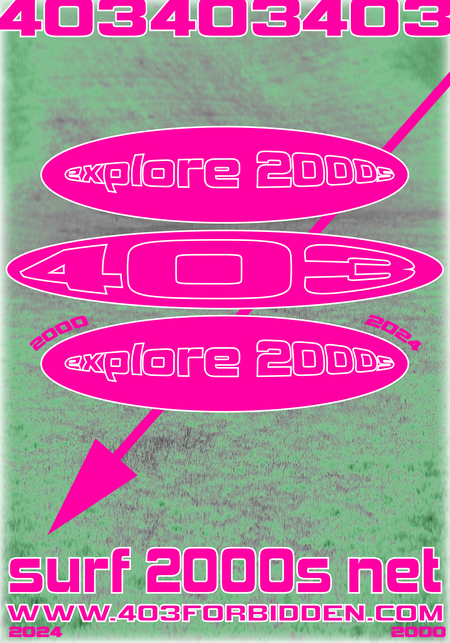
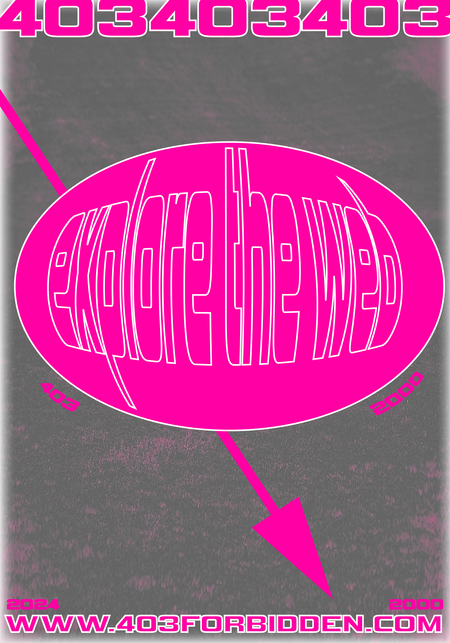
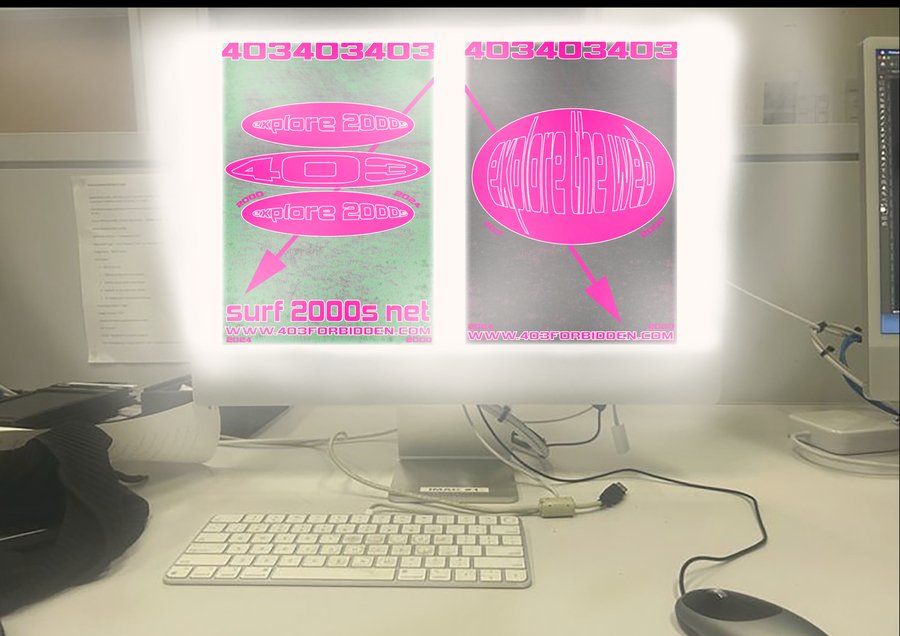
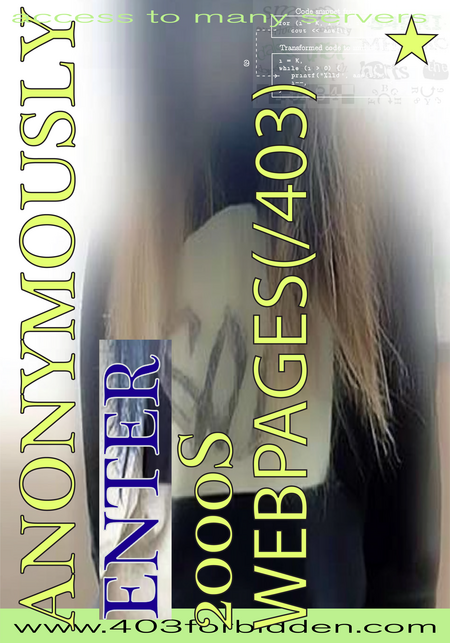
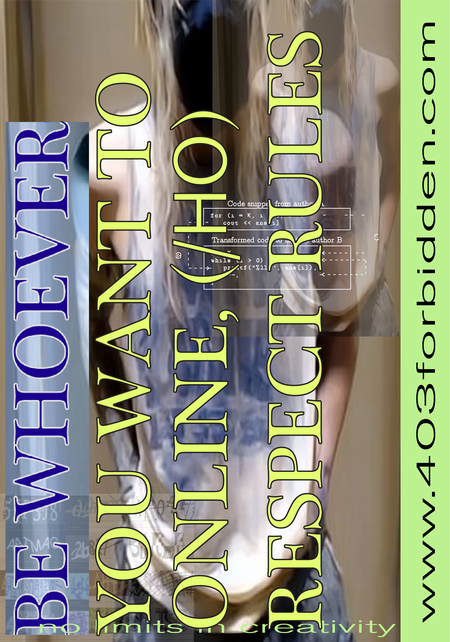
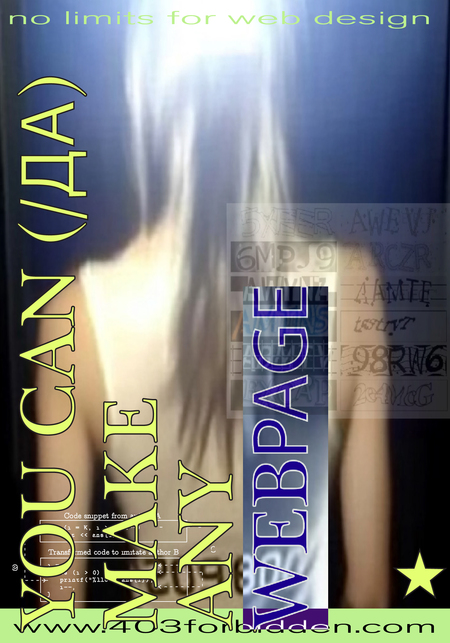
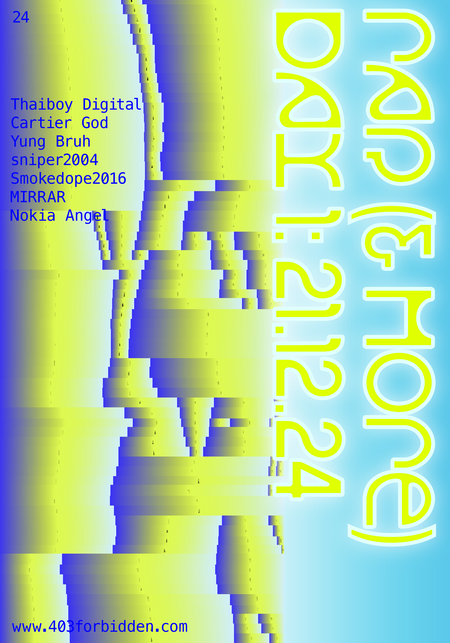
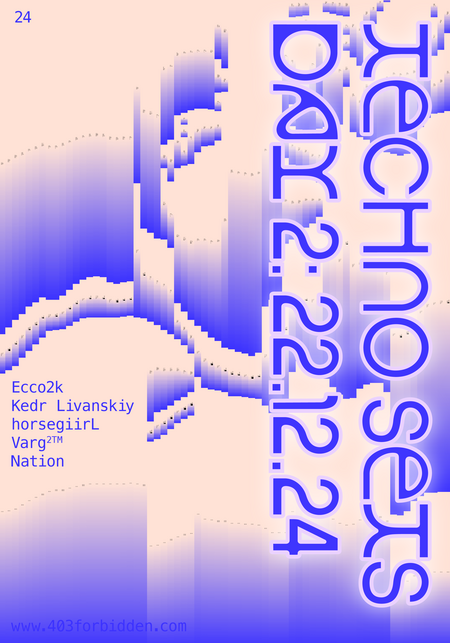
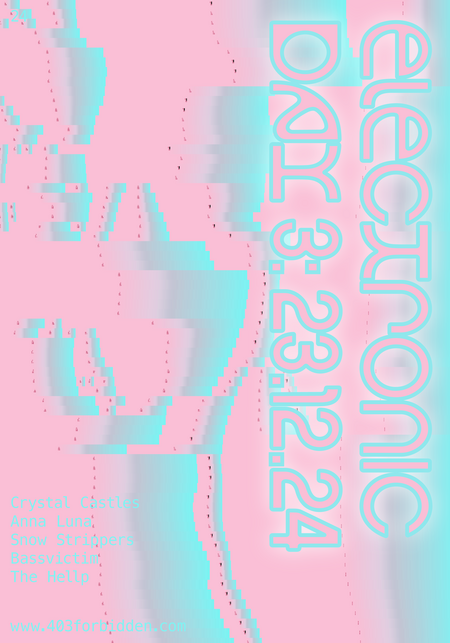
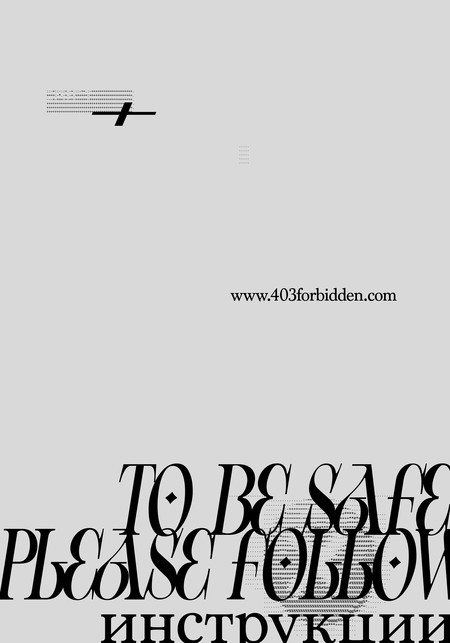
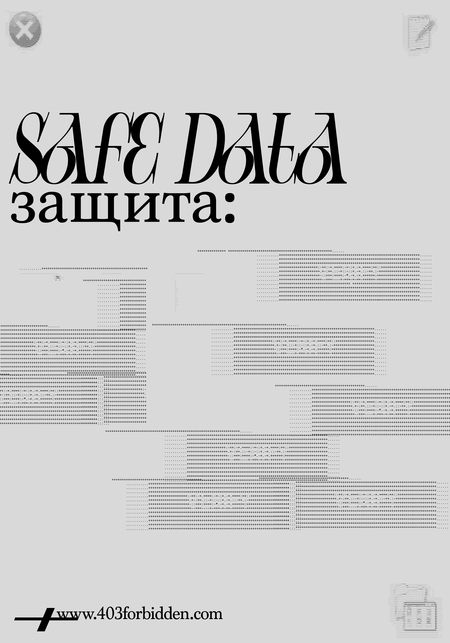
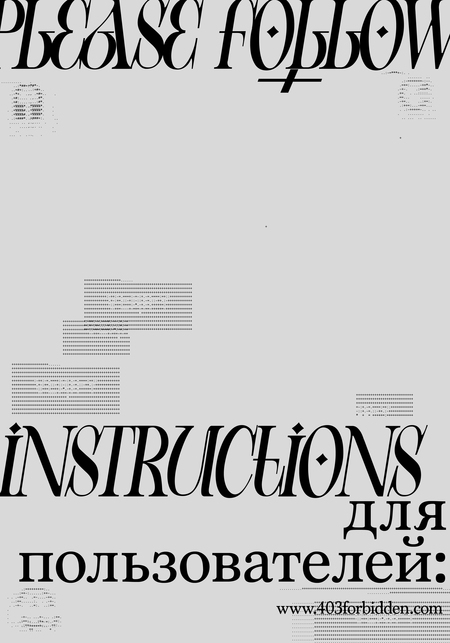
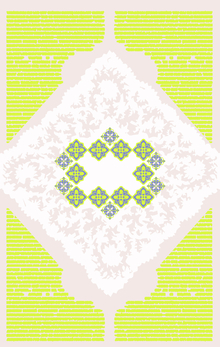
403 is an organization that allows you to access the Internet interface of the 2000s and study it from the inside, as well as create your own websites. 403 Presents posters that open up to the organization from various sides. [Know what we’re doing]
Анна Качаева подготовила плакаты для организации 403, которая позволяет исследовать интерфейс интернета 2000-х и создавать собственные сайты. Плакаты раскрывают с разных сторон суть деятельности этой организации.
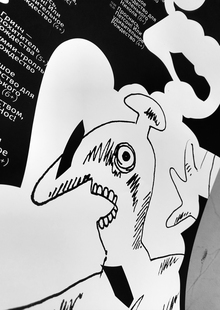
Анастасия Черкасская создала плакат, вдохновлённый графикой Дмитрия Спиридоновича. Работа отражает её наблюдения за формами штрихов и композиционными принципами мастера.
Полина Артемьева подготовила афишу для Детского Драматического Театра «На Неве». Театр был основан в 1987 году и предлагает спектакли для детей дошкольного возраста.
Степан Разорёнов создал афишу для театра KARLSSON HAUS, который работает в Петербурге с 2006 года. Афиша использует образ пятна, составленного из букв определённого слова, как элемент визуального выражения спектакля.
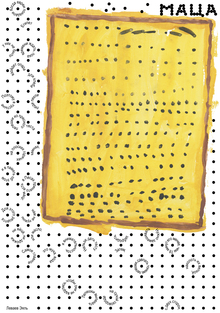
Диана Нармания создала плакат с рисунком мацы, нарисованным мальчиком, который рассказывал о празднике Песах. Графические приемы из рисунка были использованы для компоновки текста и формирования акцентов.
pro.hsedesign
Digital platform for creating presentations. An innovative online constructor where everyone can showcase their projects, proposals or educational courses in spectacular way.
lecture
landing
presentation
presentation of the course
tutorial
explainer
We use cookies to improve the operation of the HSE website and to enhance its usability. More detailed information on the use of cookies can be fou...
Show more
Press space bar to start a drag.
When dragging you can use the arrow keys to move the item around and escape to cancel.
Some screen readers may require you to be in focus mode or to use your pass through key
Press space bar to start a drag.
When dragging you can use the arrow keys to move the item around and escape to cancel.
Some screen readers may require you to be in focus mode or to use your pass through key
Press space bar to start a drag.
When dragging you can use the arrow keys to move the item around and escape to cancel.
Some screen readers may require you to be in focus mode or to use your pass through key
Press space bar to start a drag.
When dragging you can use the arrow keys to move the item around and escape to cancel.
Some screen readers may require you to be in focus mode or to use your pass through key
Press space bar to start a drag.
When dragging you can use the arrow keys to move the item around and escape to cancel.
Some screen readers may require you to be in focus mode or to use your pass through key
Press space bar to start a drag.
When dragging you can use the arrow keys to move the item around and escape to cancel.
Some screen readers may require you to be in focus mode or to use your pass through key
Press space bar to start a drag.
When dragging you can use the arrow keys to move the item around and escape to cancel.
Some screen readers may require you to be in focus mode or to use your pass through key
Press space bar to start a drag.
When dragging you can use the arrow keys to move the item around and escape to cancel.
Some screen readers may require you to be in focus mode or to use your pass through key
Press space bar to start a drag.
When dragging you can use the arrow keys to move the item around and escape to cancel.
Some screen readers may require you to be in focus mode or to use your pass through key
Press space bar to start a drag.
When dragging you can use the arrow keys to move the item around and escape to cancel.
Some screen readers may require you to be in focus mode or to use your pass through key