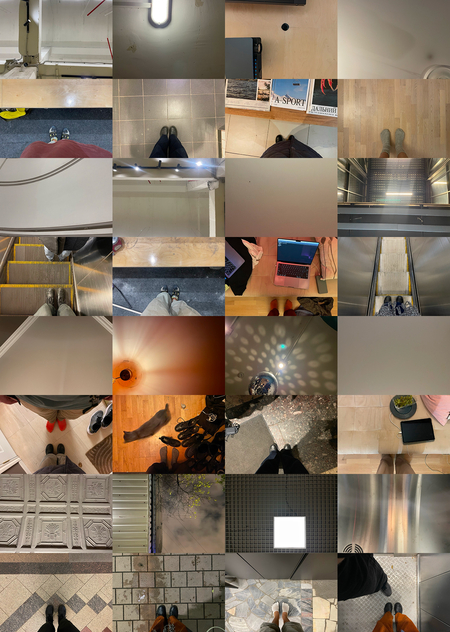
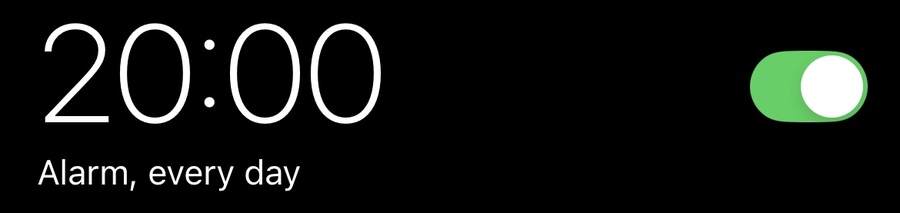
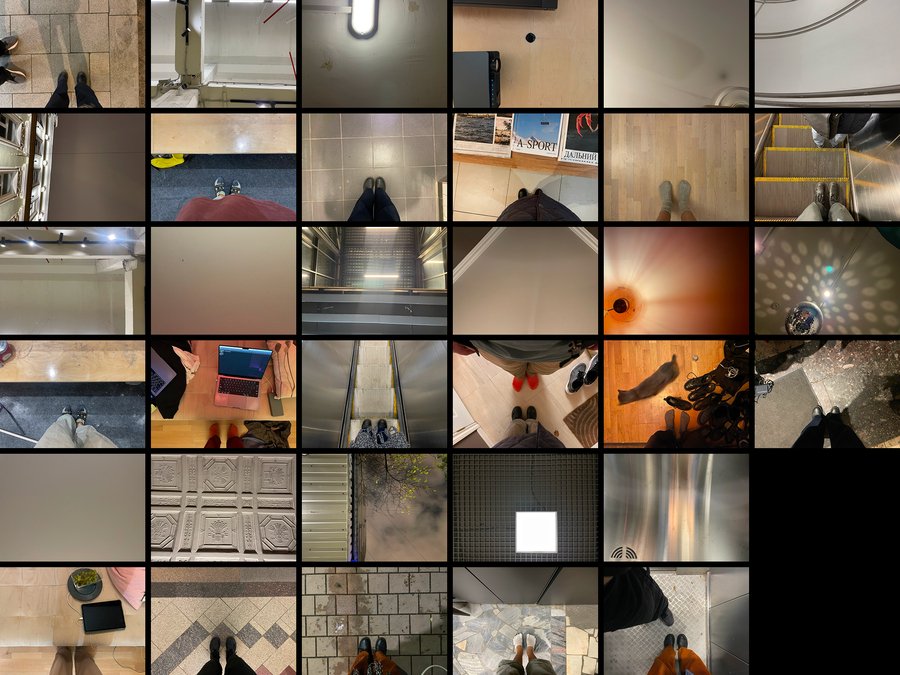
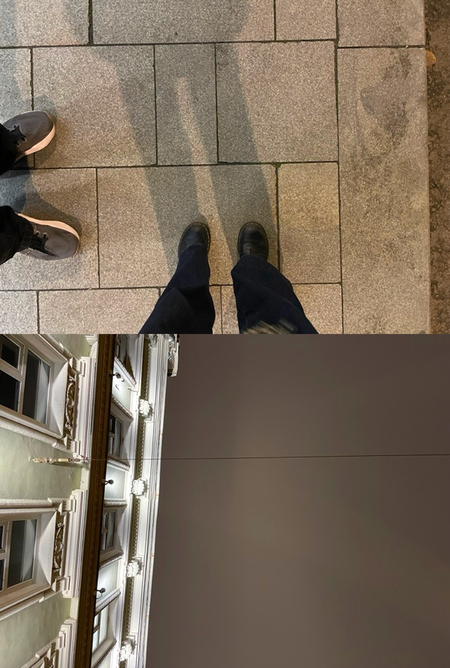
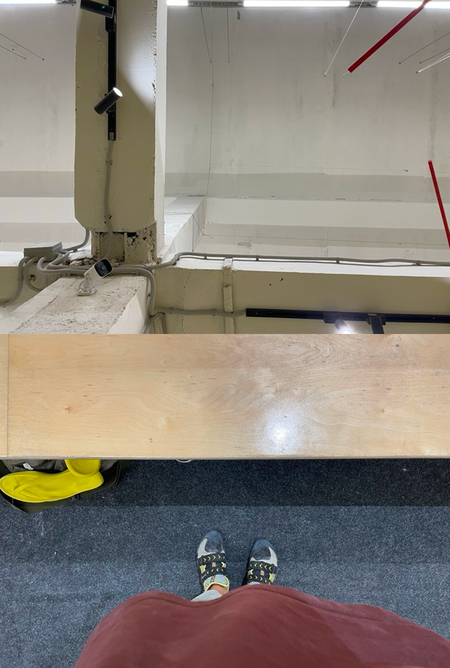
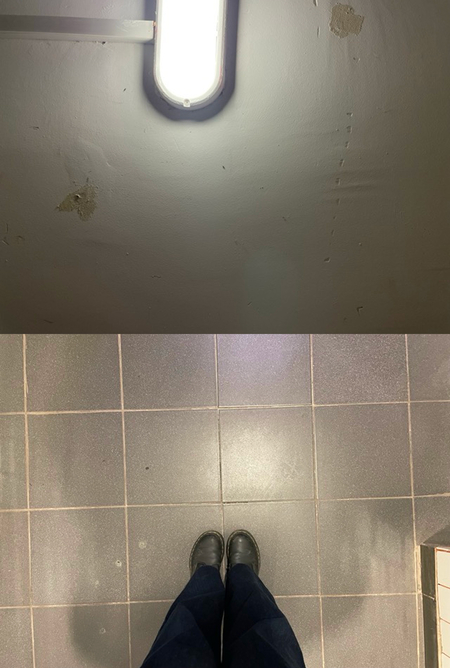
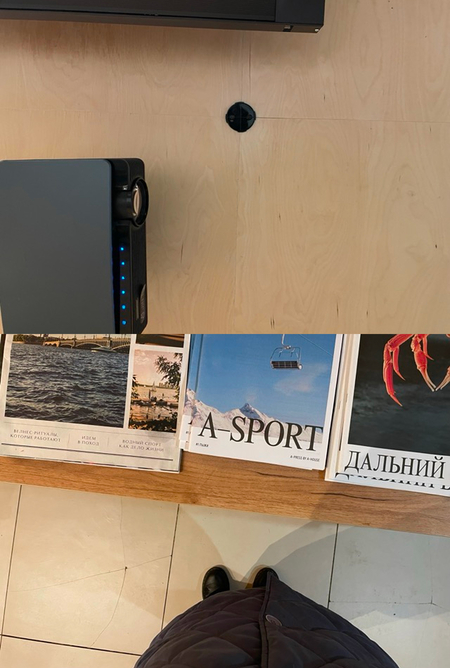
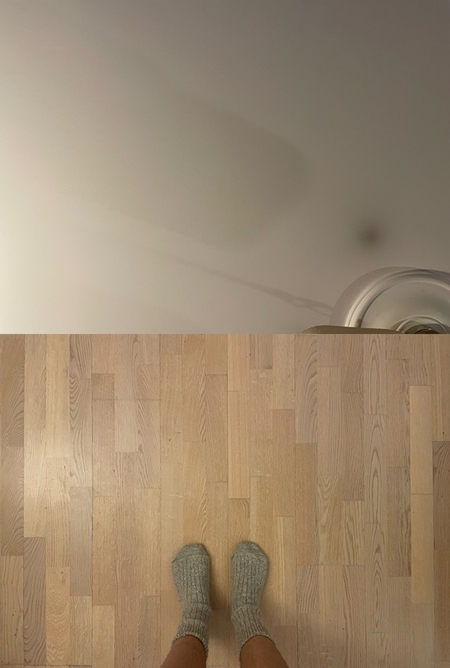
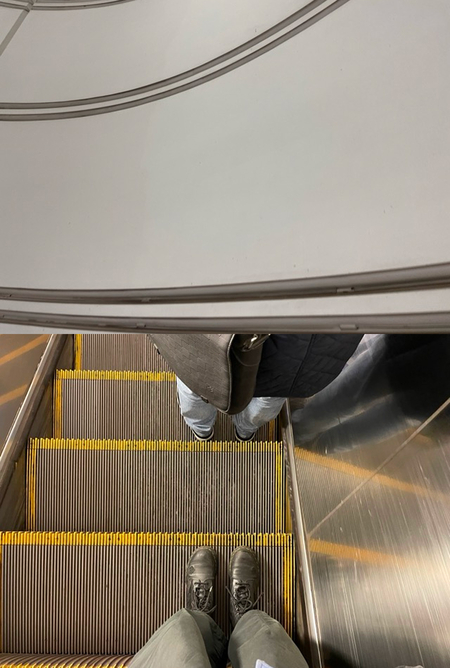
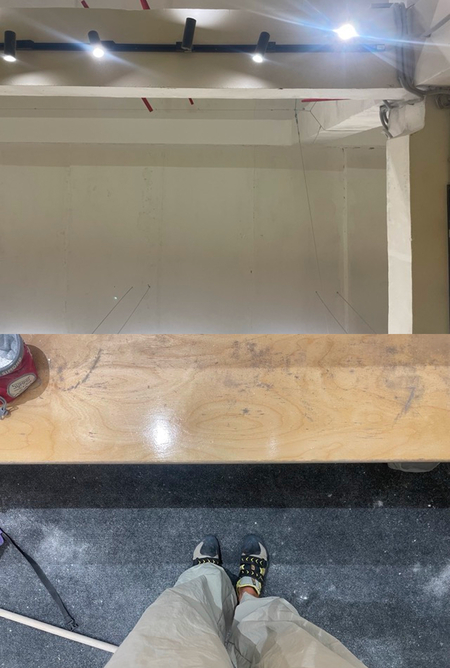
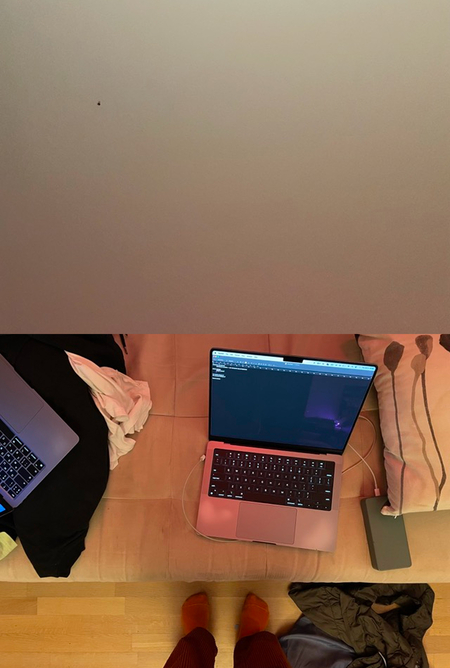
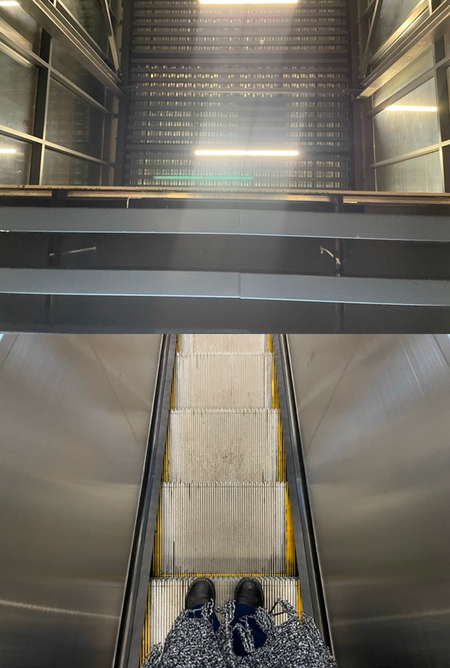
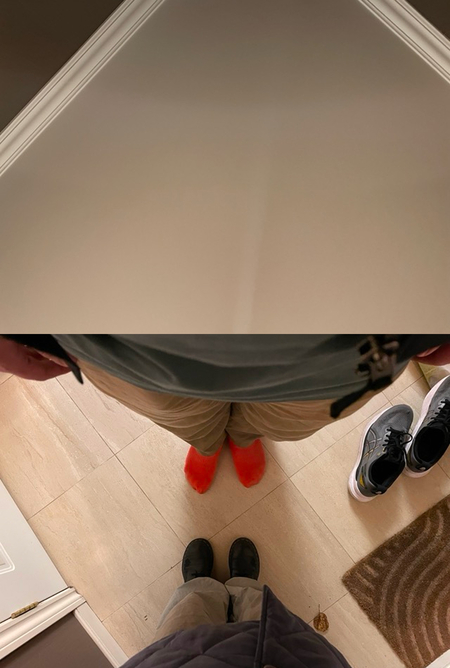
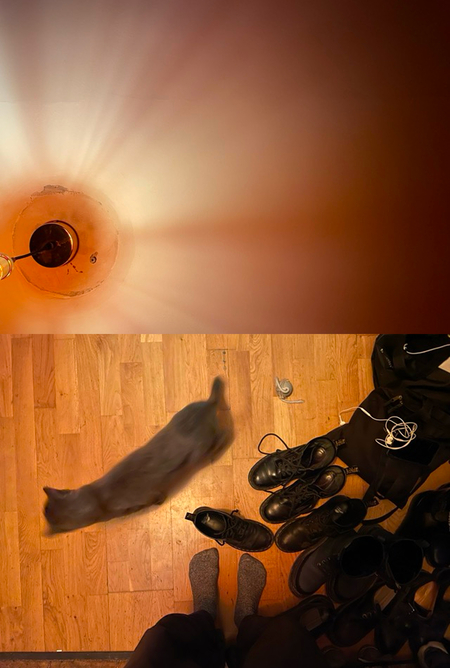
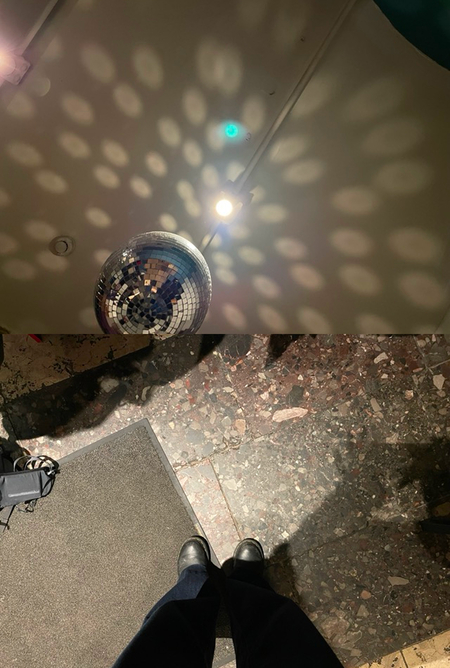
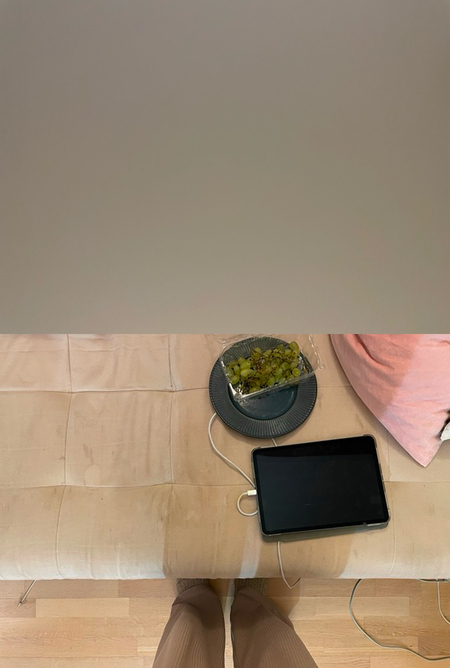
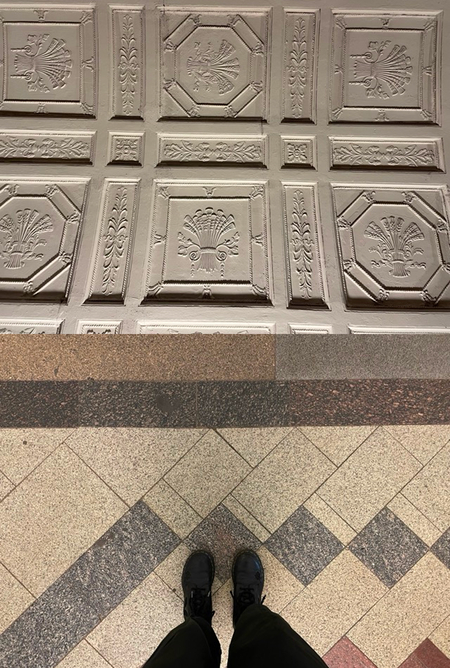
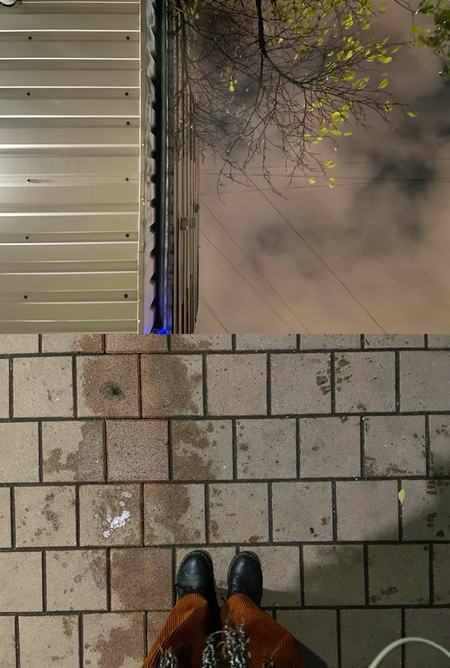
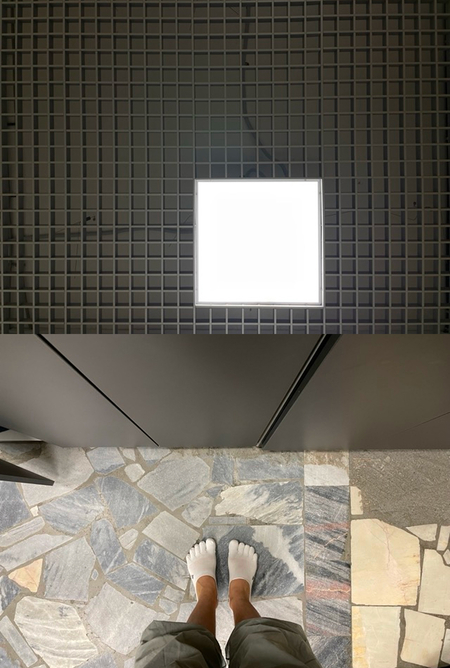
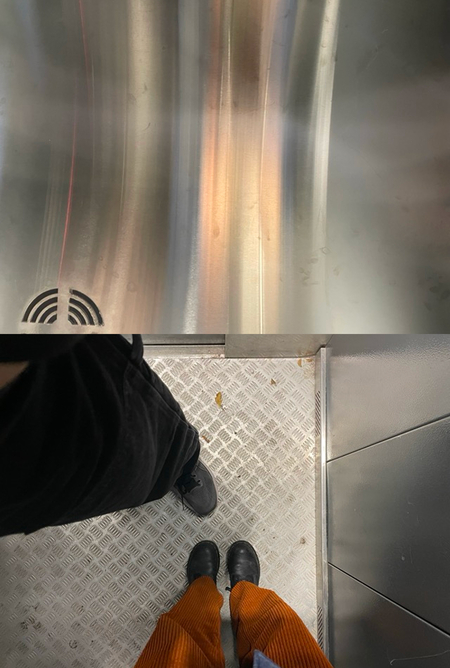
Серия «20:00» — это попытка осмыслить повседневность с помощью строгих рамок. В течение семнадцати дней каждый вечер в 20:00 я делала по два снимка: пол под ногами и потолок над головой. Семнадцать пар изображений формируют визуальный дневник, фиксируя отрывки повседневности.
Original size 1170x277
Original size 1920x1440
Серия исследует случайности и закономерности. Каждая пара фотографий уникальна, однако в ряде снимков появляется ритм, повторяются люди и места. Это размышление о том, как фиксация рутины создает поле для рефлексии; а фотография становится главным инструментом этой фиксации.
Автор создала серию фотографий «20:00», в которой за 17 дней фиксирует повседневность снимками пола и потолка в одно и то же время каждый вечер. Проект представляет собой визуальный дневник, где случайности и повторяющиеся элементы отражают ритм рутины через строгую систему съёмки.
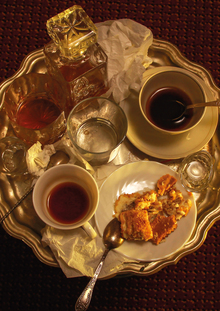
Проект «room service» рассказывает историю девушки, остановившейся в отеле и остающейся наедине с предметами room service, через камеру Александры Яшиной. Съемка фокусируется на деталях и молчаливом наблюдении за героиней, позволяя зрителю ощутить её внутреннее состояние без прямых объяснений.
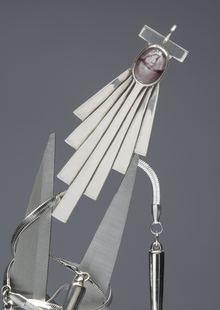
Вероника Косарева создала проект, в котором ювелирные украшения становятся символом хрупкого баланса между природным и искусственным элементами. Проект включает тексты и фотографии, демонстрирующие динамическое равновесие в сочетании промышленных и природных объектов.
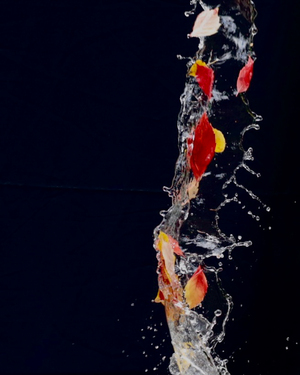
Евгения Галенкова создала серию фотографий в рамках модуля «Современная фотография», используя разные техники и материалы. Она изготовила камеру обскура из подручных средств и сняла в различных локациях, включая дождь и батут.
pro.hsedesign
Digital platform for creating presentations. An innovative online constructor where everyone can showcase their projects, proposals or educational courses in spectacular way.
lecture
landing
presentation
presentation of the course
tutorial
explainer
We use cookies to improve the operation of the HSE website and to enhance its usability. More detailed information on the use of cookies can be fou...
Show more
Press space bar to start a drag.
When dragging you can use the arrow keys to move the item around and escape to cancel.
Some screen readers may require you to be in focus mode or to use your pass through key
Press space bar to start a drag.
When dragging you can use the arrow keys to move the item around and escape to cancel.
Some screen readers may require you to be in focus mode or to use your pass through key
Press space bar to start a drag.
When dragging you can use the arrow keys to move the item around and escape to cancel.
Some screen readers may require you to be in focus mode or to use your pass through key
Press space bar to start a drag.
When dragging you can use the arrow keys to move the item around and escape to cancel.
Some screen readers may require you to be in focus mode or to use your pass through key
Press space bar to start a drag.
When dragging you can use the arrow keys to move the item around and escape to cancel.
Some screen readers may require you to be in focus mode or to use your pass through key
Press space bar to start a drag.
When dragging you can use the arrow keys to move the item around and escape to cancel.
Some screen readers may require you to be in focus mode or to use your pass through key
Press space bar to start a drag.
When dragging you can use the arrow keys to move the item around and escape to cancel.
Some screen readers may require you to be in focus mode or to use your pass through key
Press space bar to start a drag.
When dragging you can use the arrow keys to move the item around and escape to cancel.
Some screen readers may require you to be in focus mode or to use your pass through key
Press space bar to start a drag.
When dragging you can use the arrow keys to move the item around and escape to cancel.
Some screen readers may require you to be in focus mode or to use your pass through key